
What Is the Marks Percentage Calculator?
The Marks Percentage Calculator turns your raw exam scores into a percentage — the most widely used way to express academic performance. Whether you are checking a single subject or your overall total across all subjects, just enter the marks you obtained and the maximum (total) marks available, and the tool computes your percentage instantly along with the marks you lost.
How to Use It
Enter the Marks Obtained (your actual score) and the Total Marks (the maximum possible). The calculator divides the two, multiplies by 100, and shows your percentage rounded sensibly. For a subject-wise check, use that subject's score and its max marks. For an overall percentage, add up the marks obtained in every subject and divide by the sum of all maximum marks.
The Formula Explained
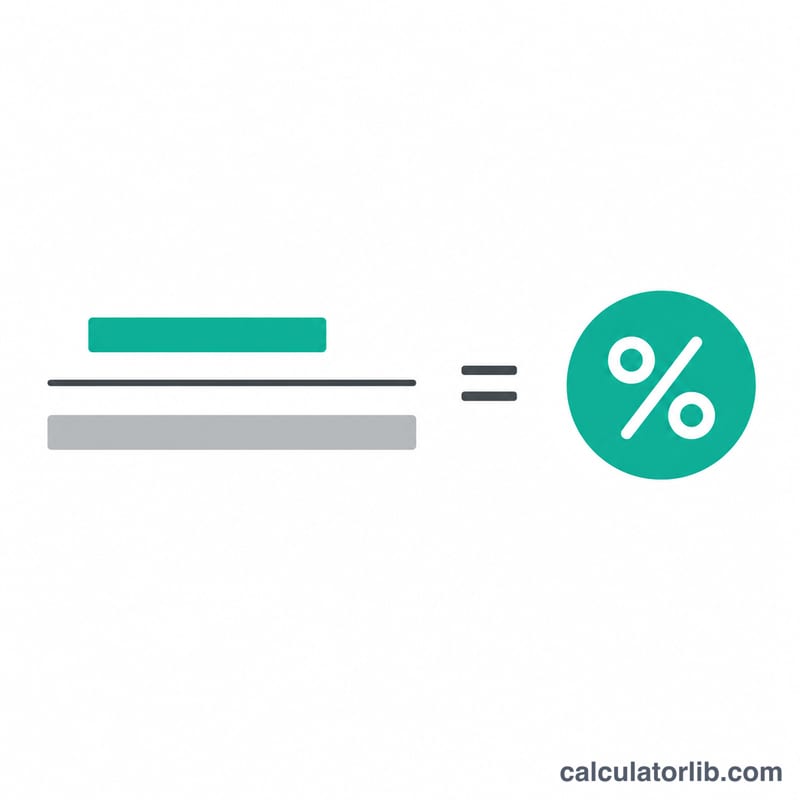
The percentage formula is simple:
$$\text{Percentage} = \frac{\text{Marks Obtained}}{\text{Total Marks}} \times 100$$
Dividing your score by the total gives a fraction between 0 and 1; multiplying by 100 converts that fraction into a percentage. The same formula works for any number of subjects when you sum the obtained and total marks first.
Worked Example
Suppose you scored 450 marks out of a total of 500. $$\text{Percentage} = \left(450 \div 500\right) \times 100 = 0.9 \times 100 = \mathbf{90\%}$$ You lost \(500 - 450 = 50\) marks, equivalent to 10%.
FAQ
How do I calculate overall percentage for multiple subjects? Add the marks obtained in all subjects, add the total (maximum) marks of all subjects, then apply the same formula. For 5 subjects of 100 each, the total is 500.
Can the percentage exceed 100%? Only if your marks obtained are entered higher than the total — normally it ranges from 0 to 100.
How is the percentage rounded? The result is shown to two decimal places where needed (e.g. 87.5%), giving an accurate yet readable figure.