
What Is a Completion Percentage Calculator?
A completion percentage calculator tells you how far along a task, project, course, or goal is by comparing the amount you have finished against the total amount required. Whether you are tracking pages read, tasks closed, miles run, or units produced, this tool turns two raw numbers into a clear percentage so you always know your progress at a glance.
How to Use It
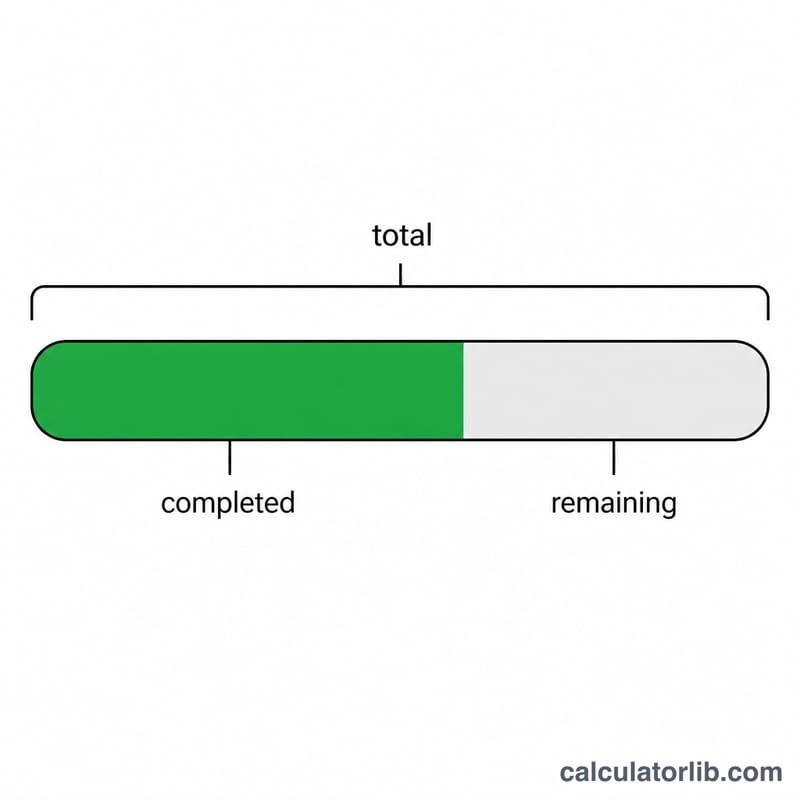
Enter the amount Completed (the work already done) and the Total (the full target). The calculator instantly returns the completion percentage, plus the units remaining and the remaining percentage so you can see both sides of your progress.
The Formula Explained
The math is simple division scaled to 100:
$$\text{percent} = \frac{\text{completed}}{\text{total}} \times 100$$
You divide the completed amount by the total to get a fraction between 0 and 1, then multiply by 100 to express it as a percentage. The remaining percentage is just 100 minus the completion percentage, or equivalently \((\text{total} - \text{completed}) / \text{total} \times 100\).
Worked Example
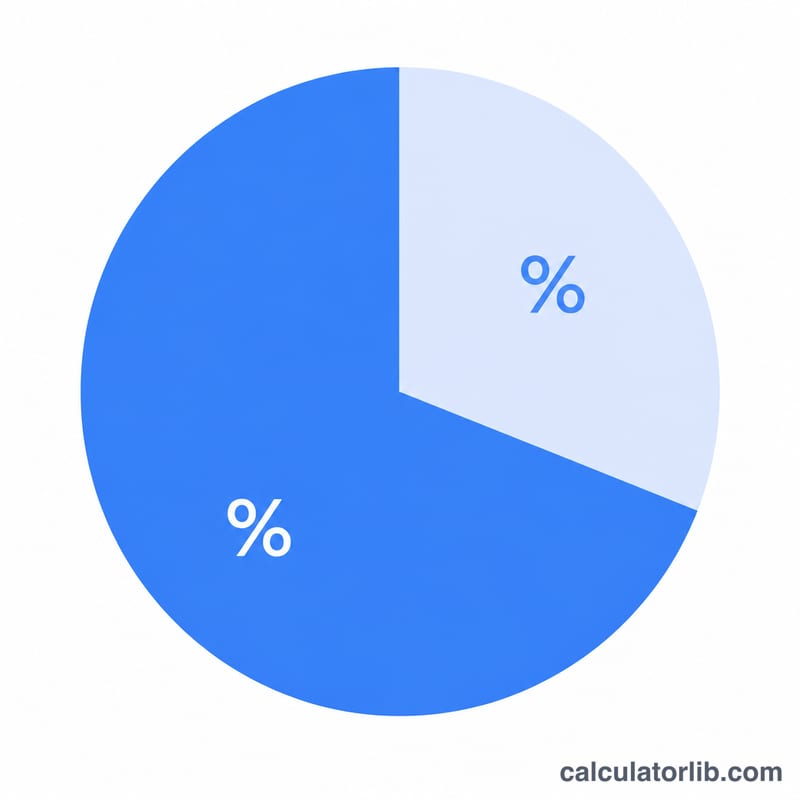
Suppose you have completed 45 of 60 tasks. Completion percentage = $$\frac{45}{60} \times 100 = 0.75 \times 100 = \textbf{75\%}$$ The remaining work is \(60 - 45 = 15\) tasks, which is \((15 / 60) \times 100 = \textbf{25\%}\) remaining. You are three-quarters of the way done.
FAQ
What if completed is greater than total? The percentage will exceed 100%, which can be valid if you over-delivered (e.g., sold more than your quota). The remaining value will be negative, indicating an overage.
What happens if total is zero? Division by zero is undefined, so the calculator returns 0% to avoid an error. Enter a positive total for a meaningful result.
Can I use decimals? Yes. The inputs accept decimal values such as 12.5 hours of 40, giving 31.25% complete.