
What is the Grade Average Calculator?
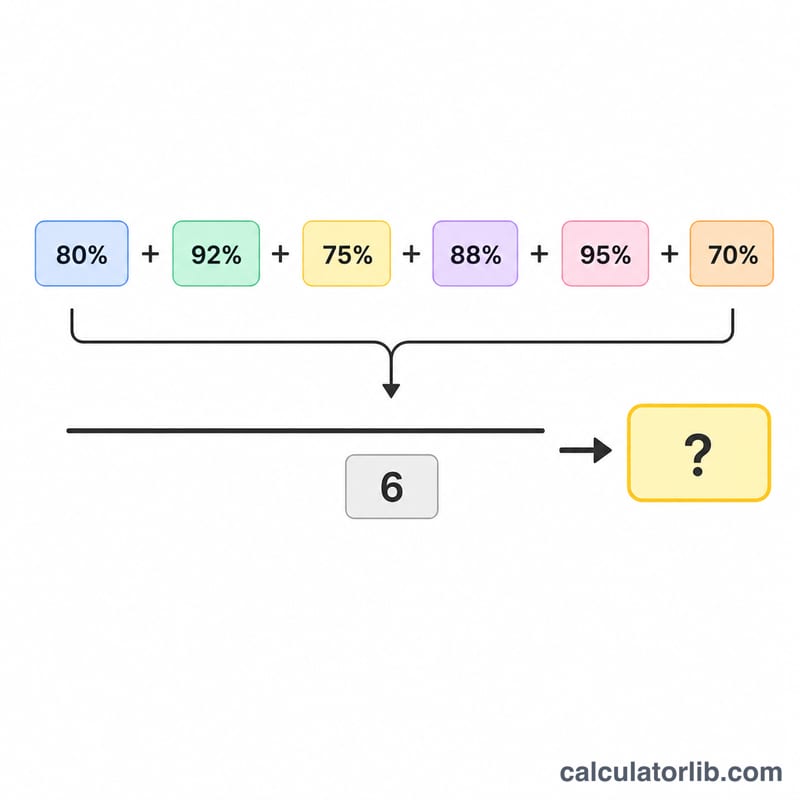
The Grade Average Calculator finds the simple (unweighted) average of several grade percentages. It is ideal for students who want a quick estimate of how they are doing across multiple tests, quizzes, or assignments where each grade counts equally.
How to use it
Type each grade as a percentage into the available fields. You can enter as few as two grades and as many as six. Leave any fields you don't need blank — the calculator only counts the boxes you actually fill in. The result shows your average percentage, the total of all grades, and how many grades were included.
The formula explained
The average is the sum of all grade percentages divided by the number of grades entered:
$$\text{Average} = \dfrac{g_1 + g_2 + \dots + g_n}{n}$$
Every grade is weighted equally. If your courses use weighted categories (e.g. exams worth more than homework), use a weighted-grade calculator instead.
Worked example
Suppose you scored 100% on one test and 50% on another. The sum is \(100 + 50 = 150\), and there are 2 grades, so the average is $$\dfrac{150}{2} = \mathbf{75\%}.$$
FAQ
Does this account for weighted grades? No. This tool treats every grade equally. For weighted grades, use a weighted average calculator.
How many grades can I enter? Up to six. Empty fields are ignored so the count reflects only the grades you provide.
Can I enter values over 100%? Yes — extra-credit scores above 100% are accepted and averaged the same way.