
What Is a Grade Calculator?
A grade calculator works out your overall course grade when different assignments, tests, or projects count for different amounts. Instead of a simple average, it uses a weighted average, so a final exam worth 40% influences your grade more than a quiz worth 5%. This tool accepts up to four components, each with its own score and weight, and returns your final grade as a percentage.
How to Use It
For each assignment, enter the score you earned as a percentage (0–100) and the weight that assignment carries toward your final grade. Weights are usually given on your syllabus and often add up to 100, but they do not have to — the calculator divides by whatever the weights total. Leave unused rows at zero weight. Click calculate to see your weighted final grade.
The Formula Explained
The weighted grade formula is:
$$\text{Final Grade} = \frac{\sum(\text{weight} \times \text{score})}{\sum(\text{weight})}$$
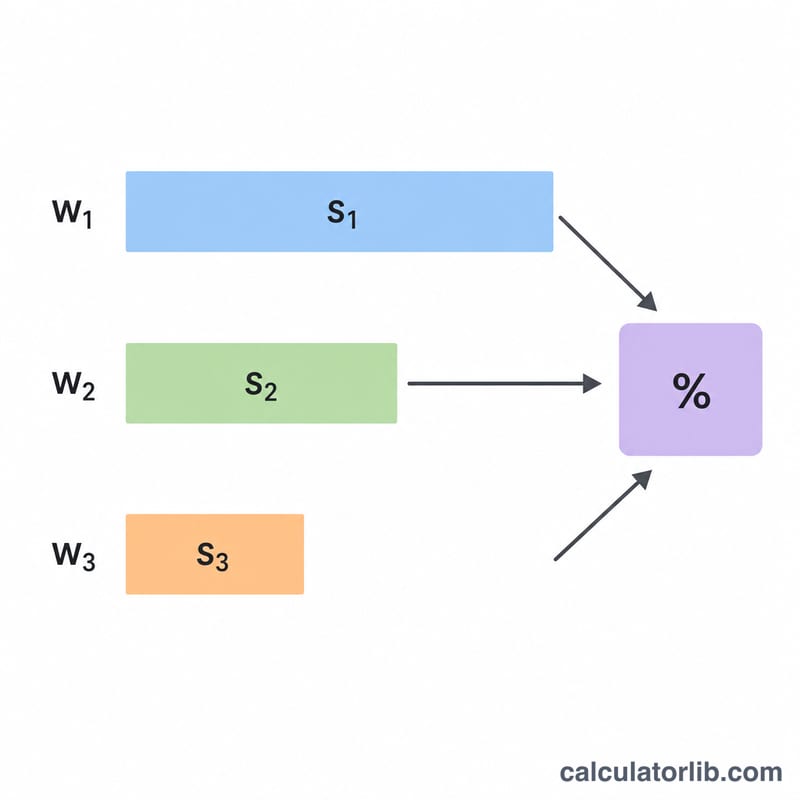
Each score is multiplied by its weight to get a "weighted contribution." All contributions are added together, then divided by the total of all the weights. Dividing by the total weight normalizes the result, so it works even if your weights don't sum exactly to 100.
Worked Example
Suppose you have: Homework 90% (weight 20), Midterm 80% (weight 30), Project 70% (weight 25), and Final 85% (weight 25).
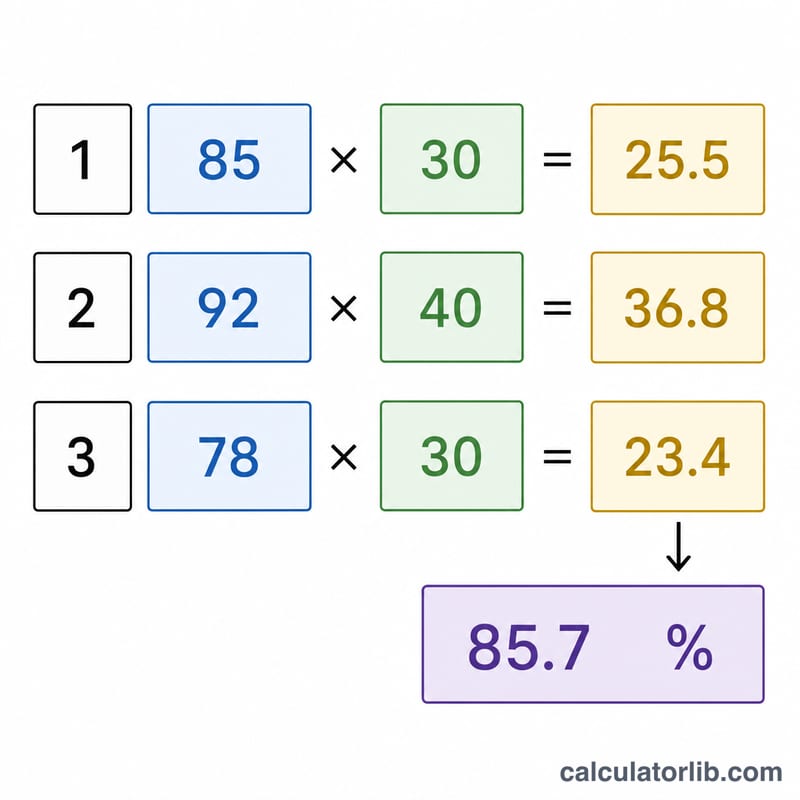
Weighted sum = $$(90\times20)+(80\times30)+(70\times25)+(85\times25) = 1800+2400+1750+2125 = 8075.$$ Total weight = \(20+30+25+25 = 100\). Final grade = \(8075 \div 100 =\) 80.75%.
FAQ
Do my weights need to add up to 100? No. The calculator divides by the sum of the weights, so any consistent scale (such as points or fractions) works.
Can I use it for fewer than four assignments? Yes. Set the weight of any unused row to 0 and it will not affect the result.
What grade do I need on my final to pass? Enter your known scores and weights, then try different final-exam scores to see what pushes your weighted average over your target.