
What Is a Test Grade Calculator?
A test grade calculator turns your raw score into a percentage and a letter grade. Instead of doing mental math after every quiz or exam, you simply enter how many questions you answered correctly and how many questions there were in total. The tool instantly returns your grade percentage along with a standard A–F letter equivalent, helping you quickly understand how you performed.
How to Use It
Enter two numbers: the count of correct answers and the total questions on the test. Click calculate to see your percentage score, your letter grade, and a breakdown of correct versus incorrect answers. Partial credit is supported—if your correct count includes half points (for example 17.5), the calculator handles decimals too.
The Formula Explained
The score is a simple proportion expressed as a percentage:
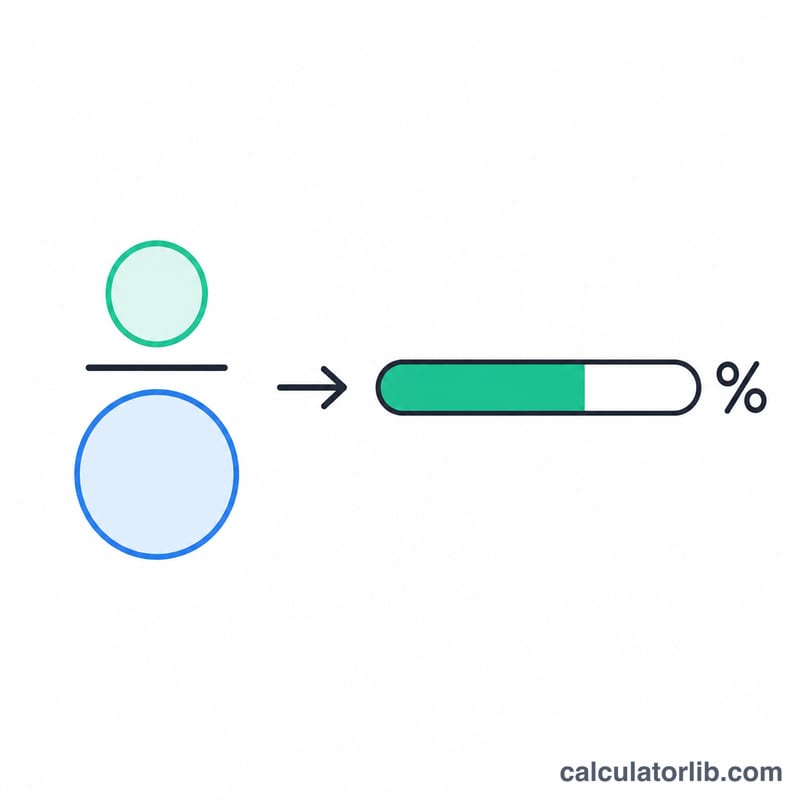
$$\text{Grade\%} = \frac{\text{correct answers}}{\text{total questions}} \times 100$$
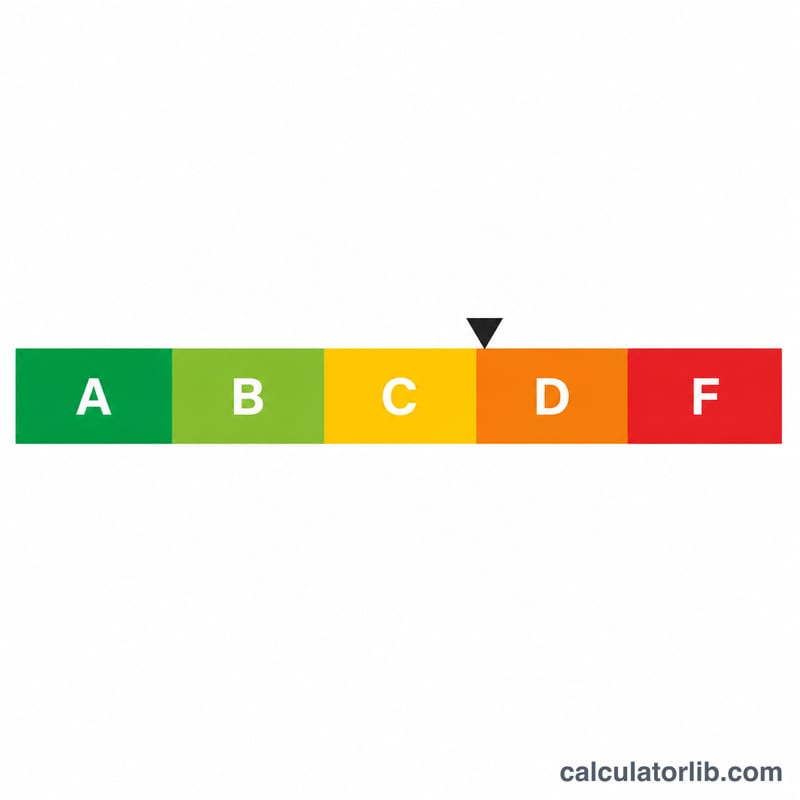
The number of correct answers is divided by the total number of questions to find the fraction you got right, then multiplied by 100 to convert that fraction into a percentage. The letter grade uses the common US grading scale: 90+ = A, 80–89 = B, 70–79 = C, 60–69 = D, below 60 = F.
Worked Example
Suppose a test has 20 questions and you answered 18 correctly. The calculation is $$(18 \div 20) \times 100 = 0.9 \times 100 = \mathbf{90\%},$$ which is a letter grade of A. You got 18 right and 2 wrong out of 20.
FAQ
Does this work for any number of questions? Yes. Whether your test has 5 questions or 250, the percentage formula is identical.
Why is my letter grade different from my school's? Letter-grade cutoffs vary by institution. This tool uses the common 90/80/70/60 scale; your school may use plus/minus grades or different thresholds.
Can I enter partial credit? Yes—you can enter a decimal such as 17.5 correct answers if your test awards partial points.