
What is a Percentage of a Total Calculator?
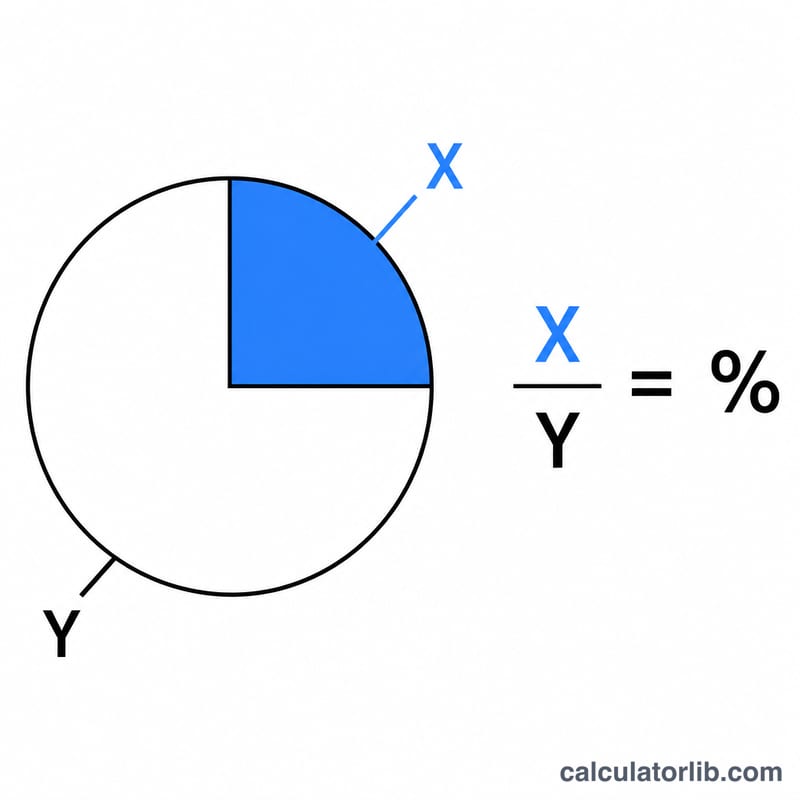
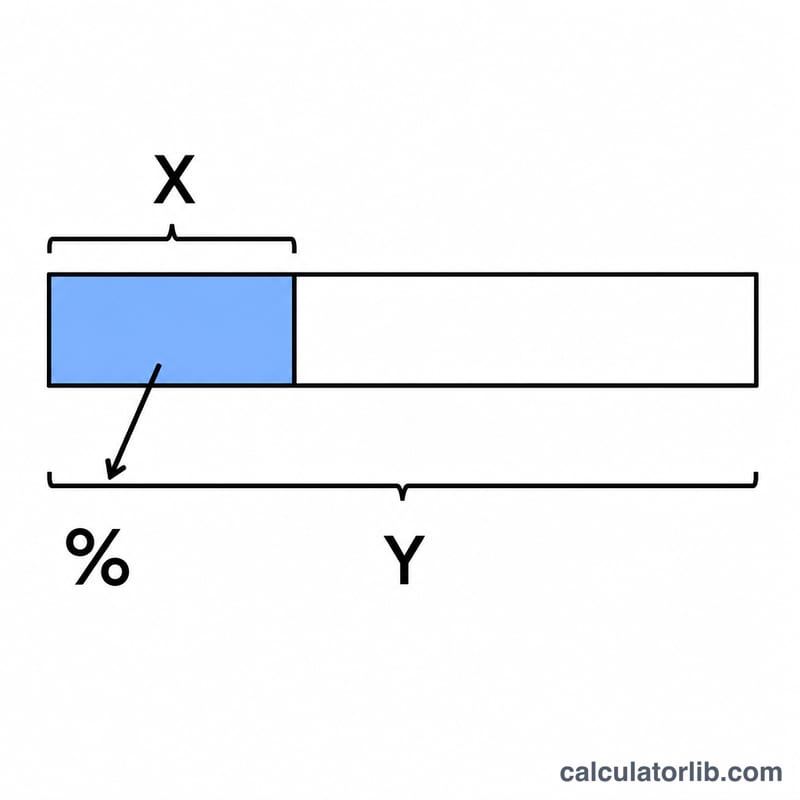
This calculator answers the everyday question "X is what percent of Y?" Given a part (X) and a total (Y), it tells you the proportion X represents of Y, expressed as a percentage. It is useful for figuring out test scores, sales targets, budget shares, discounts, survey results, and many other ratios you encounter daily.
How to Use It
Enter the Part (X) — the smaller amount or the value you want to compare — and the Total (Y) — the whole or reference amount. Press calculate and the tool returns the percentage. For example, if you scored 45 out of 60 on a quiz, \(X = 45\) and \(Y = 60\). The result shows what slice of the total your part occupies.
The Formula Explained
The math is a simple ratio scaled to 100:
$$\text{Percentage} = \frac{\text{Part (X)}}{\text{Total (Y)}} \times 100\%$$
You divide the part by the total to get a fraction between 0 and 1 (assuming X is no larger than Y), then multiply by 100 to convert the fraction into a percentage. If X equals Y the result is 100%; if X is half of Y the result is 50%. X can also be larger than Y, in which case the percentage exceeds 100%.
Worked Example
Suppose a company sold 25 of its 200 available tickets. To find the percentage sold:
$$25 \div 200 = 0.125$$
then
$$0.125 \times 100 = 12.5\%$$
So 25 is 12.5% of 200.
FAQ
What if the total is zero? Dividing by zero is undefined, so the calculator returns 0% when the total is left at zero. Enter a non-zero total for a meaningful result.
Can the percentage be over 100%? Yes. If the part is larger than the total — for instance 150 out of 100 — the result is 150%, which means X is one-and-a-half times Y.
How is this different from percentage change? This tool measures how big one number is relative to another at a single point. Percentage change compares a starting value to an ending value to measure growth or decline.