

What the Net Salary Calculator Does
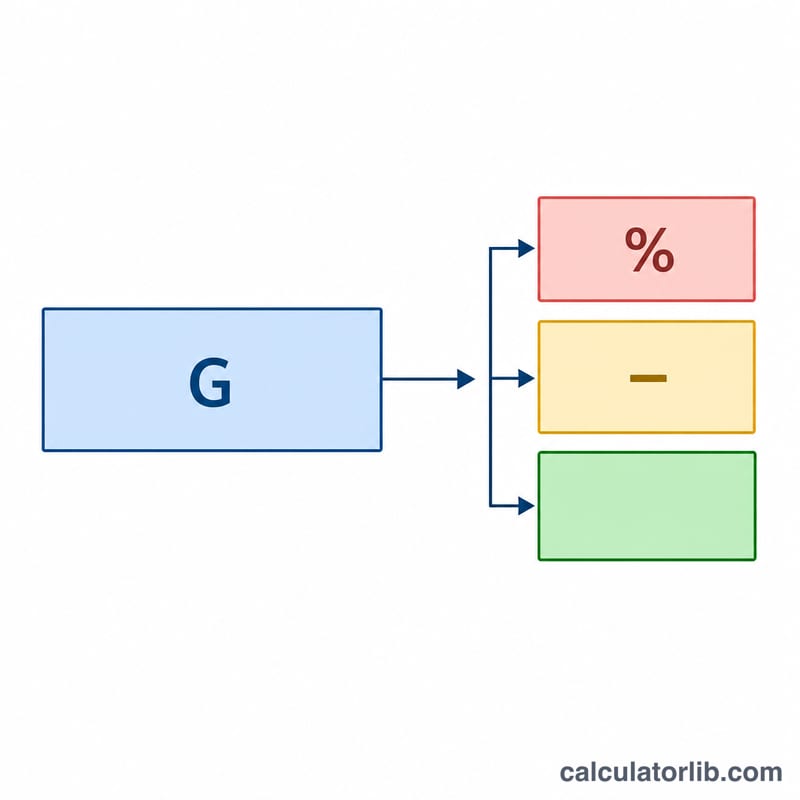
The Net Salary Calculator works out your take-home pay — the money that actually lands in your bank account after tax and other deductions are removed from your gross (before-tax) salary. It is currency-neutral, so it works for any country: simply enter the figures in your local currency. You provide three values and the tool instantly returns your tax amount, your net salary, and the percentage of your gross pay you keep.
The Three Inputs Explained
- Gross Salary – your total pay before any tax or deductions are applied. This can be annual, monthly or weekly, as long as the other figures match the same period.
- Tax Rate (%) – the percentage of your gross salary that goes to tax. Enter a single effective rate (for example 20 for 20%).
- Other Deductions – a flat amount for anything else taken from your pay, such as pension contributions, insurance, union dues or loan repayments. Enter it as a fixed value, not a percentage.
The Formula
The calculator uses three simple steps:
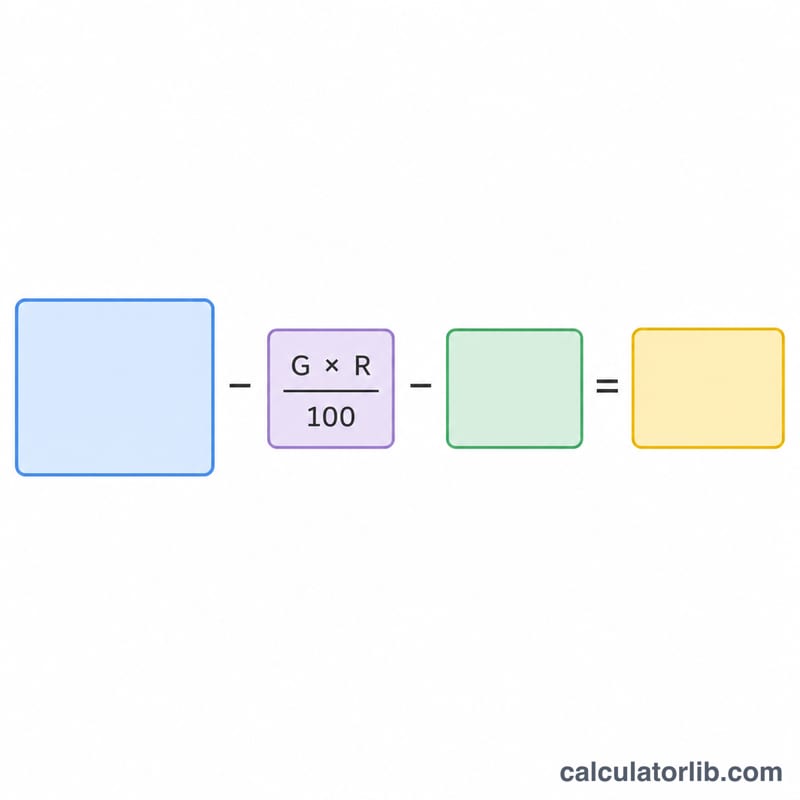
$$\text{Tax Amount} = \text{Gross Salary} \times \left(\frac{\text{Tax Rate}}{100}\right)$$ $$\text{Net Salary} = \text{Gross Salary} - \text{Tax Amount} - \text{Other Deductions}$$ $$\text{Take-Home \%} = \left(\frac{\text{Net Salary}}{\text{Gross Salary}}\right) \times 100$$Note that the tax rate applies only to the gross salary; the "Other Deductions" amount is subtracted afterwards as a flat figure and is not taxed in this model.
Worked Example
Suppose your Gross Salary is 50,000, your Tax Rate is 20%, and your Other Deductions total 3,000.
$$\text{Tax Amount} = 50{,}000 \times \left(\frac{20}{100}\right) = 10{,}000$$ $$\text{Net Salary} = 50{,}000 - 10{,}000 - 3{,}000 = 37{,}000$$ $$\text{Take-Home \%} = \left(\frac{37{,}000}{50{,}000}\right) \times 100 = 74\%$$So you take home 37,000, which is 74% of your gross pay.
Net Salary Across Different Scenarios
The table below applies the flat-rate model \(\text{Net Salary} = \text{Gross Salary} \times \left(1 - \frac{\text{Tax Rate}}{100}\right) - \text{Other Deductions}\) to several realistic annual pay situations. The tax amount is \(\text{Gross} \times \frac{\text{Tax Rate}}{100}\), the net salary is what remains after both tax and other deductions, and the take-home % is net divided by gross.
| Gross salary | Tax rate | Tax amount | Other deductions | Net salary | Take-home % |
|---|---|---|---|---|---|
| $40,000 | 15% | $6,000 | $1,500 | $32,500 | 81.3% |
| $60,000 | 22% | $13,200 | $3,000 | $43,800 | 73.0% |
| $85,000 | 26% | $22,100 | $4,800 | $58,100 | 68.4% |
| $120,000 | 32% | $38,400 | $7,200 | $74,400 | 62.0% |
| $200,000 | 38% | $76,000 | $12,000 | $112,000 | 56.0% |
As gross pay rises, a higher tax rate and larger fixed deductions both pull the take-home percentage down — illustrating why higher earners typically keep a smaller share of each dollar. You can reverse any of these rows with the net-to-gross calculator to find the gross needed for a target net.
Interpreting Your Take-Home Pay
Net salary (take-home pay) is the amount that actually reaches your bank account after tax and other deductions are removed from your gross salary. The take-home percentage simply expresses that net amount as a share of gross: \(\text{Take-home \%} = \frac{\text{Net Salary}}{\text{Gross Salary}} \times 100\). A take-home of 73% means you keep 73 cents of every gross dollar after the modeled tax and deductions.
The tax rate you enter here behaves as an effective (average) rate — a single percentage applied to the whole salary. This differs from a marginal or bracket rate, which applies only to income within a specific band. Most income-tax systems are progressive: the first portion of income is taxed at a low rate and only the top portion at the highest bracket. As a result, your true effective rate is almost always lower than your top marginal bracket. If you want to convert a known tax bill into an average rate, an effective tax rate calculator divides total tax by taxable income.
Because this tool uses one flat rate and a single lump deduction, its result can differ from an official payslip for several reasons:
- Progressive brackets — real tax is computed band by band, not at one flat percentage.
- Multiple separate deductions — payslips itemize income tax, social-security/payroll contributions, pension, and health premiums, some of which may be pre-tax.
- Allowances and credits — personal allowances, tax credits, and thresholds reduce the actual amount taxed.
- Pay-period rounding — withholding is calculated per paycheck and reconciled annually, so monthly figures rarely match a simple yearly division.
Treat the output as a quick planning estimate. For jurisdiction-specific figures, use a dedicated tool such as a Canada income tax calculator or an Australia income tax calculator. This is general information, not professional tax advice; consult a qualified advisor for decisions about your specific situation.
Frequently Asked Questions
Does it use progressive tax brackets? No. The calculator applies one flat effective tax rate to your whole gross salary. If your country uses brackets, enter your blended effective rate for the most accurate result.
Should deductions be a percentage or an amount? An amount. "Other Deductions" is subtracted as a fixed figure, so convert any percentage-based deductions to a cash value first.
Can I use monthly figures? Yes. The math is period-agnostic. Just make sure your gross salary and deductions both refer to the same time frame (both monthly or both annual).