
What Is a List Price Markdown?
A markdown is a reduction from the original or "list" price of a product, usually expressed as a percentage. Retailers use markdowns to clear inventory, run promotions, or match competitor pricing. This calculator takes the list price and a markdown percentage and instantly returns the discounted sale price and the amount saved.
How to Use the Calculator
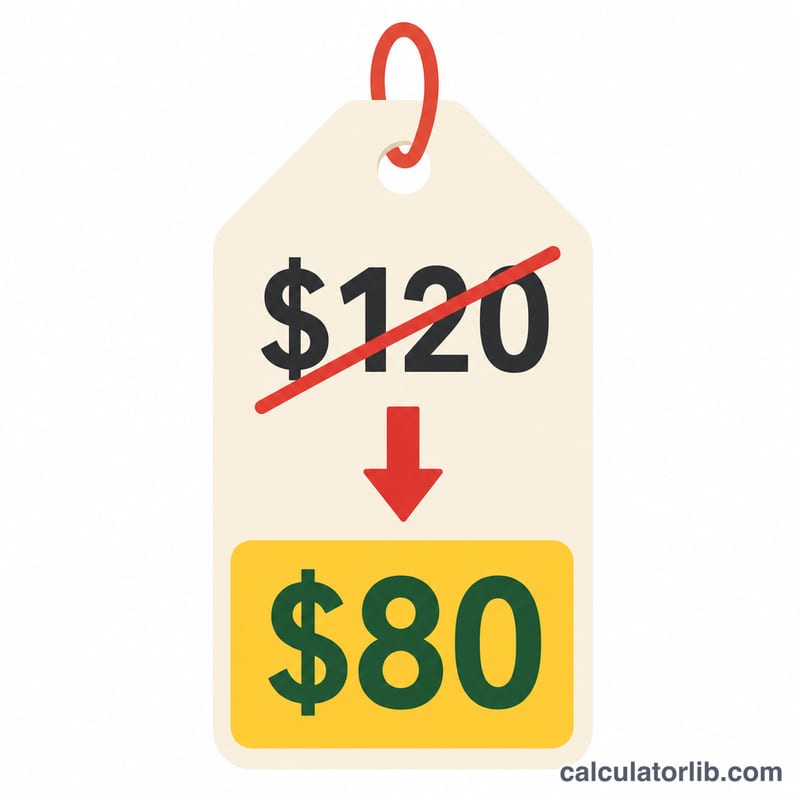
Enter the List Price (the original price before any discount) and the Markdown (%) you want to apply. Press calculate and the tool shows the final sale price along with how much money is taken off. For example, a 25% markdown on a $80 item produces a $60 sale price and $20 in savings.
The Formula Explained
The core equation is $$\text{Sale Price} = \text{List Price} \times \left(1 - \frac{\text{Markdown\%}}{100}\right)$$ Dividing the markdown by 100 converts the percentage into a decimal; subtracting it from 1 leaves the fraction of the price the customer still pays. Multiplying by the list price yields the new sale price. The savings amount is simply the list price minus the sale price: $$\text{Savings} = \text{List Price} - \text{Sale Price}$$
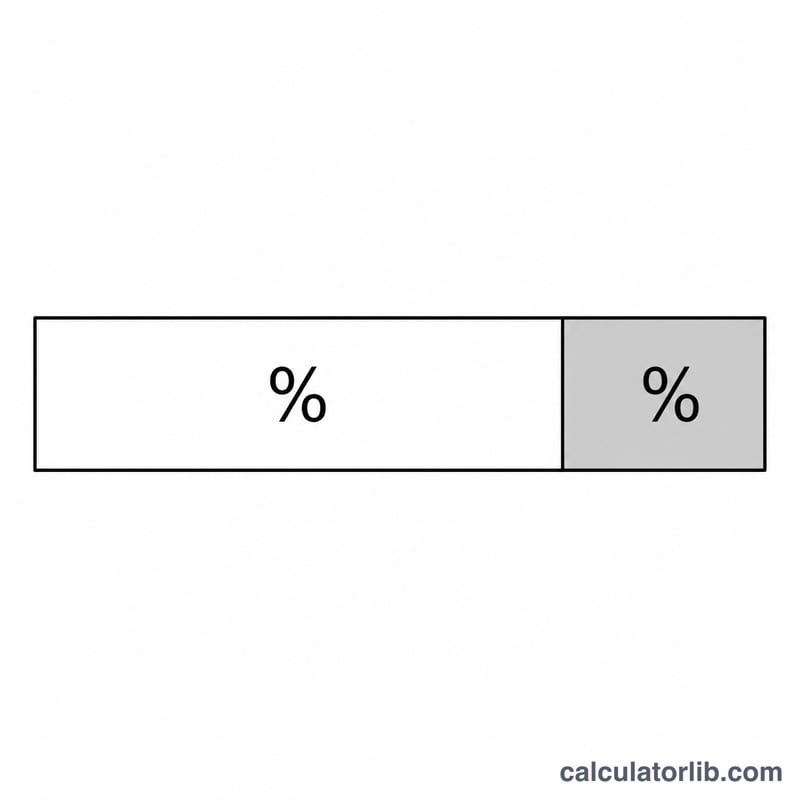
Worked Example
Suppose a jacket is listed at $120 with a 30% markdown. The decimal markdown is 0.30, so \(1 - 0.30 = 0.70\). Multiplying: $$\$120 \times 0.70 = \$84$$ The savings equal $$\$120 - \$84 = \$36$$
FAQ
Is markdown the same as margin? No. A markdown is a reduction from the selling/list price, while margin compares profit to the selling price. They are different concepts.
Can the markdown be over 100%? Not meaningfully — a 100% markdown makes the item free, and anything higher would imply paying the customer, so the input is capped at 100%.
Does this include sales tax? No. The result is the pre-tax sale price. Add applicable tax separately based on your local rate.