
What is the Markup & Markdown Calculator?
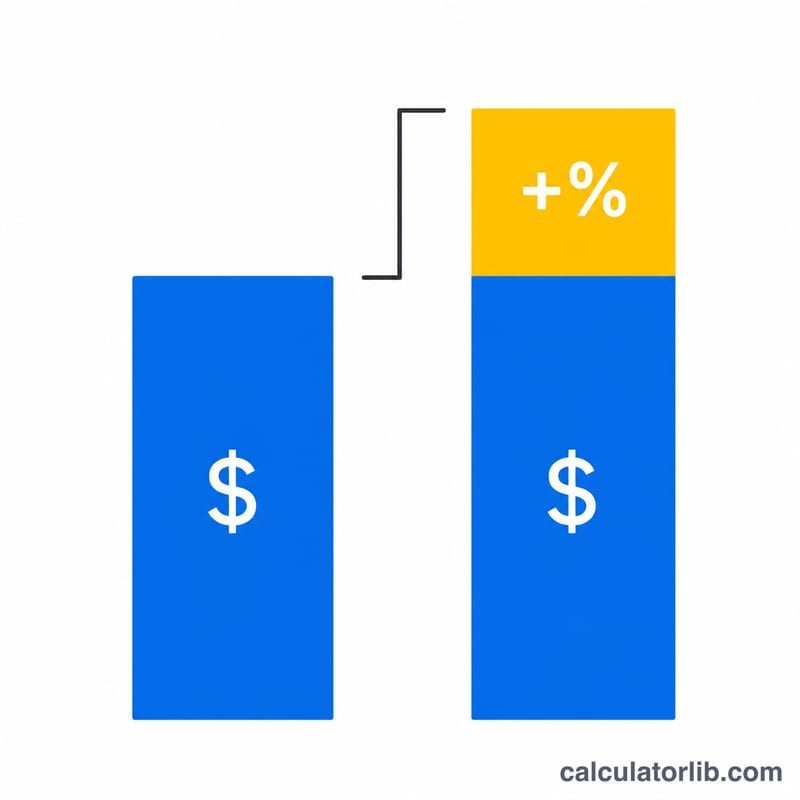
This calculator finds the new price of an item after you apply a percentage increase (markup) or a percentage decrease (markdown). Markup is used to set a selling price above a cost, while markdown is used for discounts, clearance sales, and price reductions. The tool works in any currency because it operates purely on the number you enter.
How to use it
Enter the original price, type the percentage, and choose whether it is a markup (increase) or a markdown (decrease). The calculator returns the final price plus the dollar amount of the change so you can see exactly how much was added or subtracted.
The formula explained
The core equation is $$\text{Final} = \text{Original} \times \left(1 \pm \frac{\text{Percent}}{100}\right)$$ For a markup you add the percentage as a fraction of one; for a markdown you subtract it. The percentage is divided by 100 to convert it into a decimal multiplier. For example, 25% becomes \(0.25\), so a markup multiplier is \(1.25\) and a markdown multiplier is \(0.75\).
Worked example
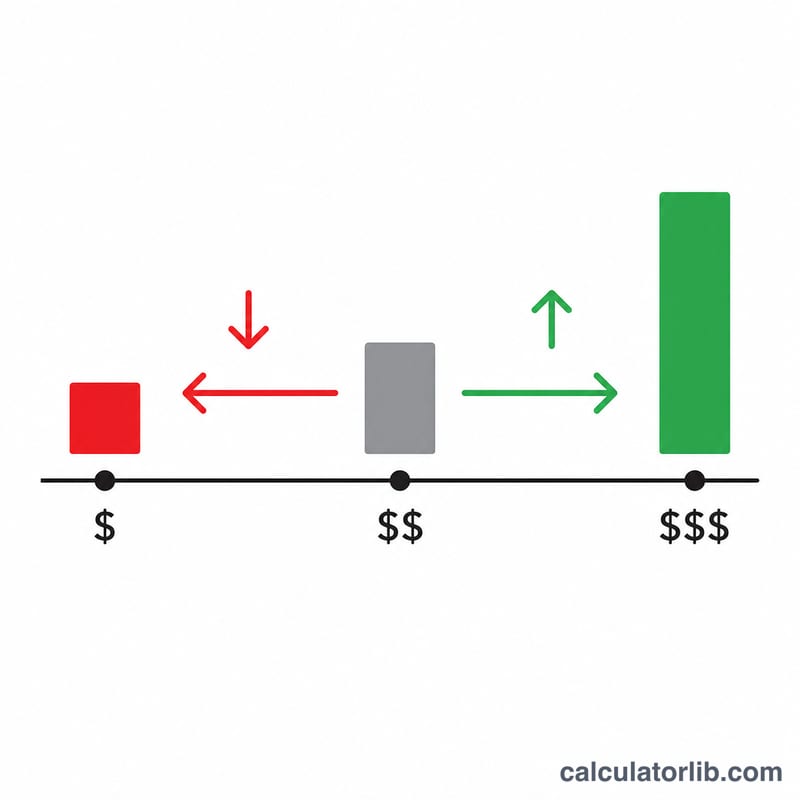
Suppose an item costs $80 and you apply a 25% markup. The multiplier is \(1 + 25/100 = 1.25\), so the final price is $$80 \times 1.25 = 100$$ a change of +$20. If instead you marked it down 25%, the multiplier is \(0.75\) and the final price is $$80 \times 0.75 = 60$$ a change of −$20.
FAQ
Is markup the same as margin? No. Markup is the increase relative to cost; margin is profit relative to the selling price. A 25% markup on $80 gives $100, which is a 20% margin.
Can a markdown ever go below zero? If you enter a percentage above 100% as a markdown, the result becomes negative, which is not a realistic price. Keep markdown percentages at or below 100%.
Does the order of stacking discounts matter? Percentages multiply, not add. A 10% then 20% markdown is \(0.9 \times 0.8 = 0.72\), the same regardless of order, but not equal to a single 30% off.