
What Is a Markup Calculator?
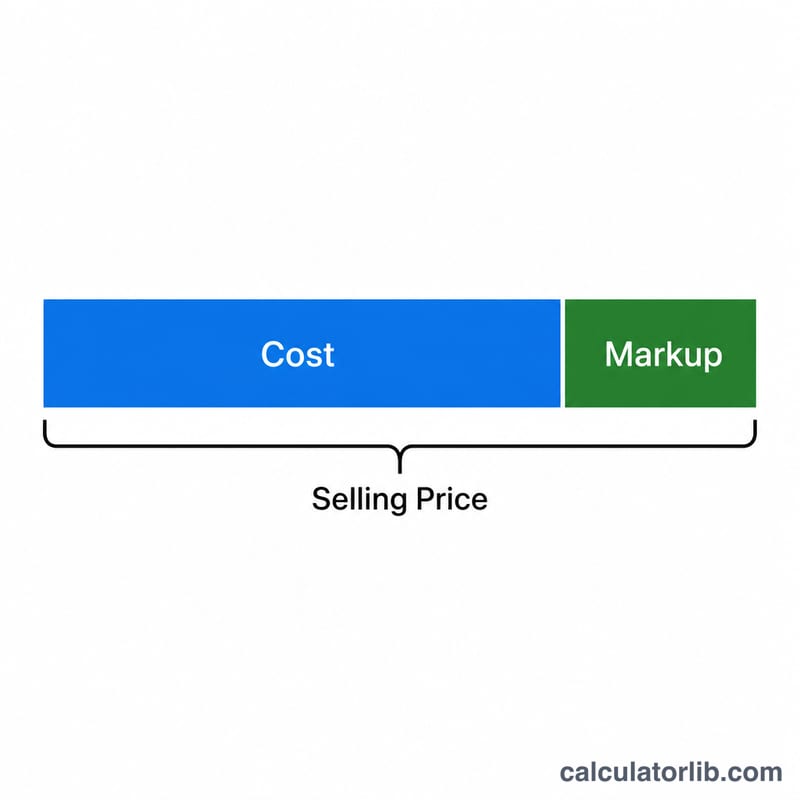
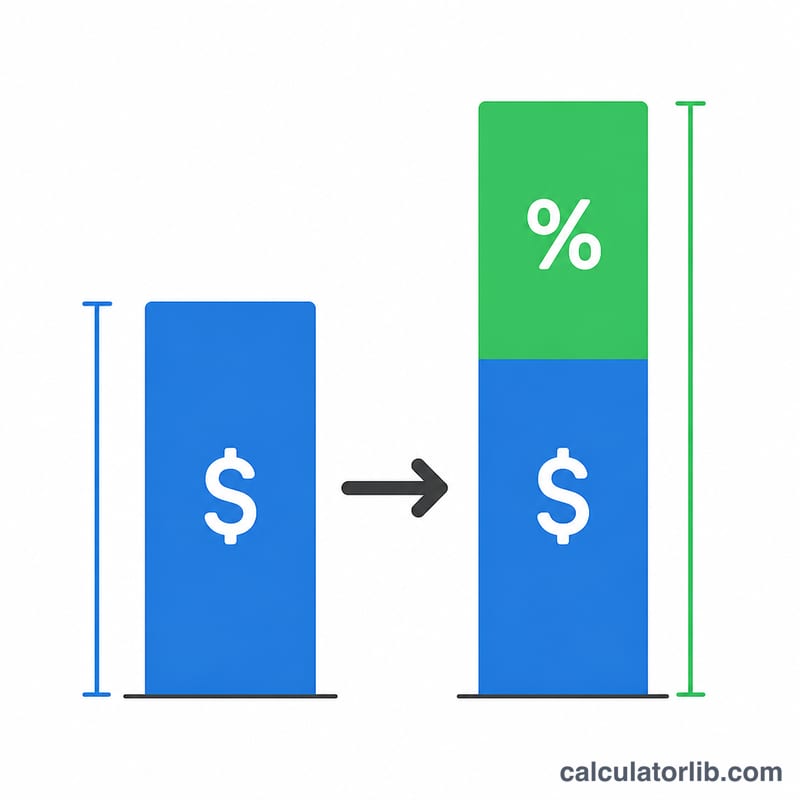
A markup calculator turns a product cost and a desired markup percentage into a selling price. Markup is the amount added to the cost of an item to cover overhead and produce a profit. It is expressed as a percentage of the cost, which makes it easy to apply a consistent pricing rule across an entire product catalog.
How to Use It
Enter the cost you paid for the item and the markup percentage you want to add. The calculator returns the selling price, the dollar profit per unit, and the profit margin. Use it for retail pricing, wholesale quotes, or quick what-if scenarios when negotiating with suppliers.
The Formula Explained
The core formula is:
$$\text{Selling Price} = \text{Cost} \times \left(1 + \frac{\text{Markup (\%)}}{100}\right)$$If you already know the price and want to find the markup, rearrange to \(\text{Markup\%} = \frac{\text{Price} - \text{Cost}}{\text{Cost}} \times 100\). Note that markup and margin are not the same thing: markup is profit as a percent of cost, while margin is profit as a percent of the selling price.
Worked Example
Suppose an item costs $50 and you apply a 40% markup. The selling price is $$50 \times (1 + 0.40) = 50 \times 1.40 = \$70$$ The profit is \(\$70 - \$50 = \$20\), and the profit margin is \(\frac{20}{70} \times 100 \approx 28.57\%\).
FAQ
Is markup the same as margin? No. A 40% markup gives a margin of about 28.6%. Markup is based on cost; margin is based on selling price.
Can markup exceed 100%? Yes. A 100% markup simply doubles the cost, and higher markups are common in industries with high overhead or low volume.
How do I find markup from a known price? Subtract cost from price, divide by cost, and multiply by 100.