
What Is a Markup Calculator?
This calculator finds the selling price of a product when you know its unit cost and the markup percentage you want to apply. Markup is the amount added on top of cost, expressed as a percentage of that cost. It is one of the most common ways retailers, wholesalers, and manufacturers set their prices.
How to Use It
Enter the unit cost (what you pay for the item) and the markup percentage you want to add. The calculator returns the selling price per unit and the profit you make on each unit. For example, a 25% markup on a $100 item adds $25, giving a $125 selling price.
The Formula Explained
The core formula is:
$$\text{Price} = \text{Cost} \times \left(1 + \frac{\text{Markup\%}}{100}\right)$$
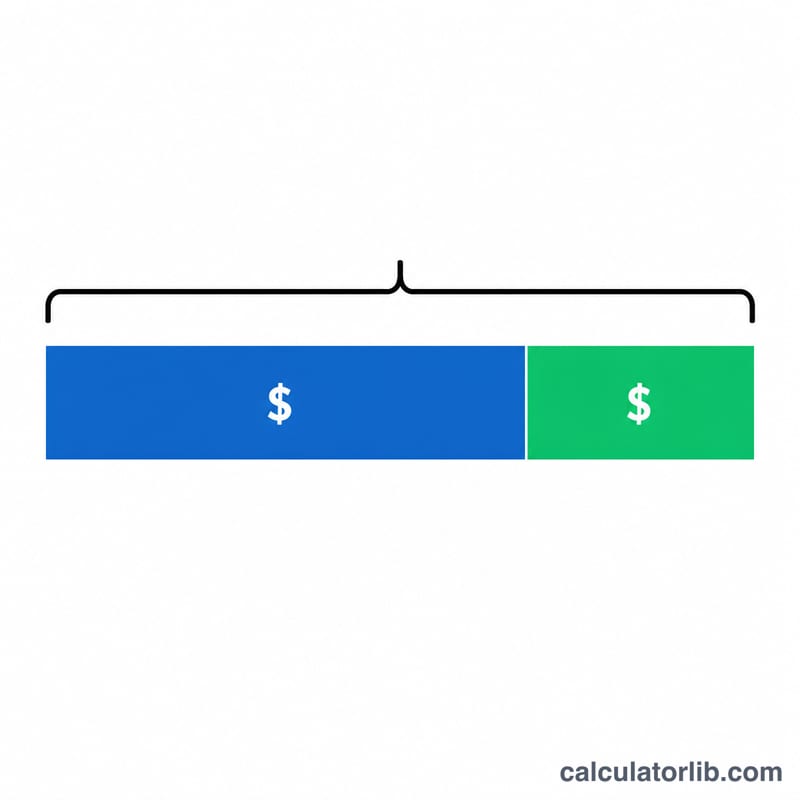
The markup percent is converted to a decimal and added to 1, then multiplied by cost. The profit per unit is simply the price minus the cost. Note that markup is different from margin: markup is a percentage of cost, while margin is a percentage of the selling price.
Worked Example
Suppose a coffee shop buys beans for $8.00 per bag and wants a 50% markup. The selling price is $$8 \times \left(1 + \frac{50}{100}\right) = 8 \times 1.5 = \$12.00.$$ The profit per bag is \(\$12.00 - \$8.00 = \$4.00\).
FAQ
Is markup the same as profit margin? No. A 50% markup on a $8 cost gives a $12 price, but the margin (profit ÷ price) is only 33.3%.
Can markup be over 100%? Yes. A 200% markup triples the cost, so a $10 item would sell for $30.
What does a 0% markup mean? The selling price equals the cost, so you make no profit.