
What Is the Markup to Price Calculator?
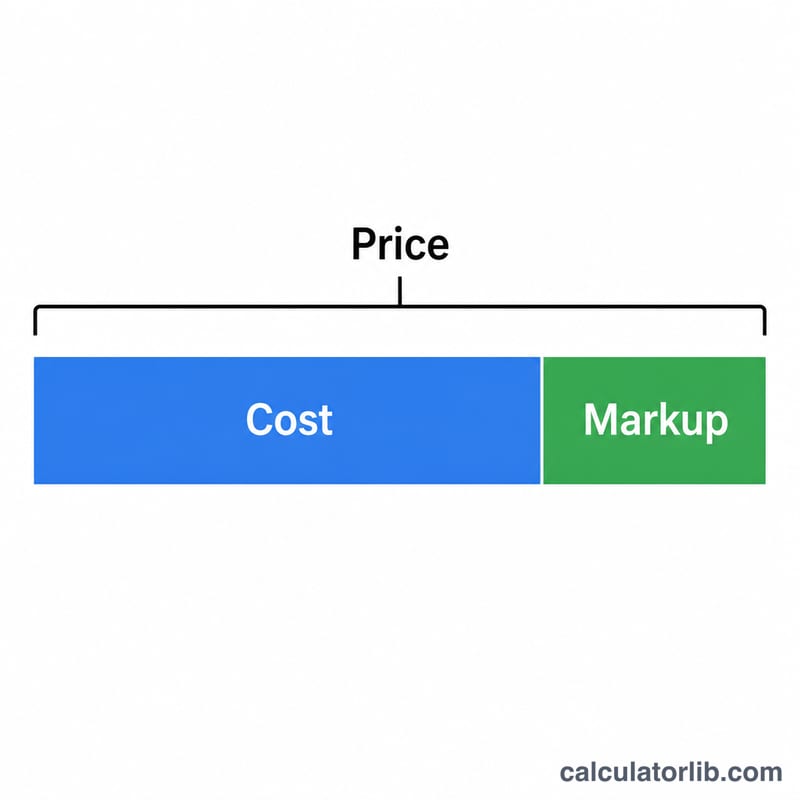
This calculator turns your item cost and a desired markup percentage into the selling price. Markup is the amount added to the cost of a product to cover overhead and generate profit, expressed as a percentage of the cost. It is one of the simplest and most widely used pricing methods in retail, wholesale, and services.
How to Use It
Enter the cost you pay for the item and the markup percentage you want to apply. The calculator instantly shows the selling price plus the profit you earn per unit. Adjust the markup to see how it changes your price and margin.
The Formula Explained
The selling price is calculated as:
$$\text{Price} = \text{Cost (\$)} \times \left(1 + \frac{\text{Markup (\%)}}{100}\right)$$The markup percentage is applied to the cost — not the selling price. That distinction separates markup from margin: a 25% markup does not equal a 25% profit margin. Profit per unit is simply the price minus the cost.
Worked Example
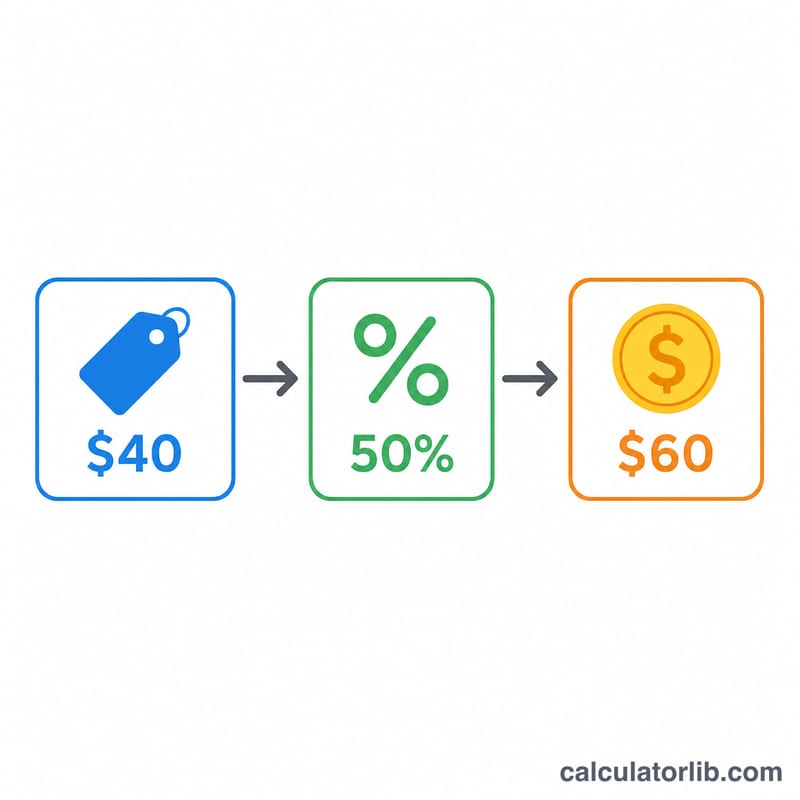
Suppose an item costs $100 and you want a 25% markup. $$\text{Price} = 100 \times \left(1 + \frac{25}{100}\right) = 100 \times 1.25 = \$125$$ Your profit per unit is \(\$125 - \$100 = \$25\).
FAQ
Is markup the same as margin? No. Markup is profit as a percentage of cost, while margin is profit as a percentage of the selling price. A 25% markup equals a 20% margin.
Can markup be over 100%? Yes. A 200% markup triples the cost — common for products with high overhead or perceived value.
Does this include tax? No. The result is a pre-tax selling price. Add applicable sales tax or VAT separately.