
What the Round Off Calculator Does
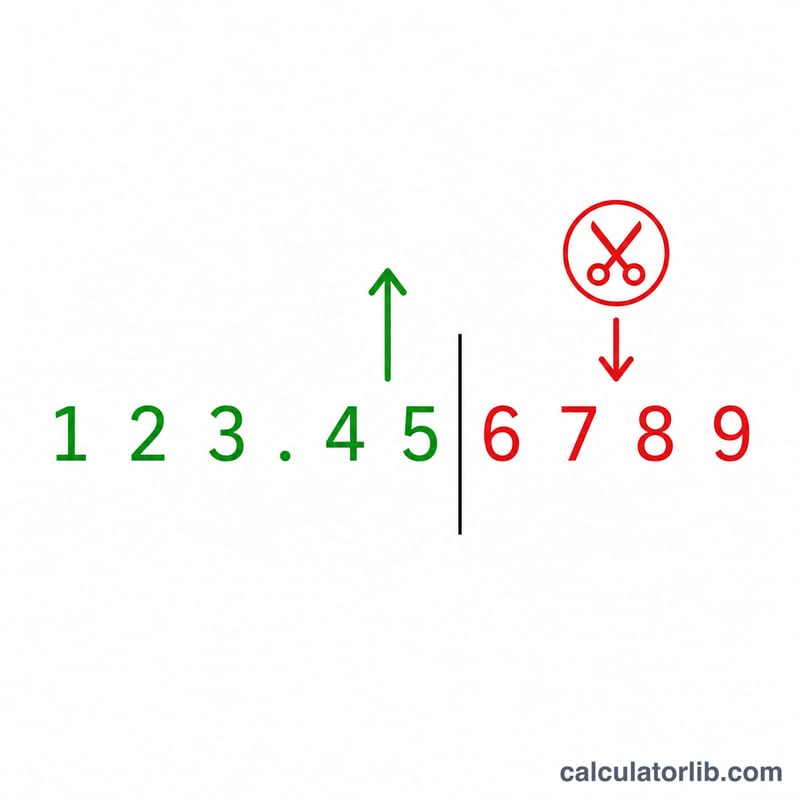
The Round Off Calculator takes any number you enter and rounds it to a chosen number of decimal places. It is a quick tool for everyday math, finance figures, scientific measurements, and tidying up data entry where long strings of decimals are not needed. Instead of counting digits by hand, you type a value, pick how many decimals you want, and get the rounded result instantly.
The Two Inputs Explained
- Number: The value you want to round. This can be a whole number or a decimal, such as 3.14159 or 1250.789.
- Decimal Places: How many digits you want to keep after the decimal point. Enter 0 to round to a whole number, 2 for currency-style values, 3 for finer precision, and so on.
The Formula Behind It
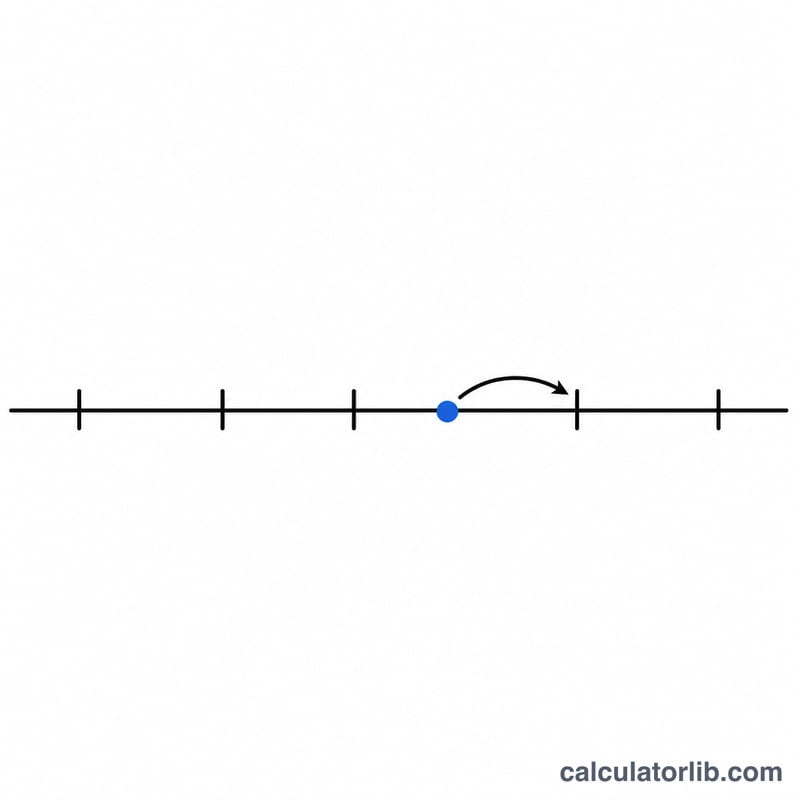
The calculator uses standard mathematical rounding (round half up at .5). The exact logic is:
- Multiply the number by 10 raised to the power of the decimal places: number × 10places
- Round that to the nearest whole number.
- Divide back by 10places.
Written out: rounded = round(number × 10places) ÷ 10places. This scaling trick lets the tool round to any number of decimal places using simple nearest-integer rounding.
Worked Example
Suppose you enter 3.14159 and choose 2 decimal places:
- Multiply: 3.14159 × 10² = 3.14159 × 100 = 314.159
- Round to nearest whole number: 314
- Divide back: 314 ÷ 100 = 3.14
The result is 3.14. If you had chosen 0 decimal places, the same number would round to 3; with 4 places, you would get 3.1416.
Frequently Asked Questions
How does it handle a value of exactly .5? It rounds half up, so 2.5 rounded to 0 places becomes 3, and 0.125 rounded to 2 places becomes 0.13. This is the most common rounding convention people expect.
What if I enter 0 decimal places? The number is rounded to the nearest whole number. For example, 1250.789 becomes 1251.
Can it round negative numbers? Yes. A value like -2.567 rounded to 2 places returns -2.57, following the same nearest-value rule.