

What Is the Cost per Mile Calculator?
The Cost per Mile Calculator tells you how much you spend for every mile you travel. It works by dividing your total cost — fuel, maintenance, insurance, depreciation, or any combination — by the total number of miles driven. This single metric is widely used by truck owner-operators, delivery drivers, rideshare drivers, and fleet managers to understand operating efficiency and to price jobs profitably.
How to Use It
Enter your total cost in dollars and the total miles you drove for that cost. The calculator instantly returns the cost per mile, along with a handy cost-per-100-miles figure. To find a full operating cost, add up every expense for a period (a trip, a month, or a year) and use the matching total mileage for that same period.
The Formula Explained
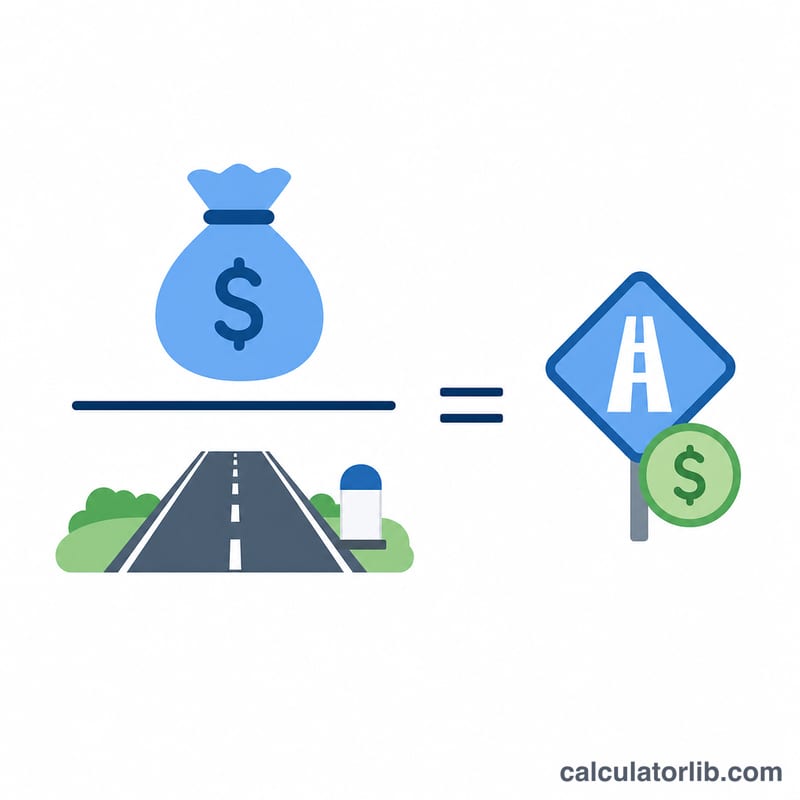
The math is simple: $$\text{Cost per Mile} = \frac{\text{Total Cost (\$)}}{\text{Total Miles}}$$ If two trips have the same total cost, the longer trip has a lower cost per mile. Lowering cost per mile means either reducing expenses or driving the vehicle more miles to spread fixed costs.
Worked Example
Suppose a delivery van costs $500 in fuel, tolls, and maintenance over 1,000 miles. $$\text{Cost per Mile} = \$500 \div 1{,}000 = \$0.50 \text{ per mile}$$ Over 100 miles that is $50. If you bill clients $0.65 per mile, your margin is $0.15 per mile.

FAQ
What costs should I include? Include everything relevant to your goal: fuel only for a fuel-cost-per-mile, or fuel plus maintenance, insurance, payments, and depreciation for a true operating cost per mile.
Is a lower cost per mile always better? Generally yes, as long as you are not deferring necessary maintenance. Comparing cost per mile over time helps spot rising expenses.
Can I use kilometers instead? Yes — just enter total kilometers in the miles field and the result becomes cost per kilometer.