
What is the Count Hours Calculator?
The Count Hours Calculator works out how many hours fall between a start time and an end time. It is perfect for timesheets, shift logging, billable hours, study sessions, or any task where you need to know the elapsed duration. You enter the two times in 24-hour decimal form, optionally subtract a break, and instantly see the result both as decimal hours and as hours-and-minutes.
How to use it
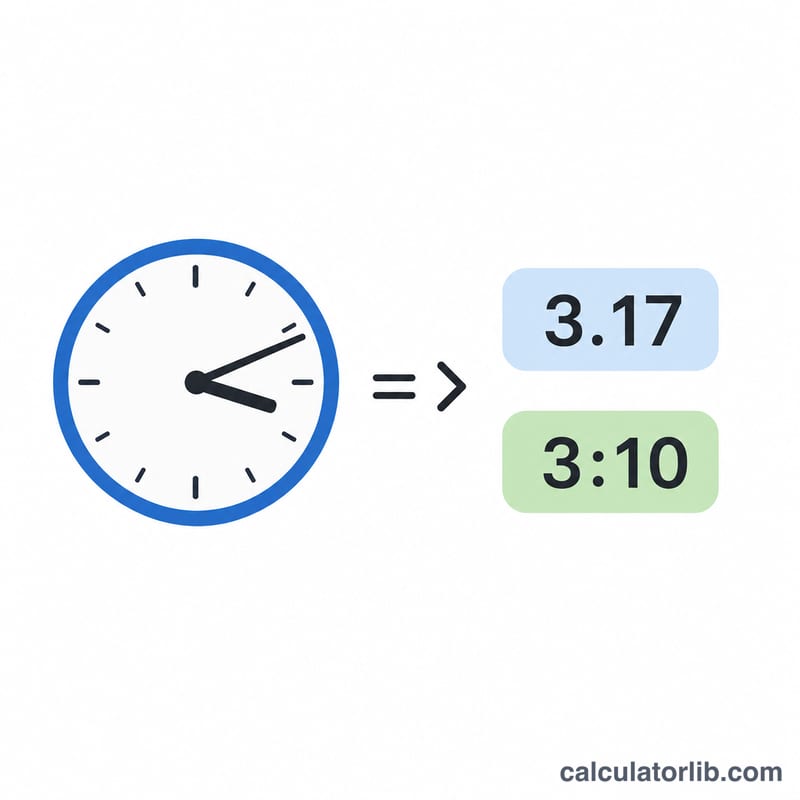
Enter your start time and end time using a 24-hour decimal format: 9.5 means 9:30, 17.25 means 17:15, and so on. The fractional part is the share of an hour, so 0.5 = 30 minutes and 0.25 = 15 minutes. If you took a break, type the number of minutes in the break field. The calculator subtracts that break from the elapsed time. If the end time is earlier than the start time, the tool assumes the shift crossed midnight and automatically adds 24 hours.
The formula explained
The core calculation is simply Hours = End − Start. When End is smaller than Start (an overnight shift), 24 is added so the result stays positive. The break, given in minutes, is converted to hours by dividing by 60 and then subtracted:
$$\text{Net} = \left(\text{End} - \text{Start}\right) - \frac{\text{Break}}{60}$$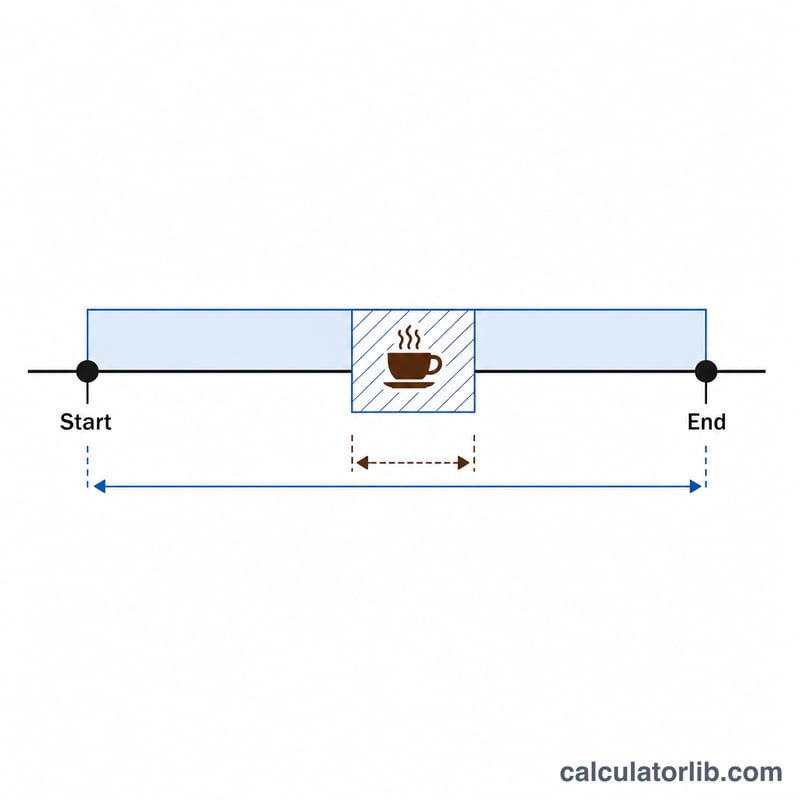
Worked example
Suppose you start at 9:00 (9) and finish at 17:30 (17.5) with a 30-minute lunch break. Elapsed time is \(17.5 - 9 = 8.5\) hours. The break is \(30 \div 60 = 0.5\) hours. Net hours:
$$\text{Net} = 8.5 - 0.5 = 8 \text{ hours}$$exactly, or 480 minutes.
FAQ
How do I enter minutes? Convert minutes to a decimal: divide by 60. So 6:45 becomes 6.75 and 14:20 becomes about 14.33.
Does it handle overnight shifts? Yes. If your end time is earlier than your start time, the calculator adds 24 hours automatically, treating it as the next day.
Can I subtract more than one break? Add all your break minutes together and enter the total in the break field.