
What this calculator does
The Next Occurrence of a Weekday Calculator tells you the next calendar date that falls on a specific day of the week — for example, "When is the next Friday?" — starting from any date you choose. It also reports how many days ahead that date is. This is handy for scheduling recurring tasks, planning "every Tuesday" meetings, counting down to a weekly deadline, or building habit streaks tied to a particular weekday.
How to use it
Pick a start date (today by default), choose your target weekday from the dropdown, and decide whether the start date itself should count if it already lands on that weekday. The result shows the number of days ahead and the full next date broken into year, month and day, plus a compact YYYYMMDD stamp.
The formula explained
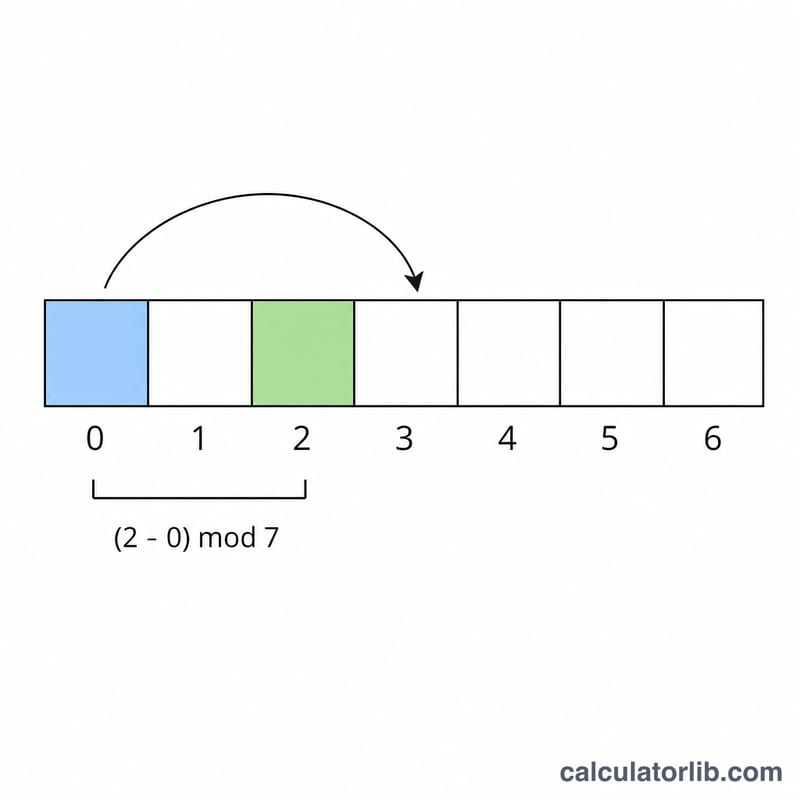
Weekdays are numbered Sunday = 0 through Saturday = 6. The calculator finds the current weekday of your start date, then computes:
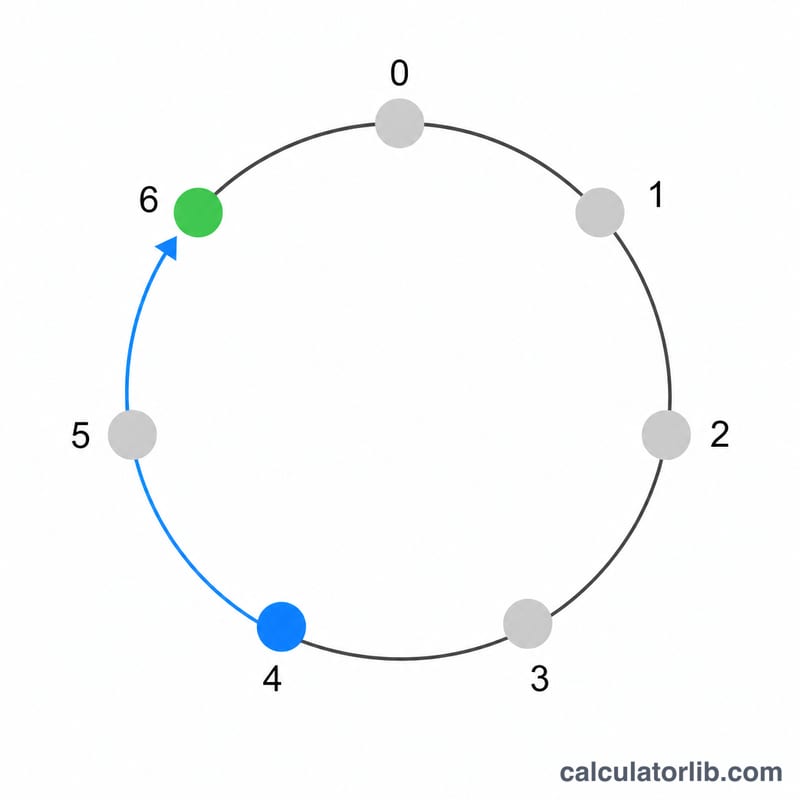
$$\text{daysAhead} = \big((\text{target} - \text{current}) \bmod 7 + 7\big) \bmod 7$$
The double-modulo keeps the result in the range 0–6 even when the subtraction is negative. The next date is simply the start date plus daysAhead. If you do not count the start date and it already falls on the target weekday (daysAhead = 0), the calculator advances a full week to the following occurrence (7 days).
Worked example
Suppose the start date is Wednesday, 1 January 2025. Wednesday is weekday 3. You want the next Sunday (weekday 0). $$\text{daysAhead} = \big((0 - 3) \bmod 7 + 7\big) \bmod 7 = (-3 + 7) \bmod 7 = 4.$$ So the next Sunday is 1 January + 4 days = 5 January 2025.
FAQ
What if the start date already is the target weekday? By default the calculator skips to the next week (7 days). Tick the checkbox to count the start date itself, giving 0 days ahead.
Which weekday numbering is used? Sunday = 0 up to Saturday = 6, matching the dropdown order.
Does it handle month and year boundaries? Yes — date arithmetic rolls over correctly across months and years, including leap years.