What This Percentage Calculator Does
This Percentage Calculator handles the three most common percentage questions in one place. Instead of remembering different formulas, you pick the type of calculation you need and fill in the relevant numbers. The three modes are:
- Percentage of a number – find a percentage portion of a value (e.g. what is 20% of 150?).
- Number as a percentage of another – work out what proportion one number is of another (e.g. 30 is what percent of 120?).
- Percentage change between two numbers – measure the increase or decrease from a starting value to a new value.
The tool works with plain numbers, so it applies anywhere in the world — prices, test scores, discounts, statistics or growth rates.
How to Use It
First, choose what you want to calculate. The input fields you fill in depend on your choice:
- Percentage of a number: enter the Number and the Percentage.
- Number as a percentage of another: enter the Number (the part) and the Second Number (the whole).
- Percentage change: enter the Number (original value) and the Second Number (new value).
The Formulas Explained
Behind the scenes the calculator uses these exact formulas:
- Percentage of a number: $$\text{Result} = \text{Number} \times \frac{\text{Percentage}}{100}$$
- Number as a percentage of another: $$\text{Result} = \frac{\text{Number}}{\text{Second Number}} \times 100$$
- Percentage change: $$\text{Result} = \frac{\text{Second Number} - \text{Number}}{\text{Number}} \times 100$$
A positive percentage change means an increase; a negative result means a decrease.
Worked Example
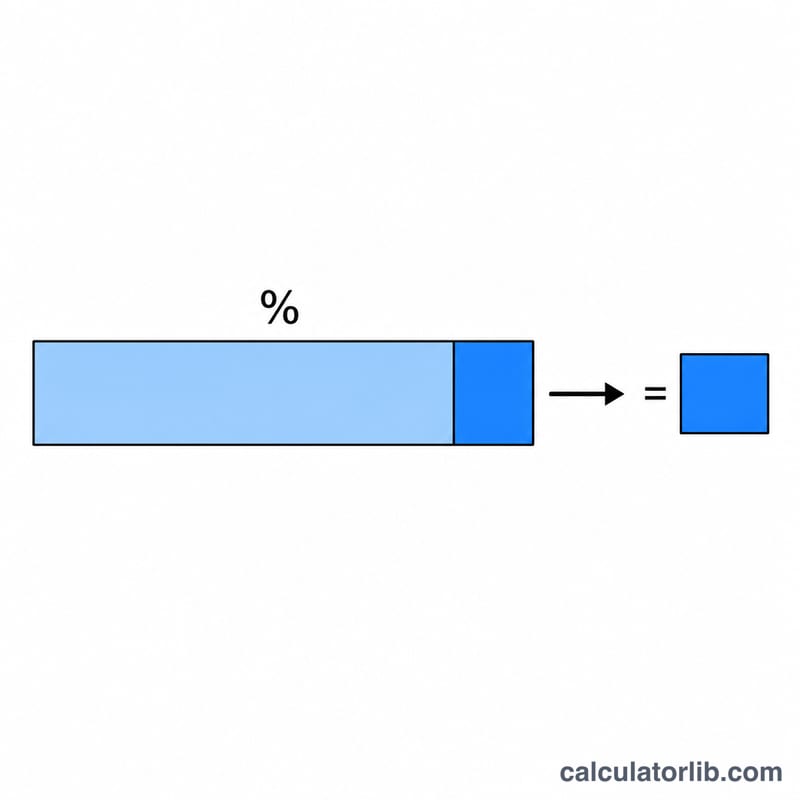
Say a product cost 80 last month and now costs 100. Choose Percentage change between two numbers, enter Number = 80 and Second Number = 100. The calculator computes $$\frac{100 - 80}{80} \times 100 = \frac{20}{80} \times 100 = 25\%$$ The price rose by 25%.
For comparison, using Percentage of a number with Number = 80 and Percentage = 25 gives $$80 \times \frac{25}{100} = 20$$
Key Terms Explained
| Term | What it means |
|---|---|
| Percent (%) | Literally “per hundred”: a percentage is a fraction whose denominator is 100, so \(25\% = \dfrac{25}{100} = 0.25\). Whatever you type in the Percentage field is divided by 100 before it is used. |
| Part | The portion being measured — the piece you are comparing against a larger reference. In “is what percent of” mode the part goes in the Number field (30 out of 120: 30 is the part). |
| Whole / base | The reference value that counts as 100% — the denominator of the fraction. It is the Number field in “percentage of” mode and the Second Number field in “is what percent of” mode. Change the base and the percentage changes, even if the part stays the same. |
| Original value | In percentage-change mode, the earlier or “before” figure, entered as the Number. It is always the denominator, which is why change from 200 to 250 and change from 250 to 200 give different percentages. |
| New value | In percentage-change mode, the later or “after” figure, entered as the Second Number. The calculator works with the difference \(\text{New} - \text{Original}\). |
| Percentage increase | A positive percentage change: the new value is larger than the original. From 80 to 100 is \(\dfrac{100 - 80}{80} \times 100 = 25\%\). |
| Percentage decrease | A negative percentage change: the new value is smaller than the original. The calculator shows it as a minus sign, e.g. −20% for 250 → 200. A decrease can never exceed −100%, because that would mean the quantity fell below zero. |
| Percentage change vs. percentage point | A percentage point is the plain arithmetic difference between two percentages, while a percentage change is relative. An interest rate moving from 5% to 7% is a rise of 2 percentage points, but a relative increase of \(\dfrac{7 - 5}{5} \times 100 = 40\%\). Both are correct; say which one you mean. |
| Percentage of vs. percentage off | “20% of 150” is the slice itself (30) — that is what “percentage of” mode returns. “20% off 150” is what remains after removing the slice: \(150 - 30 = 120\), or equivalently \(150 \times 0.80\). Subtract the result yourself when you need the “off” figure. |
Frequently Asked Questions
What if my second number is zero? The "percentage of another" and "percentage change" modes divide by your second/original number, so a zero there produces an undefined or infinite result. Use a non-zero base value.
How do I find a percentage decrease? Use the percentage change mode. If the new value is smaller than the original, the result will simply be negative, indicating the size of the drop.
Can I reverse a percentage? To find the original whole when you know a part and its percentage, use the "number as a percentage of another" mode, or divide the part by the decimal form of the percentage.