
What Is a Percentage Increase?
A percentage increase measures how much a quantity has grown relative to its starting (old) value. It is widely used in finance, sales, statistics, and everyday comparisons — for example, tracking a price rise, a salary bump, a population increase, or growth in website traffic. This calculator takes an old value and a new value and instantly returns the percent increase along with the absolute change.
How to Use the Calculator
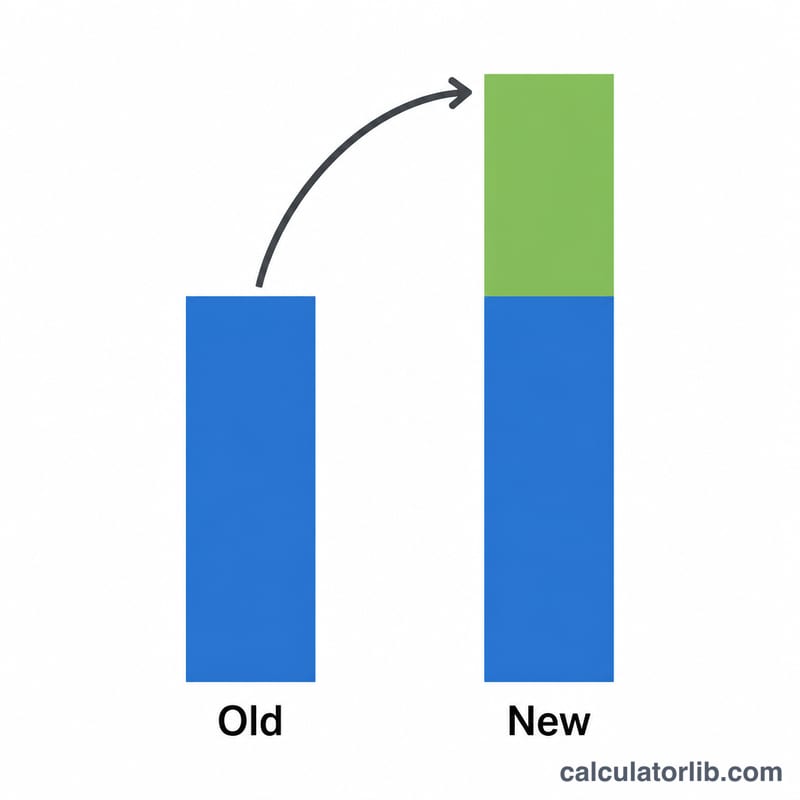
Enter the old value (the original or starting number) and the new value (the current or final number). Press calculate to see the percentage increase. If the new value is smaller than the old value, the result will be negative, indicating a decrease rather than an increase.
The Formula Explained
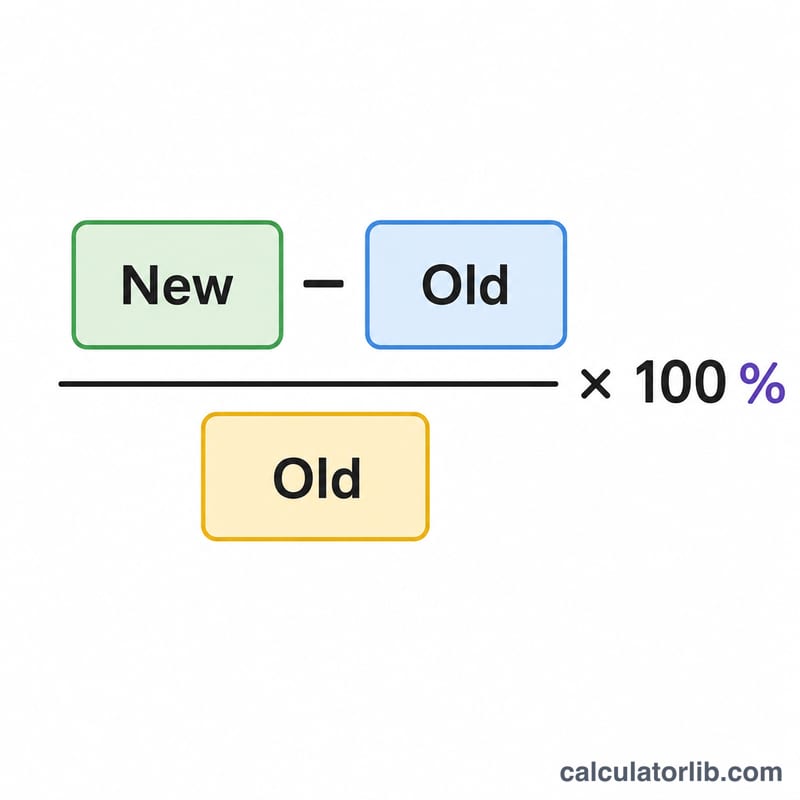
The percentage increase is calculated as:
$$\text{Increase \%} = \frac{\text{New} - \text{Old}}{\text{Old}} \times 100$$
First, subtract the old value from the new value to find the absolute change. Then divide by the old value to get the relative change, and multiply by 100 to convert it to a percentage. The old value must not be zero, since dividing by zero is undefined.
Worked Example
Suppose a product cost $200 last year (old value) and now costs $250 (new value). The change is \(250 - 200 = 50\). Dividing by the old value gives \(50 \div 200 = 0.25\), and multiplying by 100 gives a 25% increase.
FAQ
What if the result is negative? A negative result means the new value is lower than the old value — that is a percentage decrease.
Why must the old value not be zero? Percentage increase divides by the old value, and division by zero is mathematically undefined, so a starting value of zero has no meaningful percentage growth.
Is percentage increase the same as percentage points? No. Percentage increase is relative to the old value, while percentage points refer to the simple arithmetic difference between two percentages.