
What This Calculator Does
The Increase a Number by a Percent Calculator takes any starting number and adds a percentage of that number to it. It is handy for marking up prices, applying a raise, projecting growth, or adding a tip or tax to a base amount.
How to Use It
Enter your starting number (X) and the percent (P) you want to increase it by, then read the new value. The calculator also shows the raw amount that was added so you can see exactly how much the increase contributed.
The Formula Explained
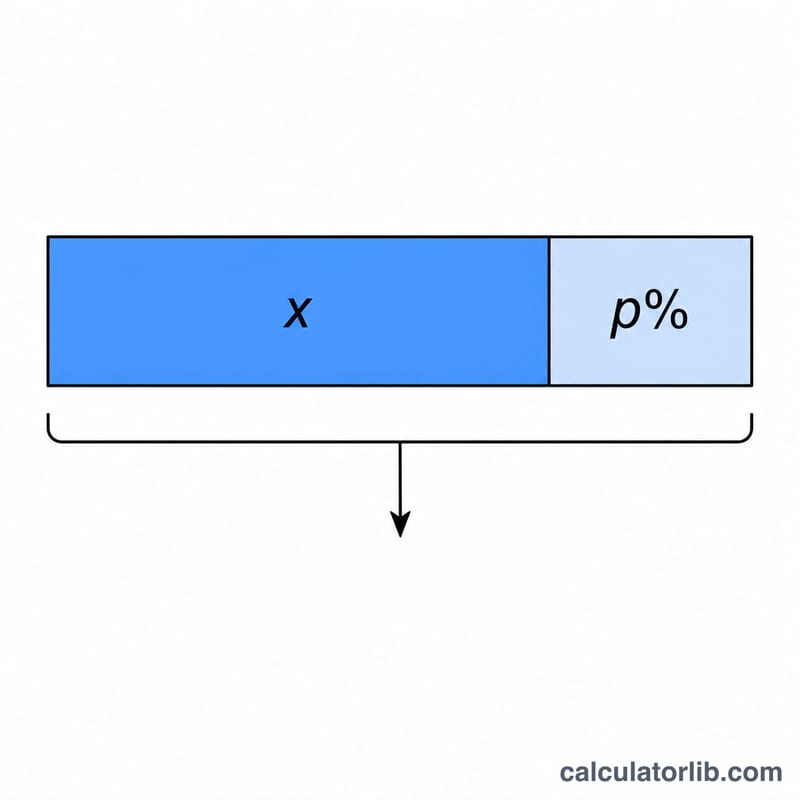
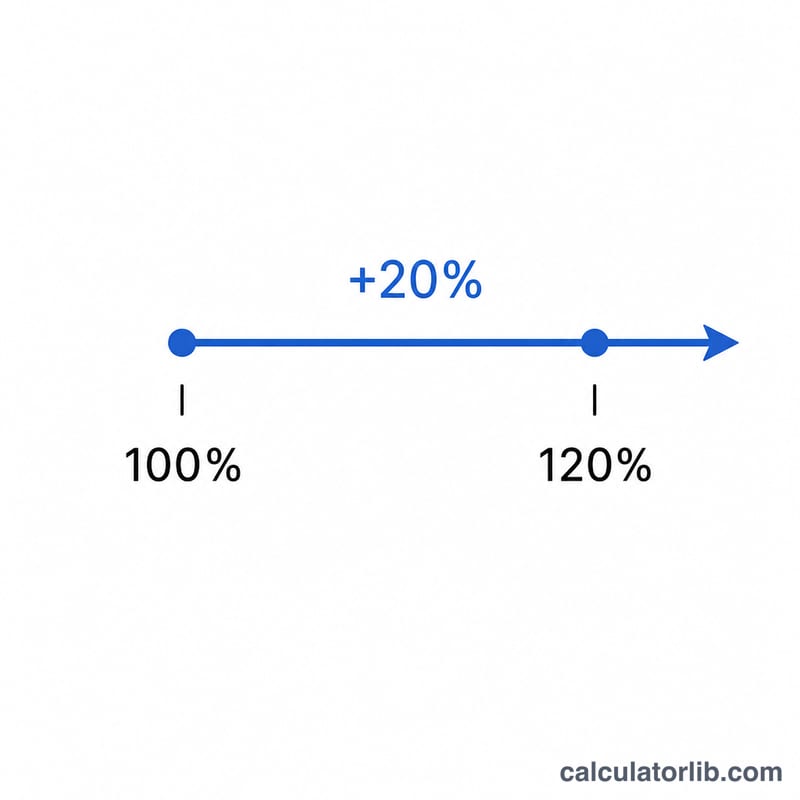
The result uses $$\text{new} = \text{X} \times \left(1 + \frac{\text{P}}{100}\right)$$ Dividing P by 100 converts the percent into a decimal fraction, adding 1 keeps the original value, and multiplying by X scales it. The increase amount alone is simply \(\text{X} \times \frac{\text{P}}{100}\).
Worked Example
Suppose a product costs 80 and you want to mark it up by 25%. Then $$\text{new} = 80 \times \left(1 + \frac{25}{100}\right) = 80 \times 1.25 = 100.$$ The amount added is \(80 \times 0.25 = 20\), confirming the new price of 100.
FAQ
Can I use a negative percent? Yes. A negative percent decreases the number, so \(-10\%\) of 200 gives 180.
What if my percent is over 100? That is fine. Increasing 50 by 200% gives \(50 \times 3 = 150\).
Does this compound? No, this is a single one-time increase. For repeated growth over periods, use a compound growth calculator.