
What is RGB to HSL?
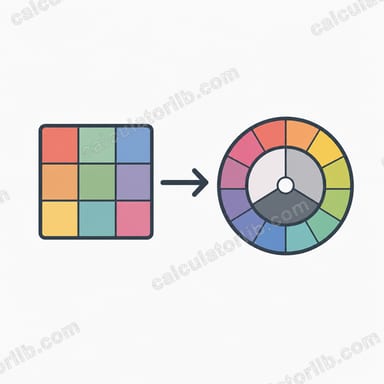
RGB describes a color by mixing Red, Green and Blue light, each on a 0-255 scale. HSL describes the same color using three more intuitive numbers: Hue (the color's position on the 0-360° color wheel), Saturation (how vivid it is, 0-100%) and Lightness (how light or dark it is, 0-100%). HSL is often easier for designers to reason about because adjusting lightness or saturation maps directly to "lighter," "darker," "more vivid" or "more gray."
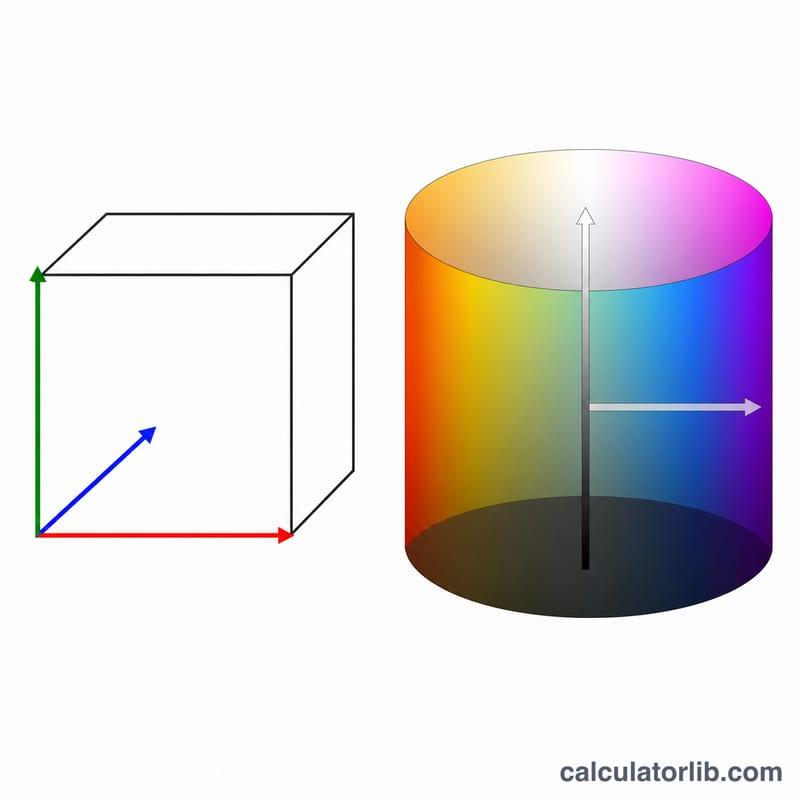
How to use this converter
Enter the Red, Green and Blue values of your color, each between 0 and 255. The calculator instantly returns the equivalent HSL triplet, ready to paste into CSS as hsl(H, S%, L%).
The formula explained
First each channel is normalized by dividing by 255 to get values between 0 and 1. Let max and min be the largest and smallest of these. Lightness is \(L = \frac{max + min}{2}\). If max equals min the color is a shade of gray, so saturation and hue are both 0. Otherwise saturation is \(\frac{max - min}{2 - max - min}\) when \(L > 0.5\), and \(\frac{max - min}{max + min}\) when \(L \le 0.5\). Hue is derived from whichever channel is the maximum and scaled to degrees (0-360).
$$L = \frac{C_{max} + C_{min}}{2}, \quad S = \begin{cases} \dfrac{\Delta}{2 - C_{max} - C_{min}} & L > 0.5 \\[0.6em] \dfrac{\Delta}{C_{max} + C_{min}} & L \le 0.5 \end{cases}$$$$\text{where}\quad \left\{ \begin{aligned} R &= \frac{\text{Red}}{255}, \; G = \frac{\text{Green}}{255}, \; B = \frac{\text{Blue}}{255} \\ C_{max} &= \max(R,G,B), \; C_{min} = \min(R,G,B), \; \Delta = C_{max} - C_{min} \end{aligned} \right.$$$$H = 60^{\circ} \times \begin{cases} \left(\dfrac{G - B}{\Delta}\right) \bmod 6 & C_{max} = R \\[0.7em] \dfrac{B - R}{\Delta} + 2 & C_{max} = G \\[0.7em] \dfrac{R - G}{\Delta} + 4 & C_{max} = B \end{cases}$$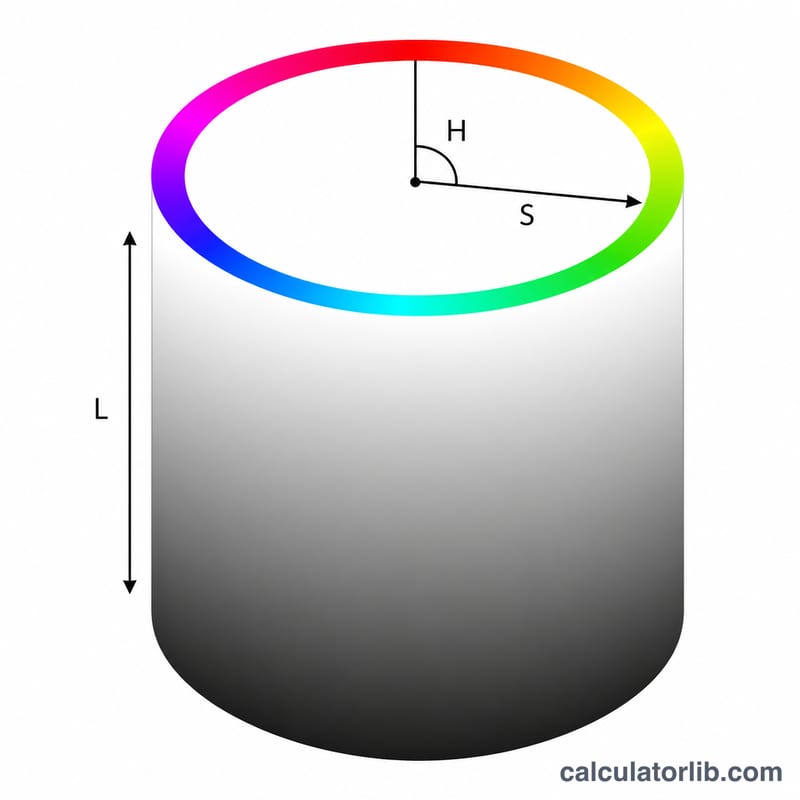
Worked example
For tomato red RGB(255, 99, 71): normalized = (1.0, 0.388, 0.278). \(max = 1.0\), \(min = 0.278\), so $$L = \frac{1.0 + 0.278}{2} = 0.639 \to 63.9\%$$ Since \(L > 0.5\), $$S = \frac{1.0 - 0.278}{2 - 1.0 - 0.278} = \frac{0.722}{0.722} = 1.0 \to 100\%$$ Max is red, so $$H = 60 \times \left(\frac{0.388 - 0.278}{0.722}\right) = 60 \times 0.1525 = 9.1^{\circ}$$ Result: hsl(9, 100%, 64%).
FAQ
Why is hue 0 for grays? When red, green and blue are equal there is no dominant color, so hue is undefined and conventionally reported as 0.
Is HSL the same as HSV/HSB? No. HSL and HSV share the hue but compute saturation and the third value differently; this tool outputs HSL.
Can I paste the result into CSS? Yes — modern browsers accept hsl(9, 100%, 64%) directly as a color value.