
What is Monitor PPI?
PPI (pixels per inch), also called pixel density, measures how many pixels fit into one linear inch of a display. A higher PPI means smaller, more tightly packed pixels — and therefore sharper, crisper images and text. This calculator works for any display: computer monitors, laptops, phones, tablets and TVs. It is a universal geometric calculation and applies anywhere in the world.
How to Use It
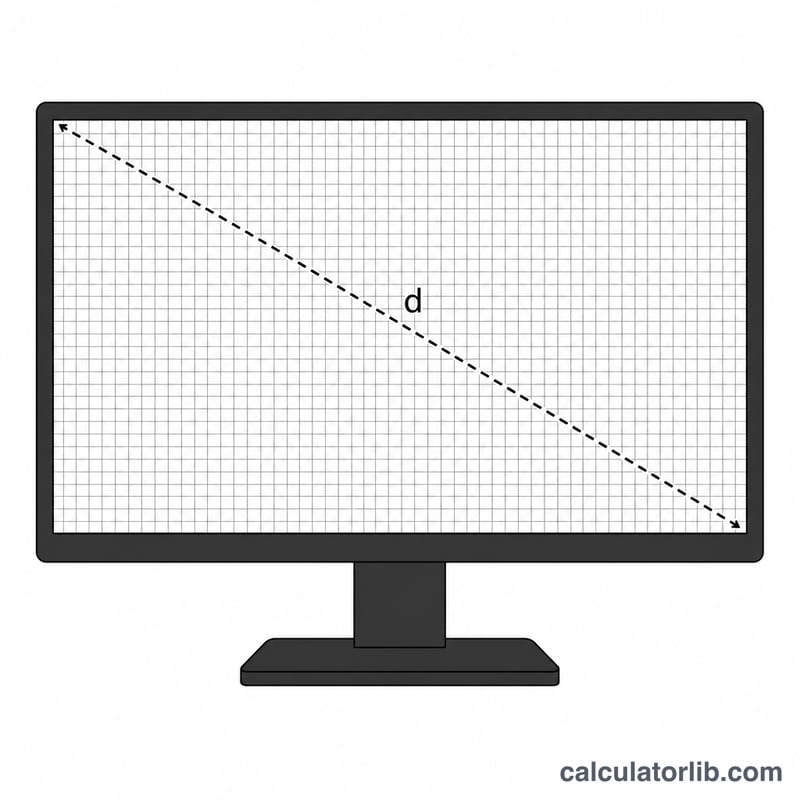
Enter the screen's horizontal and vertical resolution in pixels (for example 1920 × 1080), then enter the diagonal screen size in inches as advertised by the manufacturer. The calculator returns the PPI along with the diagonal in pixels, the dot pitch in millimetres, the physical width and height of the screen, and the total resolution in megapixels.
The Formula Explained
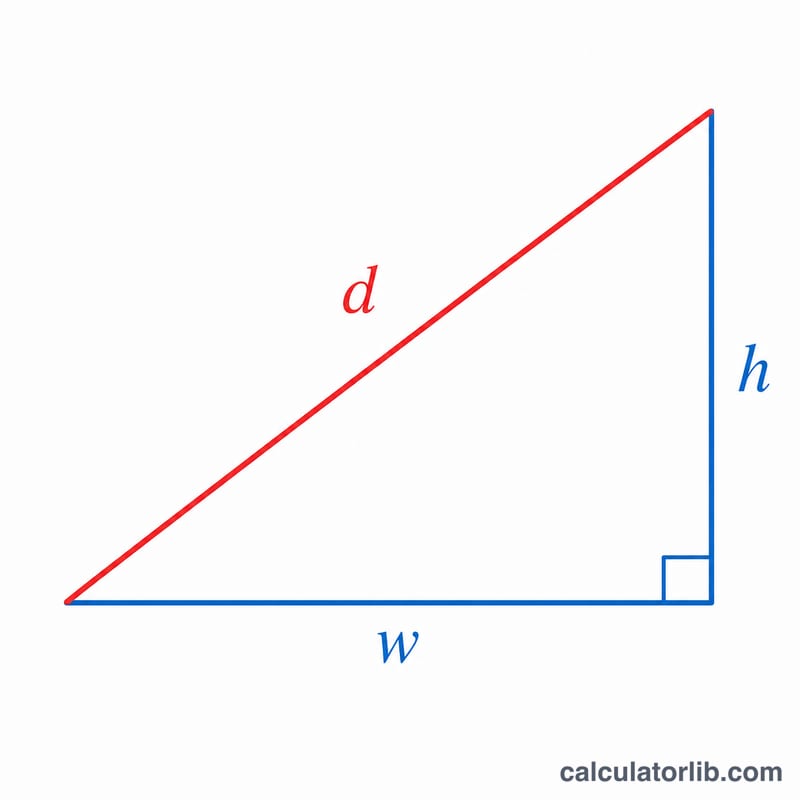
First, the Pythagorean theorem gives the diagonal length in pixels: the square root of (width² + height²). Dividing that diagonal pixel count by the diagonal size in inches yields the PPI.
$$\text{PPI} = \frac{\sqrt{\text{Width (px)}^{2} + \text{Height (px)}^{2}}}{\text{Diagonal (in)}}$$Once you know PPI, the dot pitch is simply 25.4 (millimetres per inch) divided by PPI.
Worked Example
For a 24-inch Full HD monitor at 1920 × 1080: the diagonal in pixels is
$$\sqrt{1920^{2} + 1080^{2}} = \sqrt{3{,}686{,}400 + 1{,}166{,}400} = \sqrt{4{,}852{,}800} \approx 2202.91 \text{ px}$$Dividing by 24 inches gives \(\approx 91.79\) PPI. The dot pitch is \(25.4 \div 91.79 \approx 0.2768\) mm.
FAQ
What is a good PPI for a monitor? Desktop monitors around 90–110 PPI are common; "Retina-class" displays exceed about 200 PPI at normal viewing distances.
Is PPI the same as DPI? Not quite — PPI refers to on-screen pixels, while DPI (dots per inch) describes printer output, though the terms are often used interchangeably.
Does a bigger screen always mean lower PPI? Only if the resolution stays the same. A larger screen with proportionally more pixels can keep the same or higher density.