
What is PPI?
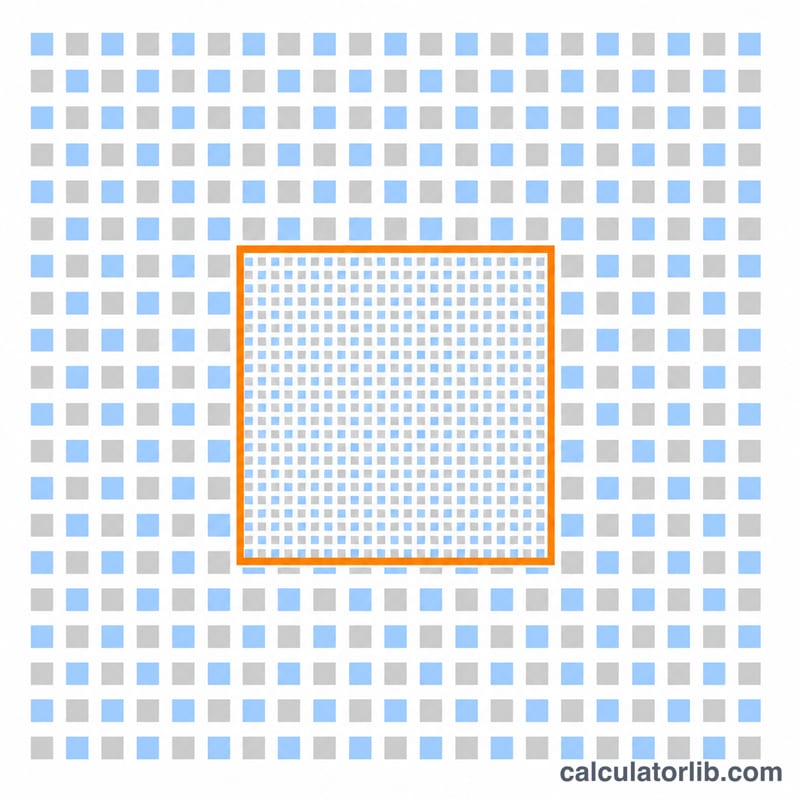
PPI (pixels per inch), also called pixel density, measures how many pixels fit into one linear inch of a display. A higher PPI means sharper, more detailed images because individual pixels become harder to distinguish. This metric is essential when comparing monitors, laptops, phones, and tablets, since two screens with the same resolution can look very different depending on their physical size.
How to use this calculator
Enter your screen's horizontal resolution (e.g. 1920), vertical resolution (e.g. 1080), and the diagonal size in inches (e.g. 24). The calculator returns the PPI, the diagonal resolution in pixels, the dot pitch in millimetres, and the total resolution in megapixels.
The formula explained
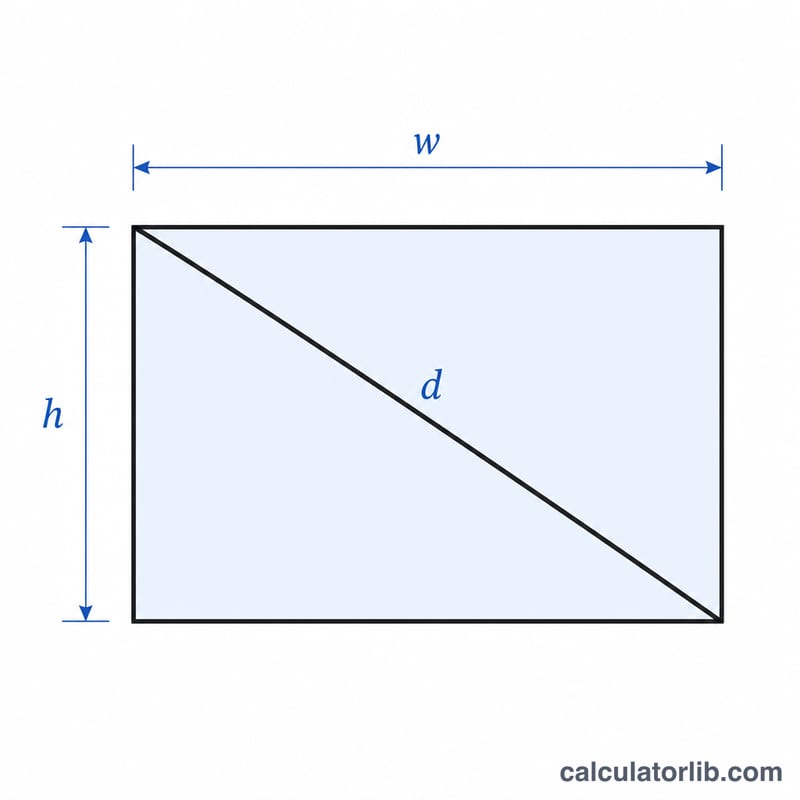
The diagonal pixel count is found using the Pythagorean theorem: the square root of (width² + height²). Dividing that diagonal pixel count by the diagonal size in inches gives the PPI:
$$\text{PPI} = \dfrac{\sqrt{w^2 + h^2}}{d}$$
Dot pitch converts PPI to a physical spacing: 25.4 mm (one inch) divided by the PPI.
$$\text{dp} = \dfrac{25.4}{\text{PPI}}$$
Worked example
A 24-inch Full HD monitor has 1920 × 1080 pixels. The diagonal pixel count is $$\sqrt{1920^2 + 1080^2} = \sqrt{3{,}686{,}400 + 1{,}166{,}400} = \sqrt{4{,}852{,}800} \approx 2202.91 \text{ px}.$$ Dividing by 24 inches gives about 91.79 PPI. The dot pitch is \(25.4 / 91.79 \approx 0.277\) mm.
FAQ
Is PPI the same as DPI? Not exactly. PPI refers to on-screen pixel density, while DPI (dots per inch) describes printer output. They are often used interchangeably but apply to different mediums.
What is a good PPI? Desktop monitors are typically 90–160 PPI, while modern smartphones exceed 300–500 PPI. "Retina"-class displays are usually around 300 PPI at normal viewing distance.
Does higher PPI always look better? Beyond a certain density (which depends on viewing distance) the human eye cannot resolve more detail, so extra PPI offers diminishing returns.