
What is the RGB to HSL Converter?
This tool converts a color expressed in the RGB model (Red, Green, Blue, each 0–255) into the HSL model (Hue, Saturation, Lightness). HSL is often more intuitive for designers because it separates the color's tint (hue) from how vivid (saturation) and how light or dark (lightness) it is. The conversion is universal and not tied to any device or country.
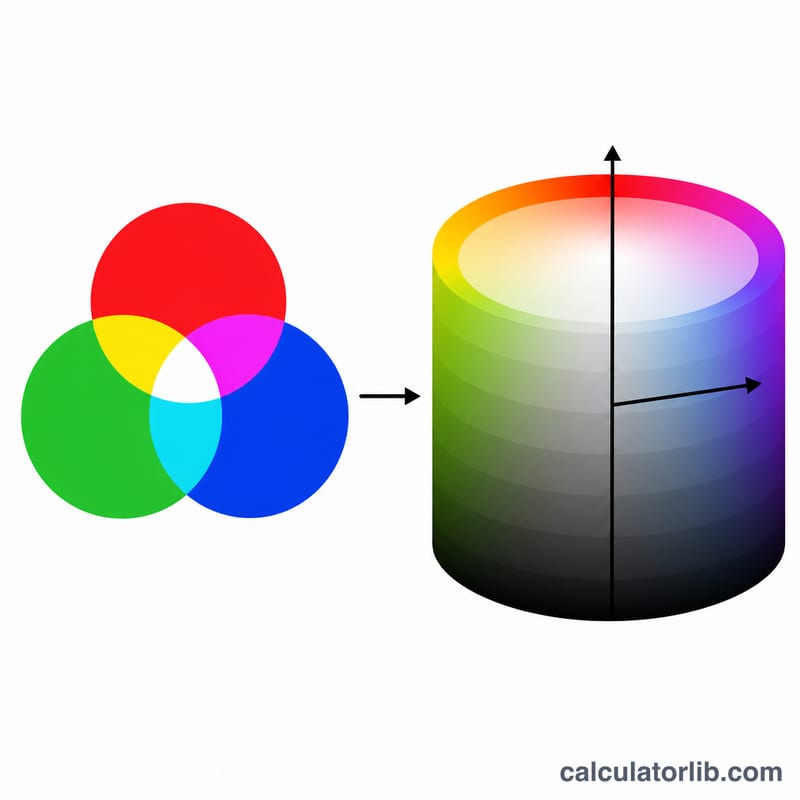
How to use it
Enter the red, green, and blue values of your color, each between 0 and 255. Press calculate to get the equivalent HSL triple, ready to paste into CSS as hsl(H, S%, L%).
The formula explained
First normalize each channel by dividing by 255 so it falls in 0–1. Let max and min be the largest and smallest of these three values, and \(\Delta = \max - \min\). Lightness is \(L = (\max + \min) / 2\). Saturation is \(S = \Delta / (1 - \lvert 2L - 1 \rvert)\), or 0 when \(\Delta = 0\) (a gray). Hue is derived from whichever channel is largest and multiplied by 60°, then wrapped into 0–360°.
$$\begin{gathered} L = \frac{C_{\max} + C_{\min}}{2}, \quad S = \frac{C_{\max} - C_{\min}}{1 - \lvert 2L - 1 \rvert} \\[1.5em] \text{where}\quad \left\{ \begin{aligned} R^{\prime} &= \frac{\text{Red}}{255}, \;\; G^{\prime} = \frac{\text{Green}}{255}, \;\; B^{\prime} = \frac{\text{Blue}}{255} \\ C_{\max} &= \max(R^{\prime}, G^{\prime}, B^{\prime}), \;\; C_{\min} = \min(R^{\prime}, G^{\prime}, B^{\prime}) \end{aligned} \right. \end{gathered}$$$$H = 60^{\circ} \times \begin{cases} \dfrac{G^{\prime} - B^{\prime}}{\Delta} \bmod 6 & C_{\max} = R^{\prime} \\[0.6em] \dfrac{B^{\prime} - R^{\prime}}{\Delta} + 2 & C_{\max} = G^{\prime} \\[0.6em] \dfrac{R^{\prime} - G^{\prime}}{\Delta} + 4 & C_{\max} = B^{\prime} \end{cases}$$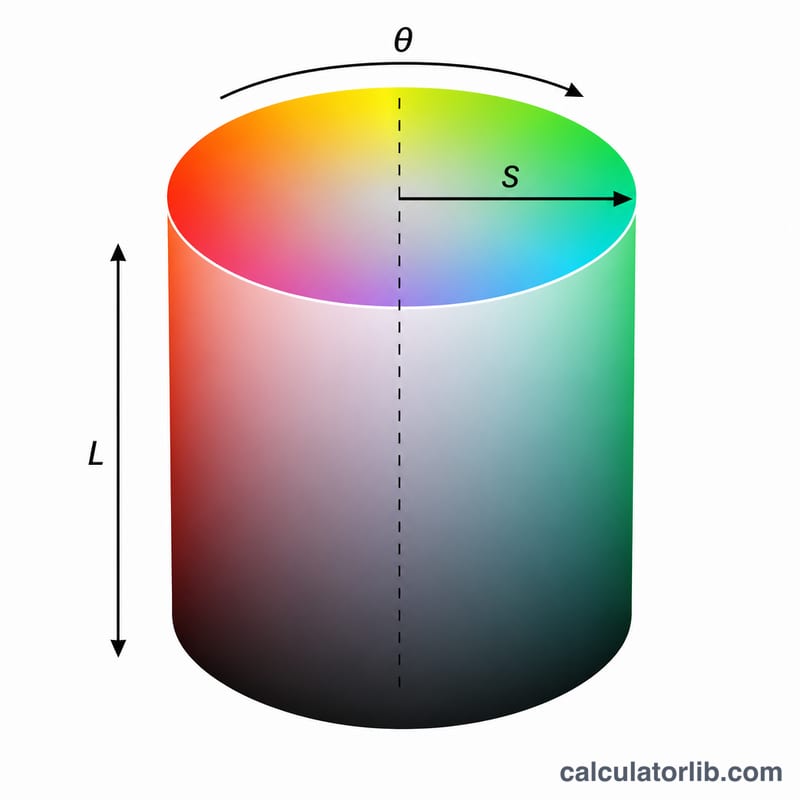
Worked example
Take tomato red RGB(255, 99, 71). Normalized: \(R=1\), \(G=0.388\), \(B=0.278\). \(\max=1\), \(\min=0.278\), \(\Delta=0.722\).
$$L = \frac{1 + 0.278}{2} = 0.639 \rightarrow 63.9\%$$$$S = \frac{0.722}{1 - \lvert 2 \cdot 0.639 - 1 \rvert} = \frac{0.722}{0.722} = 1 \rightarrow 100\%$$Since \(\max = R\),
$$H = 60 \times \left( \frac{0.388 - 0.278}{0.722} \right) = 60 \times 0.1525 \approx 9.13^{\circ}$$Result: hsl(9.13, 100%, 63.92%).
FAQ
Why is saturation 0 for grays? When all three channels are equal, \(\Delta = 0\), so there is no color information and saturation is undefined — by convention it is set to 0.
Are H, S, L rounded? The display rounds to two decimals, but the raw computed values carry full precision.
Can I convert back? Yes — HSL to RGB is the inverse process, using the hue sector and chroma.