
What is the ASCII to Decimal Converter?
This tool converts a single character into its decimal code point. For standard letters, digits and punctuation this is the classic ASCII value; for characters beyond ASCII it returns the Unicode code point. ASCII (American Standard Code for Information Interchange) maps the basic English characters to numbers from 0 to 127, while modern systems extend this through Unicode.
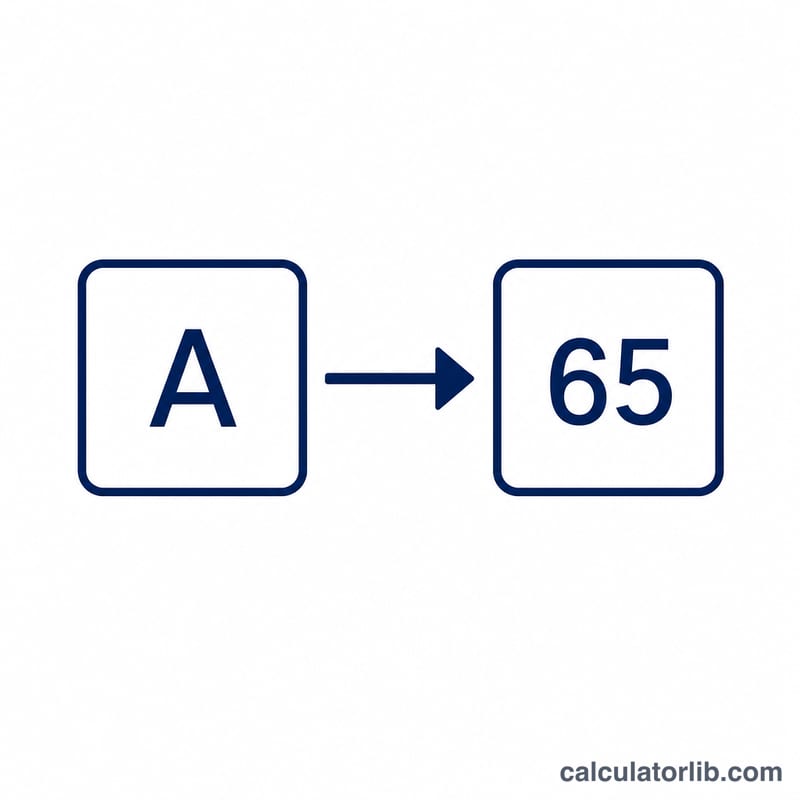
How to use it
Type a single character — a letter such as A, a digit such as 5, or a symbol such as @ — into the input box and the calculator instantly returns its decimal code. If you paste more than one character, only the first is converted.
The formula explained
The conversion uses the ord function: $$\text{Decimal} = \operatorname{code}\!\left( \text{Character} \right)$$ Internally a character is stored as a number, and ord simply reveals that number in decimal form. The inverse operation, char = chr(code), turns a decimal code back into its character.
Worked example
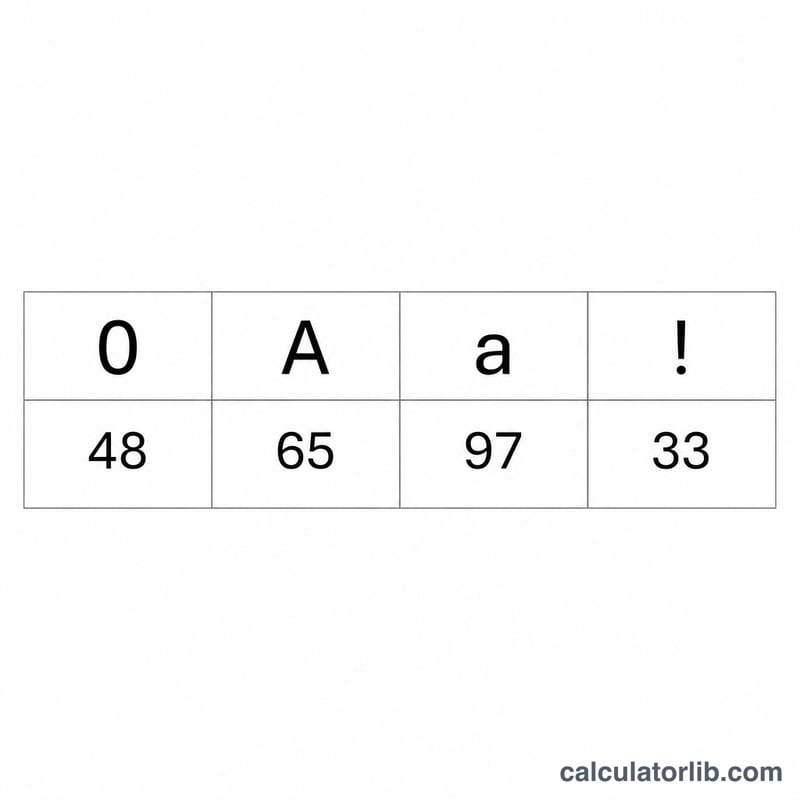
Take the capital letter A. In the ASCII table the uppercase alphabet starts at 65, so $$\operatorname{ord}(\text{'A'}) = 65$$ Lowercase letters start at 97, so \(\operatorname{ord}(\text{'a'}) = 97\). The digit characters start at 48, meaning \(\operatorname{ord}(\text{'0'}) = 48\) and \(\operatorname{ord}(\text{'9'}) = 57\).
ASCII Decimal Code Reference Table
The American Standard Code for Information Interchange (ASCII) assigns a decimal number from 0 to 127 to each character. The code() (or ord()) operation returns this value for any character. For the printable characters this matches the Unicode code point as well, since the first 128 Unicode points are identical to ASCII.
Control codes (non-printing)
| Decimal | Name | Meaning |
|---|---|---|
| 0 | NUL | Null character |
| 9 | HT (TAB) | Horizontal tab |
| 10 | LF | Line feed (newline) |
| 13 | CR | Carriage return |
| 27 | ESC | Escape |
Common symbols and space
| Character | Decimal |
|---|---|
| (space) | 32 |
| ! | 33 |
| " | 34 |
| # | 35 |
| $ | 36 |
| % | 37 |
| & | 38 |
| ( | 40 |
| ) | 41 |
| * | 42 |
| + | 43 |
| , | 44 |
| - | 45 |
| . | 46 |
| / | 47 |
| : | 58 |
| ; | 59 |
| < | 60 |
| = | 61 |
| > | 62 |
| ? | 63 |
| @ | 64 |
| [ | 91 |
| \ | 92 |
| ] | 93 |
| ^ | 94 |
| _ | 95 |
| ` | 96 |
| { | 123 |
| | | 124 |
| } | 125 |
| ~ | 126 |
Digits 0–9 (decimal 48–57)
| Character | Decimal |
|---|---|
| 0 | 48 |
| 1 | 49 |
| 2 | 50 |
| 3 | 51 |
| 4 | 52 |
| 5 | 53 |
| 6 | 54 |
| 7 | 55 |
| 8 | 56 |
| 9 | 57 |
Uppercase letters A–Z (decimal 65–90)
| Char | Dec | Char | Dec | Char | Dec |
|---|---|---|---|---|---|
| A | 65 | J | 74 | S | 83 |
| B | 66 | K | 75 | T | 84 |
| C | 67 | L | 76 | U | 85 |
| D | 68 | M | 77 | V | 86 |
| E | 69 | N | 78 | W | 87 |
| F | 70 | O | 79 | X | 88 |
| G | 71 | P | 80 | Y | 89 |
| H | 72 | Q | 81 | Z | 90 |
| I | 73 | R | 82 |
Lowercase letters a–z (decimal 97–122)
| Char | Dec | Char | Dec | Char | Dec |
|---|---|---|---|---|---|
| a | 97 | j | 106 | s | 115 |
| b | 98 | k | 107 | t | 116 |
| c | 99 | l | 108 | u | 117 |
| d | 100 | m | 109 | v | 118 |
| e | 101 | n | 110 | w | 119 |
| f | 102 | o | 111 | x | 120 |
| g | 103 | p | 112 | y | 121 |
| h | 104 | q | 113 | z | 122 |
| i | 105 | r | 114 |
Note the constant offset of 32 between each uppercase letter and its lowercase counterpart, e.g. a (97) − A (65) = 32. You can decode any of these decimal values back to text with the codes 65 66 67 → ABC.
FAQ
Is ASCII the same as Unicode? For codes 0–127 they are identical. Above 127 this tool returns the Unicode code point, which extends ASCII to cover every language and symbol.
What about the space character? A space has the decimal code 32.
Why does it only read one character? A decimal code corresponds to exactly one character, so only the first character of your input is converted.