
What this converter does
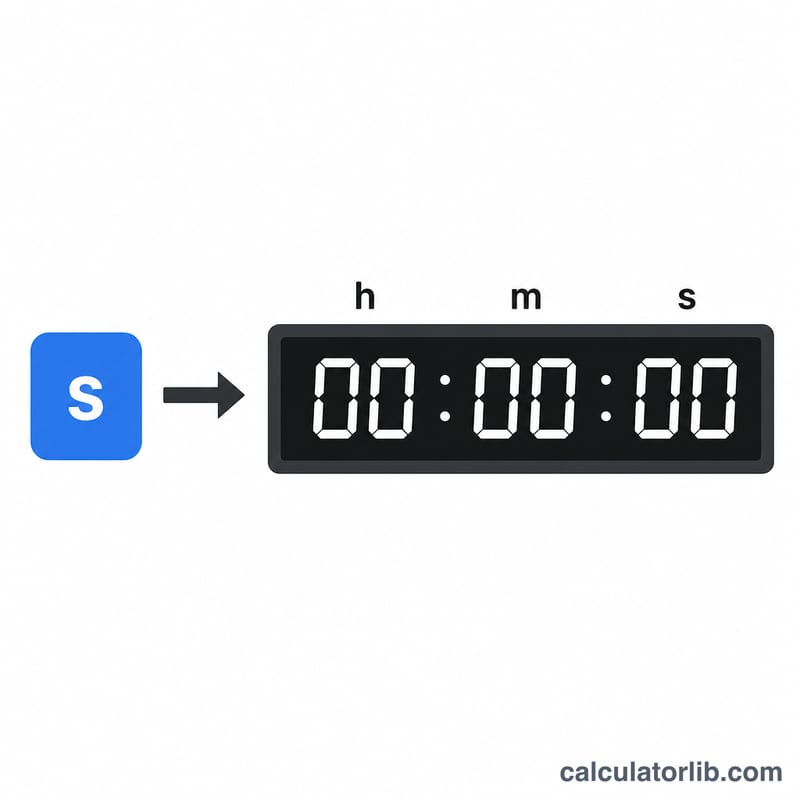
This tool converts a raw count of seconds into a readable HH:MM:SS duration — hours, minutes and seconds. It is handy for working with video lengths, log timestamps, stopwatch totals, API durations and any value stored simply as a number of seconds.
How to use it
Type the total number of seconds into the box and read off the result. The big number shows the zero-padded HH:MM:SS format, and the table below breaks out the individual hour, minute and second components.
The formula explained
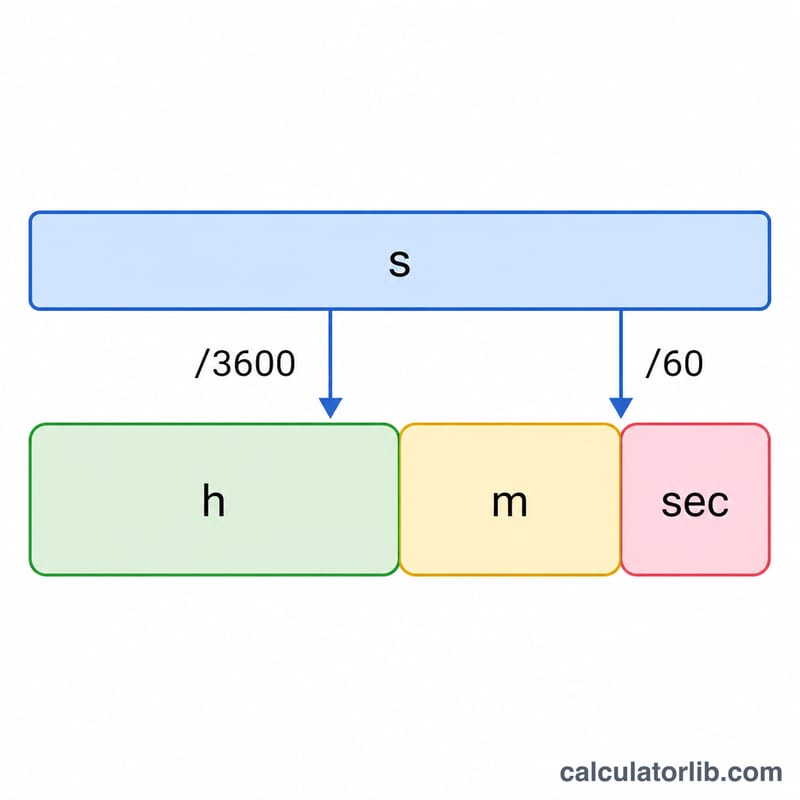
The conversion uses integer division and the modulo (remainder) operator:
$$\begin{gathered} \text{HH:MM:SS} = HH : MM : SS \\[1.5em] \text{where}\quad \left\{ \begin{aligned} HH &= \left\lfloor \frac{\text{Total Seconds}}{3600} \right\rfloor \\ MM &= \left\lfloor \frac{\text{Total Seconds} \bmod 3600}{60} \right\rfloor \\ SS &= \text{Total Seconds} \bmod 60 \end{aligned} \right. \end{gathered}$$- Hours = \(\lfloor s \div 3600 \rfloor\), because one hour is 3600 seconds.
- Minutes = \(\lfloor (s \bmod 3600) \div 60 \rfloor\) — the leftover after removing whole hours, divided into minutes.
- Seconds = \(s \bmod 60\) — whatever remains after removing whole minutes.
Worked example
Take 3661 seconds. Hours = \(\lfloor 3661 \div 3600 \rfloor = 1\). The remainder is \(3661 - 3600 = 61\) seconds. Minutes = \(\lfloor 61 \div 60 \rfloor = 1\). Seconds = \(61 \bmod 60 = 1\). So 3661 seconds = 01:01:01.
FAQ
What if I enter more than a day's worth of seconds? The hours value simply keeps growing — for example 90000 seconds becomes 25:00:00 rather than wrapping to a clock.
Does it handle decimals? The converter rounds down to whole seconds, so fractional input is truncated to the nearest second.
What about negative numbers? Durations cannot be negative, so any negative input is treated as 0 (00:00:00).