
What is the Mbps Calculator?
The Mbps Calculator converts a data transfer rate measured in megabits per second (Mbps) into megabytes per second (MB/s), along with the equivalent rate in Kbps and Gbps. Internet plans and network speeds are almost always advertised in megabits, but file sizes and download managers are measured in megabytes — so this tool bridges the gap and tells you how fast files will actually transfer.
How to use it
Enter your connection or data rate in megabits per second. For example, type 100 for a 100 Mbps internet plan. The calculator instantly shows the equivalent in MB/s (the number you usually see in a download progress bar) plus conversions to Kbps and Gbps.
The formula explained
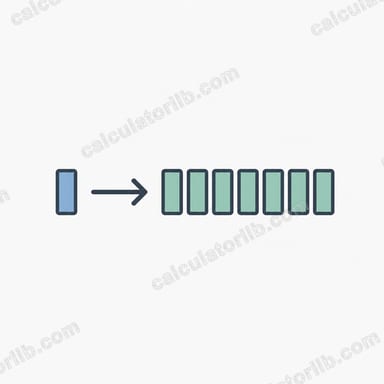
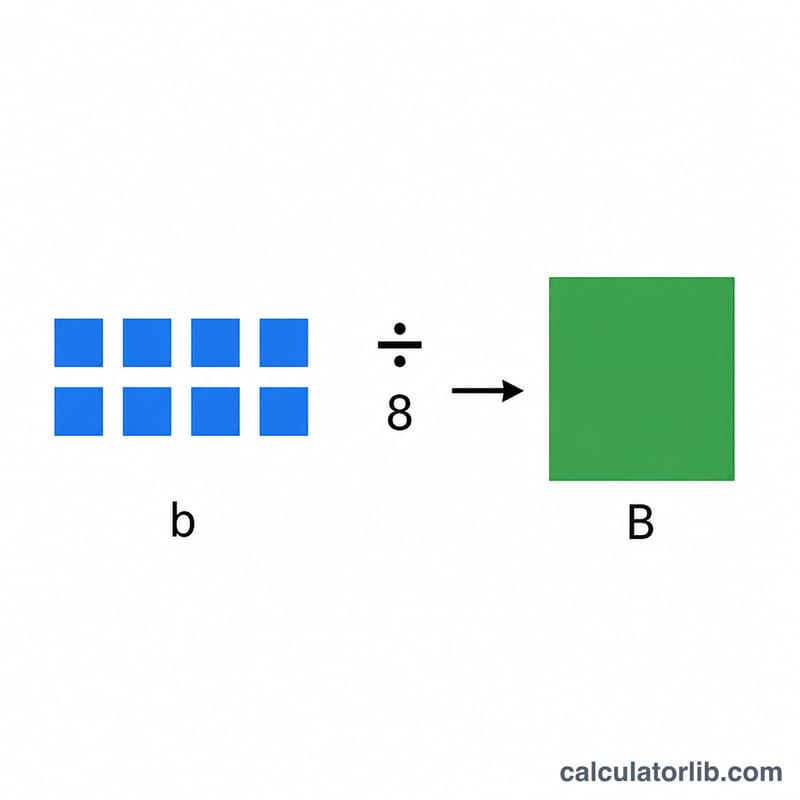
A byte contains 8 bits, so converting from a bit rate to a byte rate simply means dividing by 8:
$$\text{MB/s} = \frac{\text{Mbps}}{8}$$For unit scaling, networking uses decimal (base-1000) multiples: \(1\ \text{Gbps} = 1000\ \text{Mbps}\) and \(1\ \text{Mbps} = 1000\ \text{Kbps}\).
Worked example
Suppose you have a 100 Mbps connection. Dividing by 8 gives $$100 \div 8 = 12.5\ \text{MB/s}.$$ That means a 1,250 MB (1.25 GB) file would take roughly 100 seconds to download at full speed. The same rate equals 100,000 Kbps or 0.1 Gbps.
FAQ
Why is my download speed lower than my Mbps plan? Because download managers show megabytes (MB/s), not megabits. Divide your Mbps by 8 to get the expected MB/s, then subtract a little for network overhead.
Is Mbps the same as MBps? No. Mbps is megabits per second, while MBps (or MB/s) is megabytes per second. They differ by a factor of 8.
Does this use 1000 or 1024? This calculator uses the decimal convention (1 byte = 8 bits, 1 Mbps = 1000 Kbps), which matches how ISPs and networking standards define data rates.