
What is the MB/s to Mbps Converter?
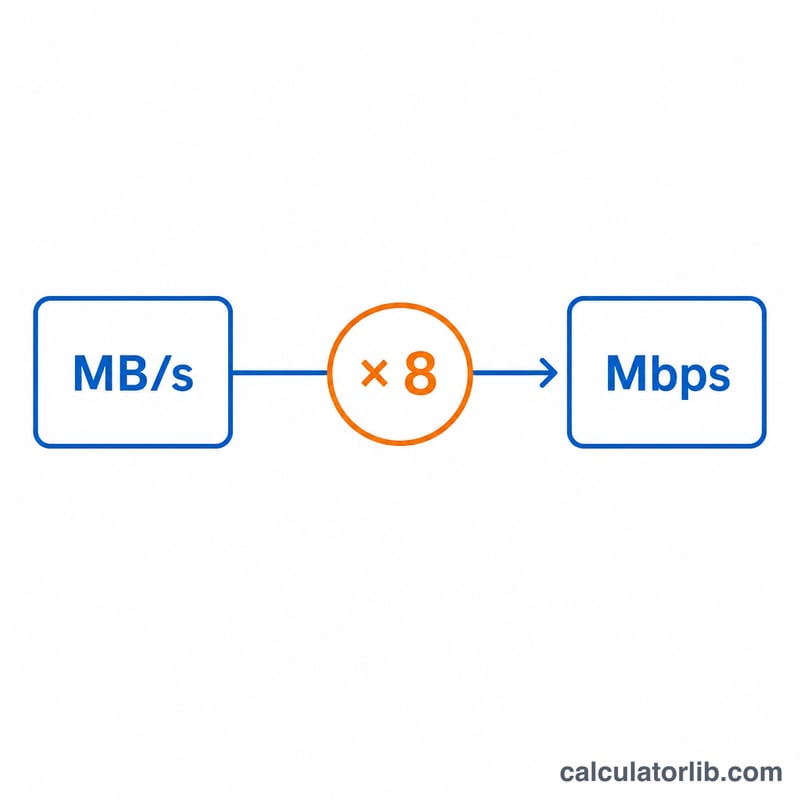
Internet providers usually advertise speeds in megabits per second (Mbps), while download managers, browsers, and apps often report transfer rates in megabytes per second (MB/s). Because there are 8 bits in every byte, the two numbers look very different even though they describe the same connection. This calculator converts MB/s into Mbps so you can compare your real-world download speed against the plan you are paying for.
How to use it
Enter the speed you see in your download tool in megabytes per second (MB/s) and the calculator instantly returns the equivalent in megabits per second (Mbps), along with kilobits per second (kbps) for finer comparisons. Use it to verify whether your "100 Mbps" plan is actually delivering the speed it promises.
The formula explained
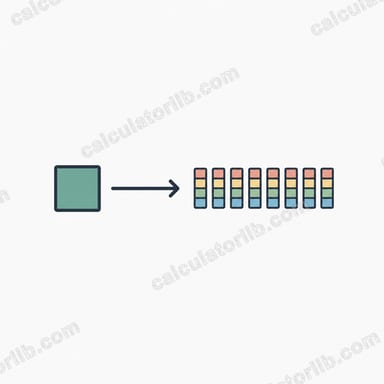
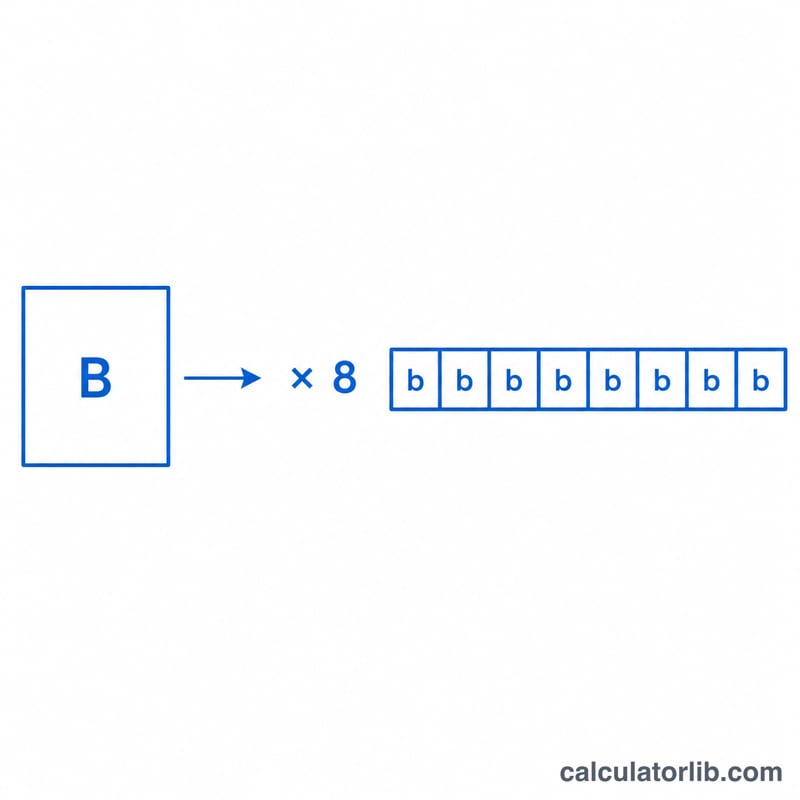
The conversion relies on the fact that 1 byte = 8 bits:
$$\text{Mbps} = \text{MB/s} \times 8$$
So a download running at 10 MB/s is moving data at 80 Mbps. The decimal-based megabit/megabyte definitions used here (1 MB = 1000 KB) match how ISPs and most consumer software label speeds.
Worked example
Suppose your browser shows a file downloading at 12.5 MB/s. Multiply by 8: $$12.5 \times 8 = 100 \text{ Mbps}$$ That means your connection is delivering the full speed of a 100 Mbps plan.
FAQ
Why is Mbps 8 times bigger than MB/s? Because one byte equals eight bits, and the lowercase "b" (bit) is one-eighth of an uppercase "B" (byte).
So is a higher number always faster? Not necessarily — always check the unit. 8 Mbps and 1 MB/s are exactly the same speed.
What does the kbps row show? It expresses the same speed in kilobits per second (\(\text{Mbps} \times 1000\)), useful for slow connections or streaming bitrate comparisons.