
What Is a Sales Tax Calculator?
A sales tax calculator quickly works out how much tax is added to a purchase and what the final, all-in price will be. Sales tax is a percentage levied on the sale of goods and services. Because rates vary widely by country, state, county, and city, this tool lets you enter any rate you like, making it useful anywhere in the world.
How to Use It
Enter the price before tax and the sales tax rate as a percentage. The calculator instantly shows the tax amount and the total price including tax. For example, if your local rate is 8.25%, just type 8.25 in the rate field.
The Formula Explained
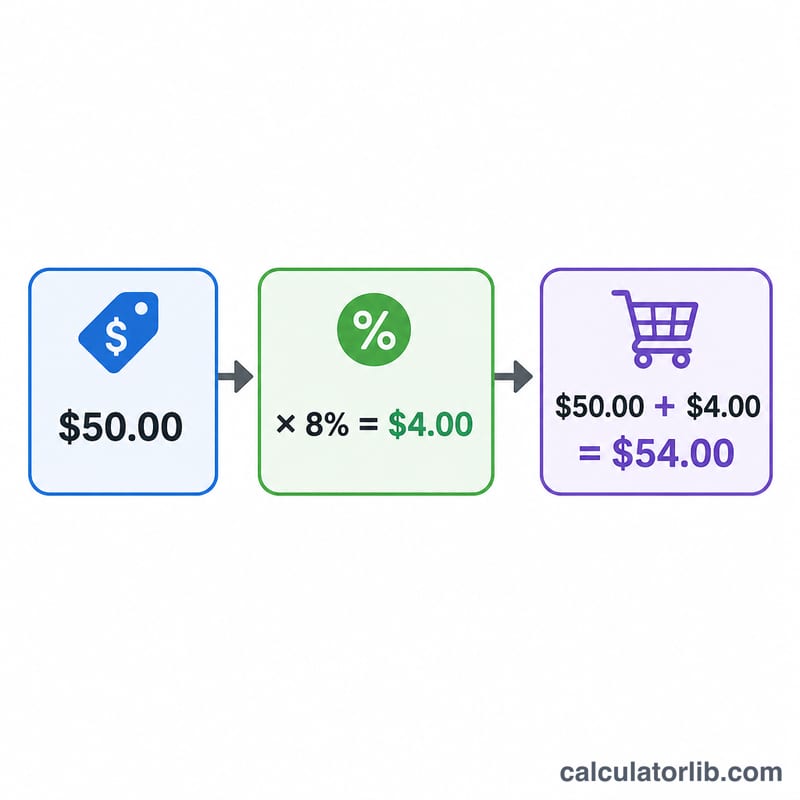
The math is simple. First convert the percentage rate to a decimal by dividing by 100, then multiply by the price:
$$\text{Tax} = \text{Price} \times \frac{\text{Rate}}{100}$$
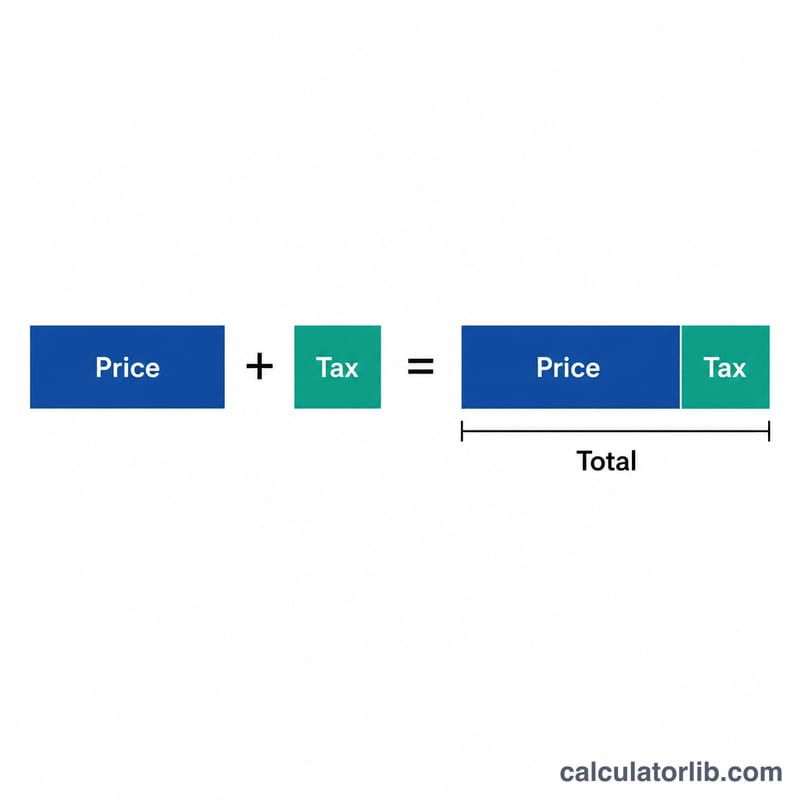
Then add that tax back to the original price to get the total the customer pays:
$$\text{Total} = \text{Price} + \text{Tax}$$
Worked Example
Suppose an item costs $100 and the sales tax rate is 7.5%. The tax is $$100 \times \left(\frac{7.5}{100}\right) = 100 \times 0.075 = \$7.50$$ The total price is $$100 + 7.50 = \$107.50$$ So the customer pays \(\$107.50\), of which \(\$7.50\) goes to tax.
FAQ
Is sales tax included in the displayed price? In the United States, prices are usually shown before tax and the tax is added at checkout. In many other countries, tax (like VAT or GST) is already included in the shelf price.
What rate should I enter? Use the combined rate for your location. In the US this can include state, county, and city taxes added together.
Can I use this for VAT or GST? Yes. The formula is identical — enter the VAT or GST percentage as the rate to find the tax and gross total.