
What is the Sales Tax Calculator?
This calculator works out how much sales tax you pay on a purchase and the final amount due at checkout. You provide the pre-tax price of an item (or basket) and the applicable sales tax rate as a percentage, and it returns the tax amount and the total payment. Because sales tax rates vary widely by country, state, and city, this tool is rate-agnostic — simply enter the rate that applies to you.
How to use it
Enter the price before tax and your local sales tax rate. For example, a combined state-and-local rate of 7.5% should be entered as 7.5. The calculator immediately shows the tax in currency and the grand total you will pay.
The formula explained
The math is straightforward. First convert the percentage rate to a decimal by dividing by 100, then multiply by the price to get the tax: \( \text{Tax} = \text{Price} \times (\text{Rate} \div 100) \). The total you pay is simply the price plus that tax: \( \text{Total} = \text{Price} + \text{Tax} \). This is equivalent to multiplying the price by \( (1 + \text{Rate} \div 100) \):
$$\text{Total} = \text{Price} \times \left(1 + \frac{\text{Tax Rate (\%)}}{100}\right)$$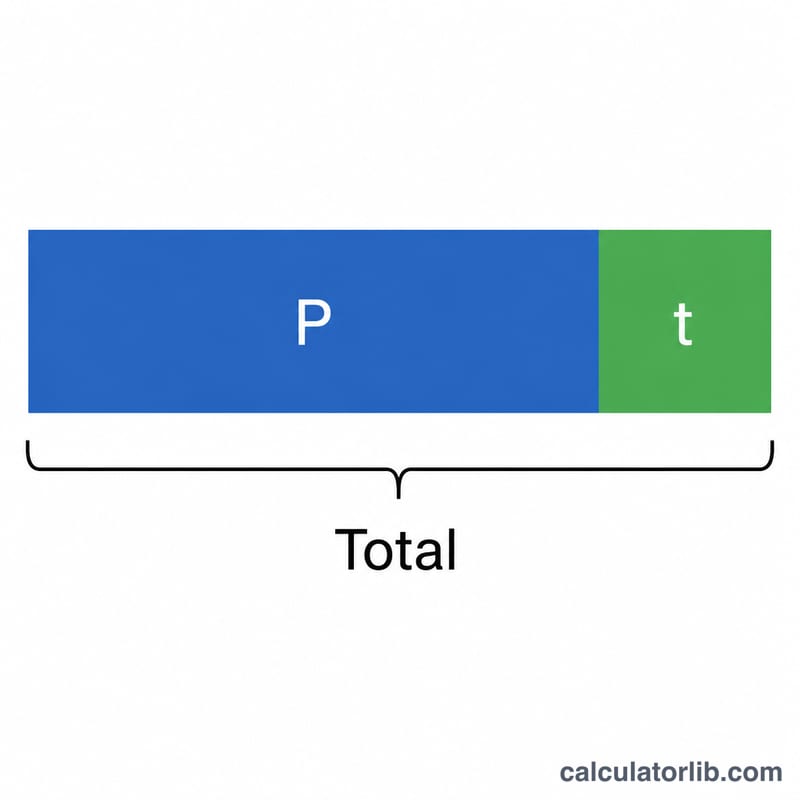
Worked example
Suppose you buy goods priced at $200 with a sales tax rate of 8.25%. The tax is
$$200 \times 0.0825 = \$16.50$$The total payment is
$$200 + 16.50 = \$216.50$$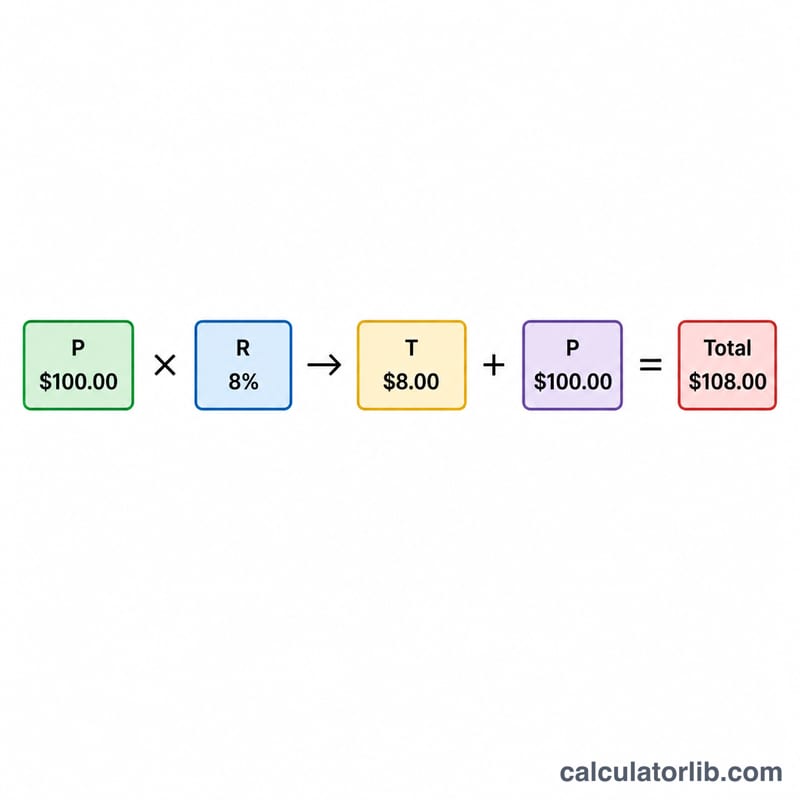
FAQ
Is sales tax the same everywhere? No. Rates differ by jurisdiction and some goods are exempt or taxed at reduced rates. Always use the rate that applies to your location and product.
Does this include VAT or GST? The math is the same for any flat percentage consumption tax, so you can use it for VAT or GST by entering the appropriate rate, as long as the price you enter is the tax-exclusive price.
What if the listed price already includes tax? This tool assumes the price is before tax. To remove tax from a tax-inclusive price, divide it by \( (1 + \text{Rate} \div 100) \) instead.