
What is the Sales Tax Amount Calculator?
This calculator works out how much sales tax you pay on a purchase, plus the final total. You enter the price of an item before tax and your local sales tax rate, and it returns the dollar amount of tax and the grand total you will actually pay at the register.
How to use it
Enter the pre-tax price of the item or order, then enter your sales tax rate as a percentage (for example, type 7.5 for a 7.5% rate). The result shows the tax amount and the total price. Because tax rates differ by state, county and city, use the combined rate that applies at the point of sale.
The formula explained
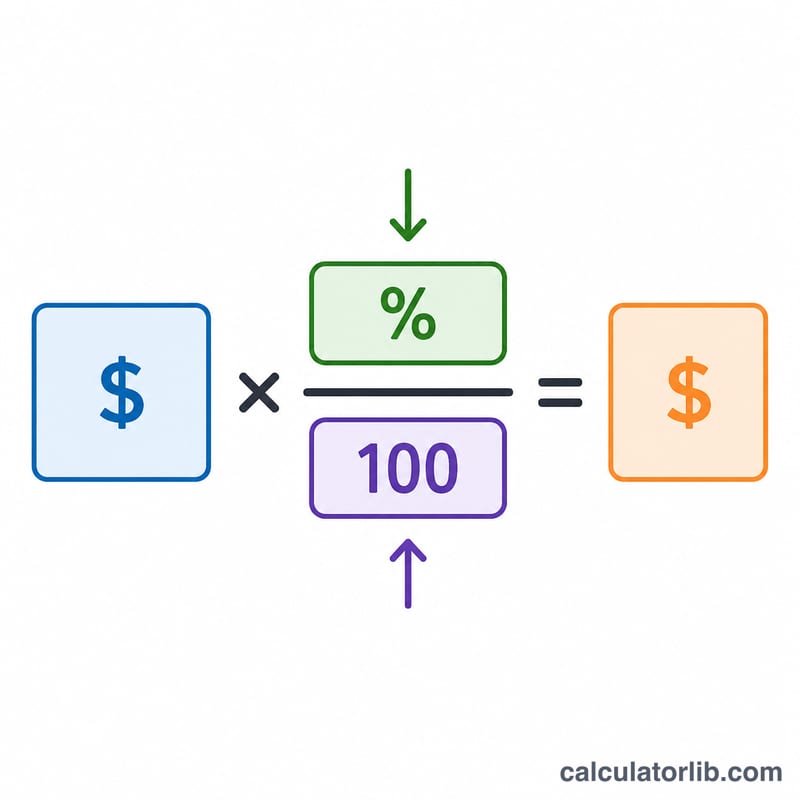
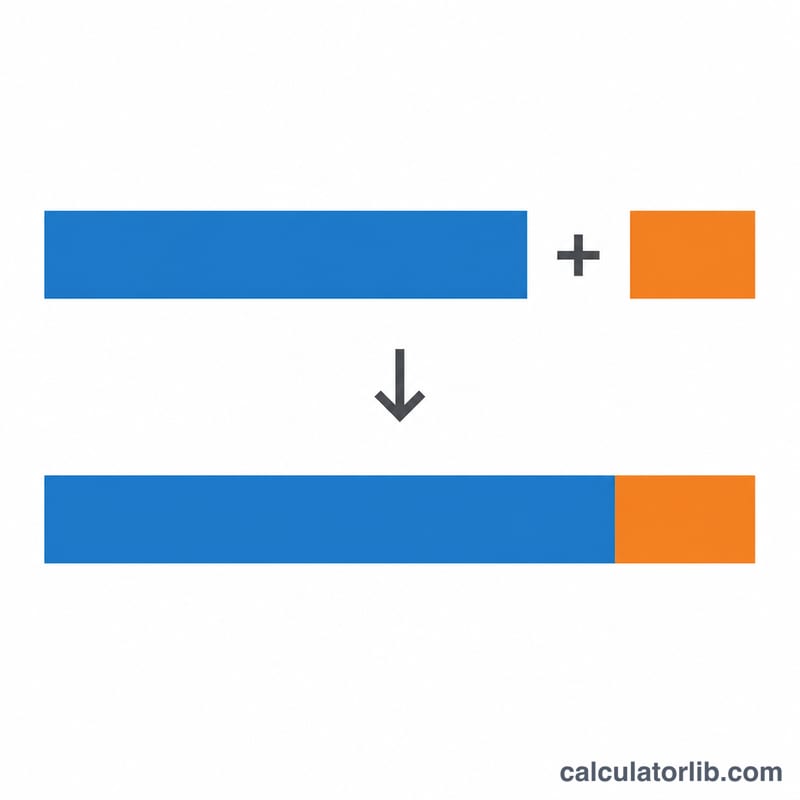
The math is simple: $$\text{Tax} = \text{Price} \times \text{Rate} \div 100$$ Dividing the percentage by 100 converts it into a decimal, so a 7.5% rate becomes 0.075. Multiplying the price by that decimal gives the tax. Adding the tax back to the price gives the total: $$\text{Total} = \text{Price} + \text{Tax}$$
Worked example
Suppose you buy a jacket for $120 in an area with an 8% sales tax. $$\text{Tax} = 120 \times 8 \div 100 = \$9.60$$ The total you pay is \(120 + 9.60 = \$129.60\).
FAQ
Does this work for any country? Yes — the math is universal. Just enter whatever percentage your region uses (sales tax, VAT or GST), though it does not handle tax-inclusive pricing.
What if a price already includes tax? This tool adds tax to a pre-tax price. To remove tax from a tax-inclusive total, divide the total by \((1 + \text{rate}/100)\) to find the base price.
Can I use it for multiple items? Yes — add up the prices of all taxable items first, then enter that combined subtotal.