
What this calculator does
The Sales Tax Percentage Calculator works out how much tax is added to a price and what the final total comes to. Give it any price (the amount before tax) and a tax rate as a percentage, and it returns the tax in currency units plus the grand total you would actually pay.
How to use it
Enter the pre-tax price in the first field and the tax rate (for example 8 for 8%) in the second. The calculator immediately shows the tax amount as the headline figure, with a breakdown showing the original price, the rate applied, and the total including tax. It works for any percentage rate, so it suits sales tax, VAT, GST, or any flat percentage charge.
The formula explained
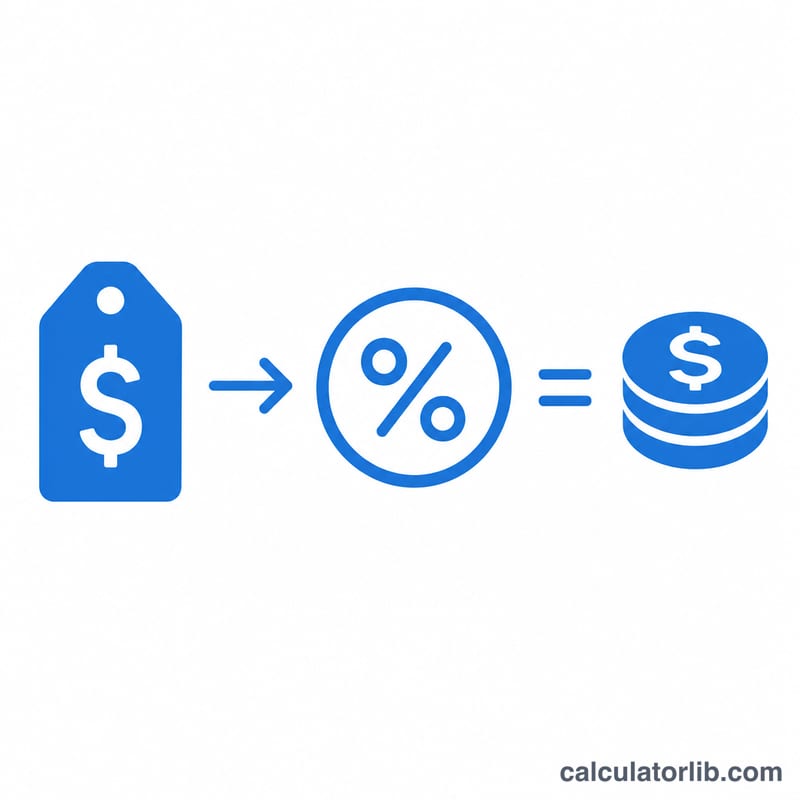
The math is a simple two-step percentage calculation. First, convert the percentage to a decimal by dividing by 100, then multiply by the price to get the tax: $$\text{tax} = \text{price} \times \left(\frac{\text{taxRate}}{100}\right)$$. Second, add that tax back to the price to get the amount due: $$\text{total} = \text{price} + \text{tax}$$. Because the rate is expressed out of 100, an 8% rate becomes \(0.08\) before multiplying.
Worked example
Suppose an item costs $100 and the sales tax rate is 8%. The tax is $$100 \times \left(\frac{8}{100}\right) = 100 \times 0.08 = \$8.$$ The total you pay is $$100 + 8 = \$108.$$ If the rate were 7.25% instead, the tax would be \(100 \times 0.0725 = \$7.25\), for a total of \(\$107.25\).
FAQ
Does this give the price before or after tax? You enter the price before tax; the calculator shows the tax to add and the after-tax total.
Can I use decimal tax rates? Yes — rates like 7.25% or 5.5% work fine; just type the number with its decimal.
Is this tied to a specific country? No. It is a general percentage tool, so it works for US sales tax, VAT, GST, or any flat percentage charge in any currency.