What Is a Commission Percentage Calculator?
A commission percentage calculator works out how much money you earn on a sale when your pay is based on a percentage of the sale value. It is a universal tool used by salespeople, real estate agents, brokers, freelancers, and anyone paid on a commission basis. Enter the total sale amount and your agreed commission rate, and the calculator returns your commission earnings along with the net amount that remains after commission.
How to Use It
Type the sale amount in dollars and your commission rate as a percentage. The calculator multiplies the two to show your earnings instantly. There are no hidden fees, taxes, or tiers built in — it gives a clean, single-rate result you can use as a baseline before any deductions.
The Formula Explained
The math is straightforward:
$$\text{Commission} = \text{Sale Amount} \times \frac{\text{Rate}}{100}$$
Dividing the rate by 100 converts the percentage into a decimal. For example, a 5% rate becomes \(0.05\). Multiplying that decimal by the sale amount gives the commission. The net amount is simply the sale amount minus the commission.
Worked Example
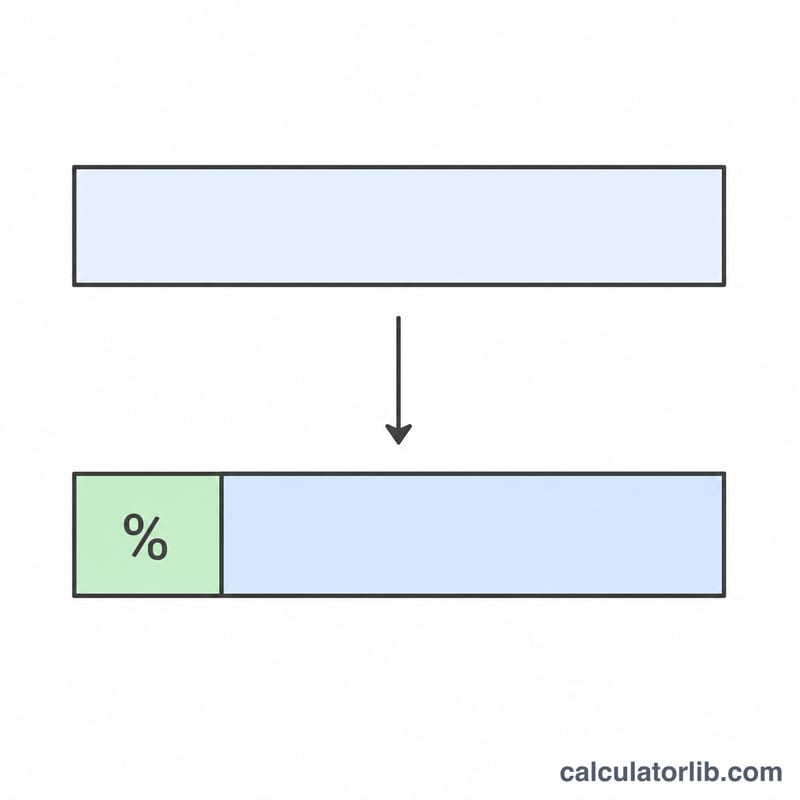
Suppose you close a sale of $2,500 at a 6% commission rate. The calculation is $$2{,}500 \times \left(\frac{6}{100}\right) = 2{,}500 \times 0.06 = \$150$$ The net amount after commission would be \(2{,}500 - 150 = \$2{,}350\).
Commission Across Different Sale Amounts and Rates
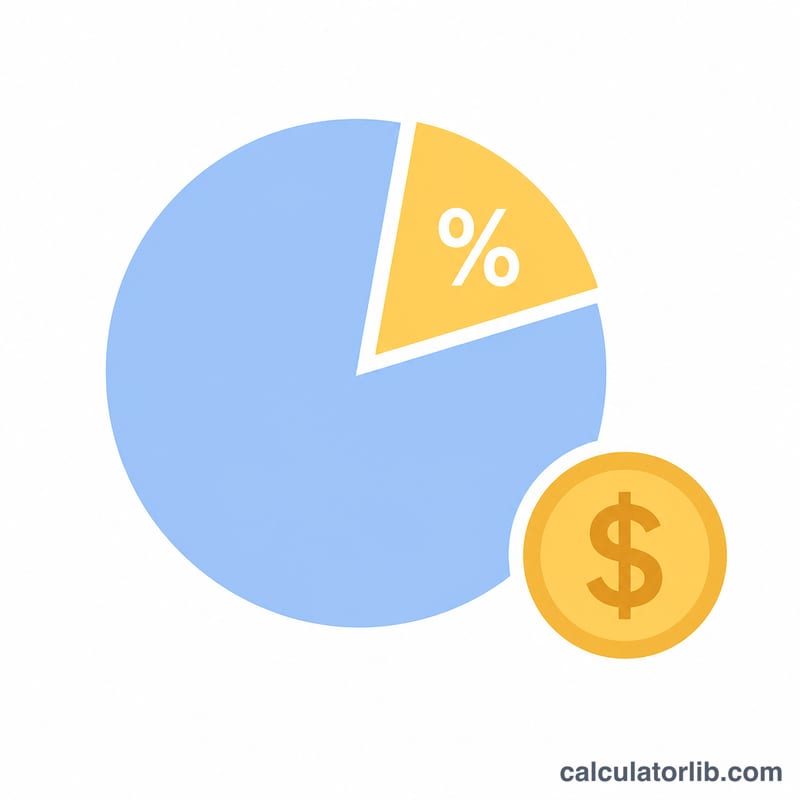
Commission is calculated as \(\text{Commission} = \text{Sale Amount} \times \frac{\text{Rate}}{100}\). The net amount after commission is the sale amount minus the commission. The table below shows five example scenarios.
| Sale Amount | Commission Rate | Commission Earned | Net Amount After Commission |
|---|---|---|---|
| $1,000 | 3% | $30 | $970 |
| $5,000 | 5% | $250 | $4,750 |
| $10,000 | 7% | $700 | $9,300 |
| $250,000 (real estate style) | 2.5% | $6,250 | $243,750 |
| $50,000 | 10% | $5,000 | $45,000 |
Worked example: a $5,000 sale at 5% gives \(5{,}000 \times \frac{5}{100} = 250\), so the commission is $250 and the net amount is \(5{,}000 - 250 = 4{,}750\).
Note: "net amount" here means the sale amount left after the commission is subtracted. It is not the salesperson's take-home pay after taxes or other deductions.
Typical Commission Rates by Industry
The ranges below are approximate, commonly cited general figures. Actual rates vary by employer, region, product, and individual contract, and they are not guaranteed.
| Role / Industry | Approximate Commonly Cited Range | Notes |
|---|---|---|
| Real estate agents | About 2–3% per side; often 5–6% total | The total is usually split between the buyer's and seller's sides, and then between agent and brokerage. |
| Retail sales | About 1–10% | Often paid on top of a base wage; higher rates are more common for high-ticket items. |
| Insurance | Varies widely | Depends on policy type, and first-year and renewal commissions are often different. |
| Automotive sales | About 20–30% of gross profit | Usually based on dealer profit on the vehicle, not the sticker price. |
| Software / B2B sales | About 5–10% of contract value | Often tied to quotas, annual contract value, and accelerators. |
Always check your own contract or compensation plan for the exact rate, the base it applies to, and when it is paid.
Commission Terms Explained
- Sale amount
- The total value of the sale on which commission is calculated, such as the price of a home, a car, or a contract.
- Commission rate
- The percentage of the sale amount (or of profit) paid to the salesperson or agent.
- Gross commission
- The total commission earned before any splits, fees, taxes, or other deductions.
- Net amount after commission
- The sale amount minus the commission, which is what remains for the seller or business after paying the commission.
- Flat rate
- A single commission percentage applied to every sale, regardless of volume. For example, 5% on all sales.
- Tiered commission
- A structure where the rate changes as sales reach certain thresholds. For example, 3% on the first $10,000 and 5% on amounts above that.
- Draw
- An advance payment against future commissions. Depending on the plan, it may be recoverable (repaid from later earnings) or non-recoverable.
- Commission on profit vs. on revenue
- Revenue-based commission is a percentage of the total sale price. Profit-based commission is a percentage of what remains after costs, so the rate is usually higher but the base is smaller.
FAQ
Does this include tax? No. The result is gross commission before any income tax or other deductions.
Can I use it for tiered commissions? This tool applies a single flat rate. For tiered structures, calculate each tier separately and add the results.
What if commission is based on profit, not sale price? Simply enter the profit figure as the "sale amount" and your rate to get commission on profit.