
What Is a Sales Commission Calculator?
A sales commission calculator works out how much a salesperson earns from a transaction based on the value of the sale and an agreed commission rate. Commission-based pay is common in real estate, automotive, retail, insurance, and B2B sales, where reps are rewarded as a percentage of the revenue they generate. This tool gives you an instant figure for the commission earned plus the net amount retained by the company.
How to Use It
Enter the total Sale Amount in dollars and the Commission Rate as a percentage. The calculator multiplies the two to show your commission and subtracts it from the sale to show the company's net. Change either value to instantly compare scenarios — useful when negotiating a rate or forecasting earnings on a pipeline of deals.
The Formula Explained
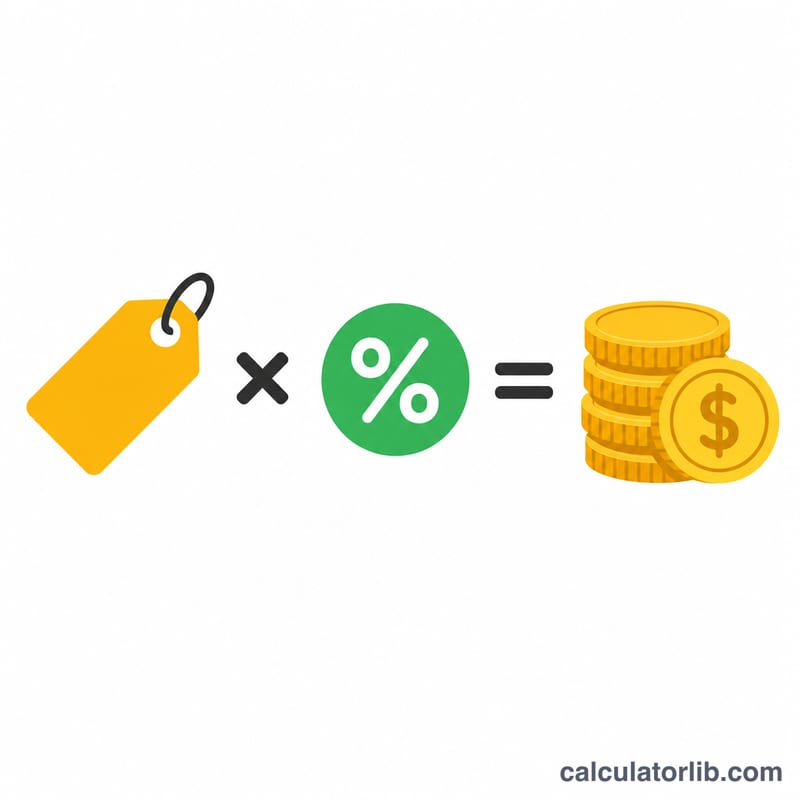
The core formula is simple: $$\text{Commission} = \text{Sale Amount} \times \frac{\text{Rate}}{100}$$ The rate is divided by 100 to convert the percentage into a decimal. For example, a 5% rate becomes \(0.05\). The net to the company is then the sale amount minus the commission.
Worked Example
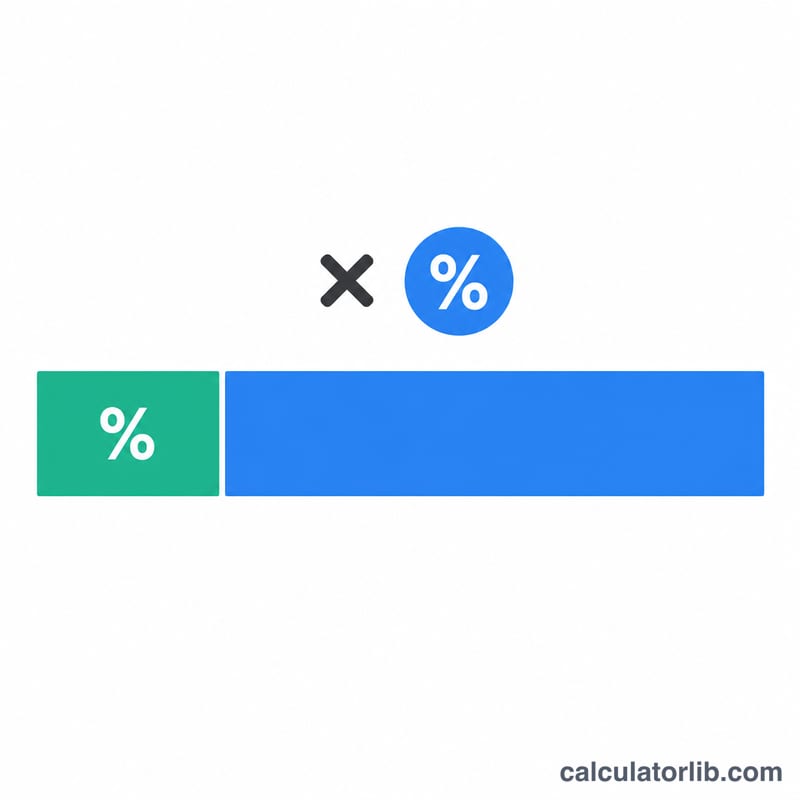
Suppose you close a deal worth $10,000 at a 5% commission rate. $$\text{Commission} = 10{,}000 \times \frac{5}{100} = 10{,}000 \times 0.05 = \$500$$ The company keeps $$10{,}000 - 500 = \$9{,}500$$
FAQ
What if I have a tiered or capped commission structure? This calculator handles a single flat rate. For tiered plans, apply each rate to its corresponding sales band separately and add the results.
Does this include taxes? No. The figure shown is gross commission before any income tax or deductions, which vary by jurisdiction.
Can I use it for a draw against commission? Calculate the gross commission here, then subtract any draw or advance you've already received to find what's still owed.