
What is the Sales Tax Calculator?
This is a flexible sales-tax tool that solves the standard linear sales-tax relationship for whatever you are missing: the price before tax, the total after tax, the tax amount, or the effective tax rate. The arithmetic is universal, but sales tax is most commonly applied in the United States, where rates vary by state, county, and city. You supply your own local rate.
How to use it
Pick what you want to find from the Find selector. In "Total after Tax" mode (the default), enter the price before tax and a rate such as 6.5%, and you get the tax amount and total. In "Price before Tax" mode, enter the total you paid and the rate to recover the original sticker price. "Price and Total" reconstructs both from a known tax amount plus a rate. The Tax unit dropdown lets you supply the tax as a percent or as an absolute dollar amount.
The formula explained
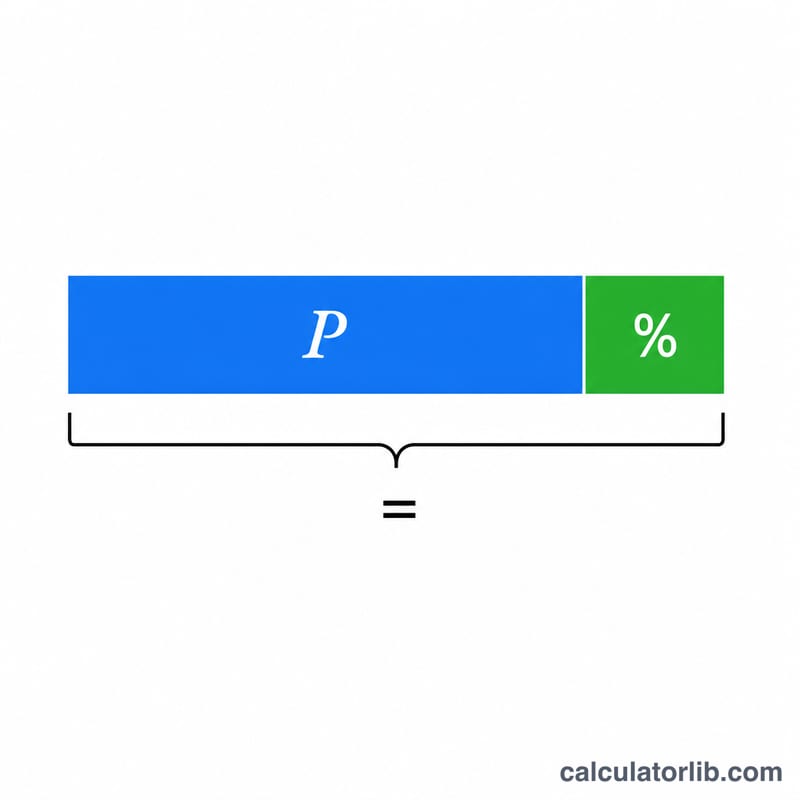
Everything follows from three identities. The tax amount equals the price times the rate as a decimal: \(\text{taxAmount} = \text{price} \times \frac{\text{rate}}{100}\). The total is the price plus the tax:
Rearranging gives the price from a total:
$$\text{price} = \frac{\text{total}}{1 + \frac{\text{rate}}{100}}$$The effective rate from a known tax amount is \(\frac{\text{taxAmount}}{\text{price}} \times 100\).
Worked example
A $70 item with a 6.5% sales tax: the decimal rate is 0.065, so the tax is
$$70 \times 0.065 = \$4.55$$and the total is
$$70 + 4.55 = \$74.55$$Reverse it: a $74.55 receipt at 6.5% gives a price of
$$\frac{74.55}{1.065} = \$70.00,$$confirming a $4.55 tax.
FAQ
Does this include income or VAT? No — this models simple add-on sales tax. VAT is conceptually similar but reported differently.
Can I use a non-whole rate? Yes, rates like 8.25% or 6.5% are fully supported and computed at full precision.
Why is my price invalid? If the tax amount you entered is greater than or equal to the total, the recovered pre-tax price would be zero or negative, which is impossible, so the tool flags it.