
What Is a Sales Tax Calculator?
A sales tax calculator turns a list price and a tax rate into the exact tax amount and the final total you pay at checkout. It is the everyday algebra behind any receipt: a percentage of the price is added on top. This tool works for any jurisdiction — just enter the local combined rate (state + county + city, where applicable).
How to Use It
Enter the Price (the pre-tax amount) and the Sales Tax Rate as a percentage. For example, a 7.5% rate is entered as 7.5. Click calculate and you will see the tax amount, the original net price, and the grand total. Use it to verify receipts, set retail prices, or budget for a purchase.
The Formula Explained
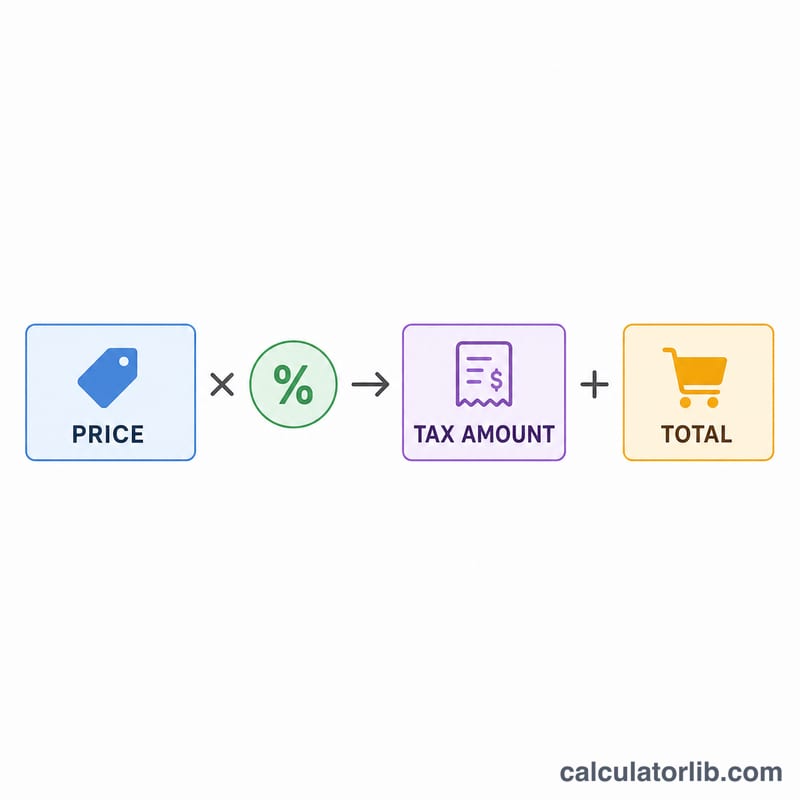
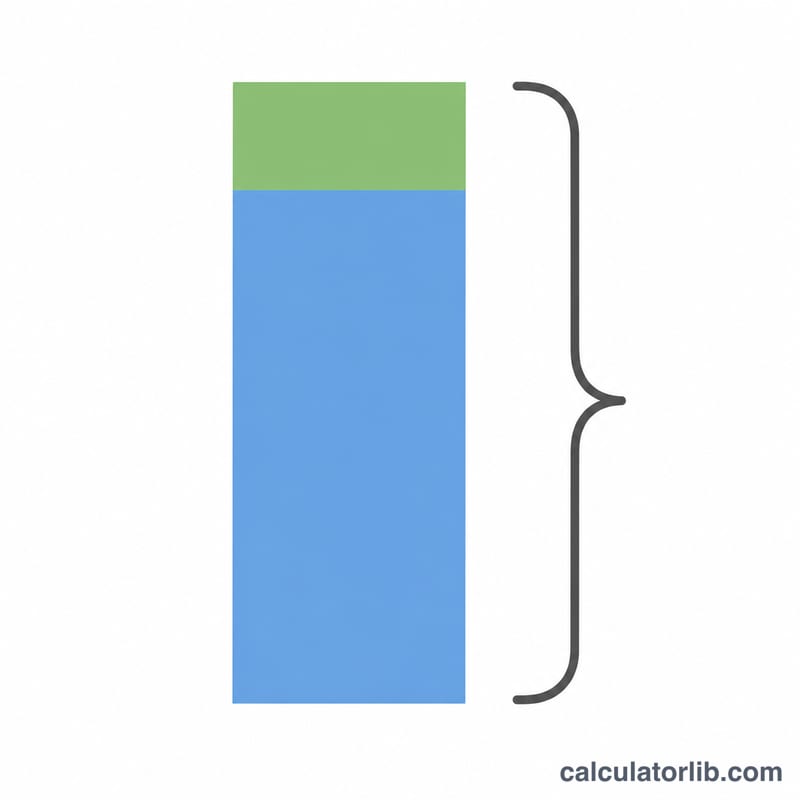
The math is simple proportional reasoning. First convert the percentage to a decimal by dividing by 100, then multiply by the price: $$\text{Tax} = \text{Price} \times \frac{\text{Rate}}{100}$$. Finally add the tax back to the price: $$\text{Total} = \text{Price} + \text{Tax}$$. Because both steps are linear, doubling the price doubles the tax, and a 0% rate leaves the total unchanged.
Worked Example
Suppose an item costs $100 and the sales tax rate is 7.5%. The tax is $$100 \times 7.5 \div 100 = \$7.50$$ The total price is $$100 + 7.50 = \$107.50$$ If the rate were 10%, the tax would be \(\$10\) and the total \(\$110\).
FAQ
Does this include the price in the rate? No — enter the pre-tax (net) price; the tool adds the tax on top.
What rate should I use? Use your local combined sales tax rate, which may bundle state, county, and city taxes.
Can I reverse it to find the pre-tax price? This version adds tax to a known price. To go backward, divide the total by \(\left(1 + \frac{\text{rate}}{100}\right)\).