
What this calculator does
This rounding calculator takes any number and rounds it to the nearest place value you choose — the nearest 10, 100, 1000, whole number, tenth, or hundredth. It is useful for estimating, simplifying figures in reports, sanity-checking math homework, and quickly tidying messy decimals.
How to use it
Type the number you want to round into the first box. Then pick the place value you want to round to from the dropdown. The result shows the rounded value, your original number, the place value used, and the difference so you can see exactly how much the number moved.
The formula explained
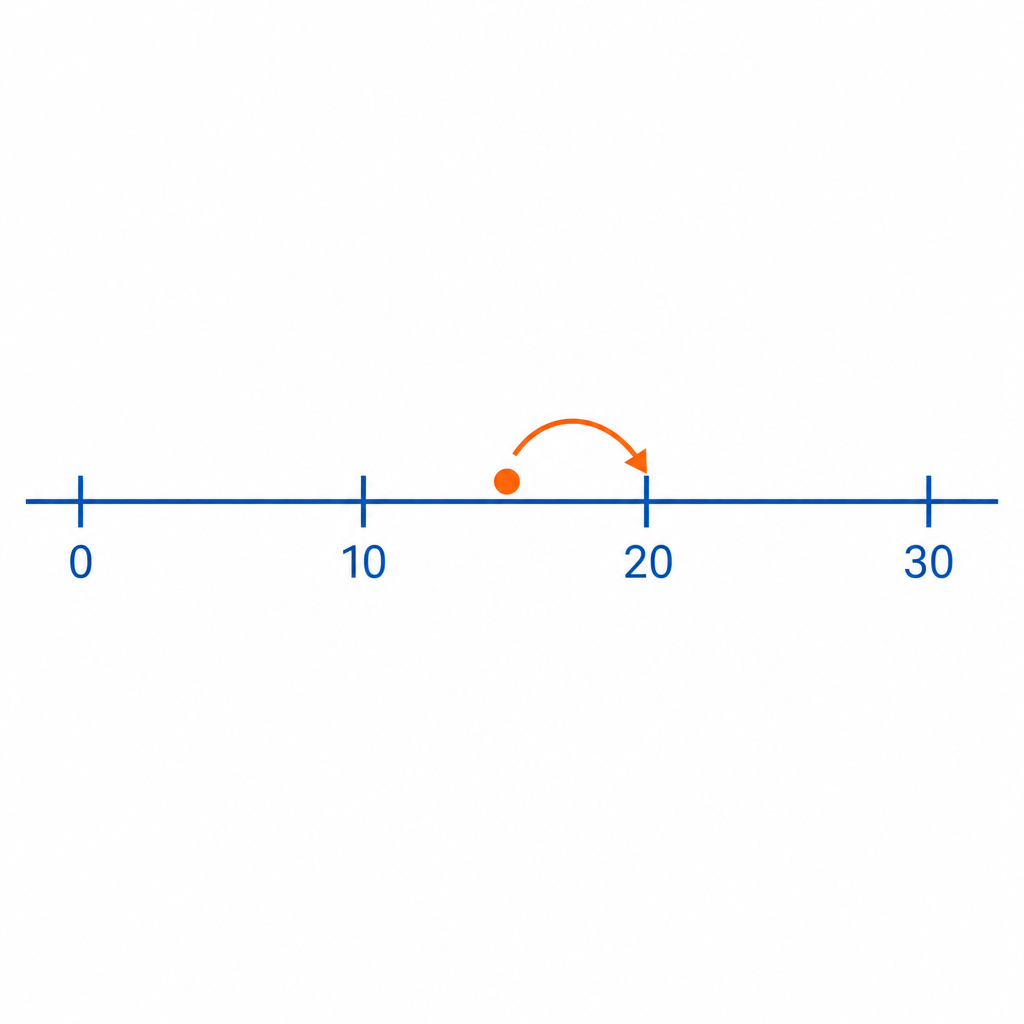
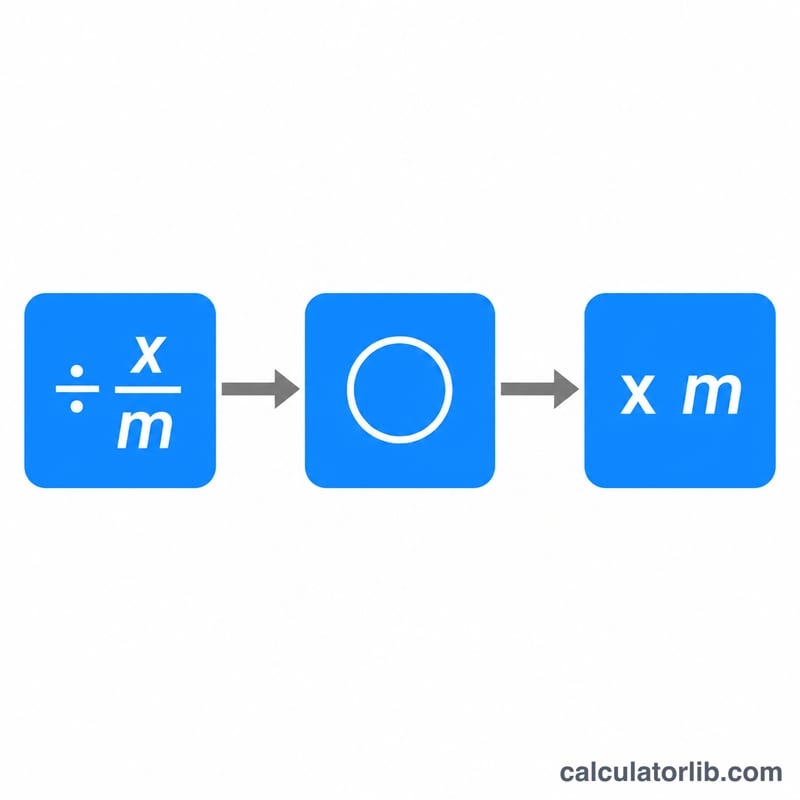
Rounding to a place value m uses the formula $$\text{rounded} = \text{round}\!\left(\frac{x}{m}\right) \times m$$ You scale the number down by dividing by the place value, round that to the nearest integer, then scale it back up by multiplying. This calculator uses standard "round half up" behavior, so a value exactly halfway between two steps rounds to the larger one.
Worked example
Round 1234.56 to the nearest 10. Divide: \(1234.56 / 10 = 123.456\). Round to nearest whole number: \(123\). Multiply back: $$123 \times 10 = 1230$$ The difference from the original is \(1230 - 1234.56 = -4.56\).
FAQ
How is 5 rounded? A digit of exactly 5 at the rounding position rounds up (half-up). For example 25 to the nearest 10 becomes 30.
Can I round decimals? Yes — choose 0.1 to round to the nearest tenth or 0.01 for the nearest hundredth.
What does the difference mean? It is the rounded value minus the original, showing whether rounding pushed the number up (positive) or down (negative).