
What this calculator does
The Round to Nearest Multiple Calculator rounds any number to the closest multiple of a step you choose — a nickel (0.05), a quarter (0.25), a cent (0.01), or whole units like 5, 10, or 100. It is the equivalent of the spreadsheet MROUND(value, multiple) function and is handy for pricing, currency rounding, time blocks, and measurement snapping.
How to use it
Enter the number you want to round in the Round field, then enter the step in the To Nearest field. For example, to round $76.525 to the nearest nickel, enter 76.525 and 0.05. The calculator returns the rounded answer, the multiples that bracket your value, and a plain-language summary. Use the same sign for both numbers; for convenience this tool treats the multiple by its magnitude so a positive step still works on negative values.
The formula explained
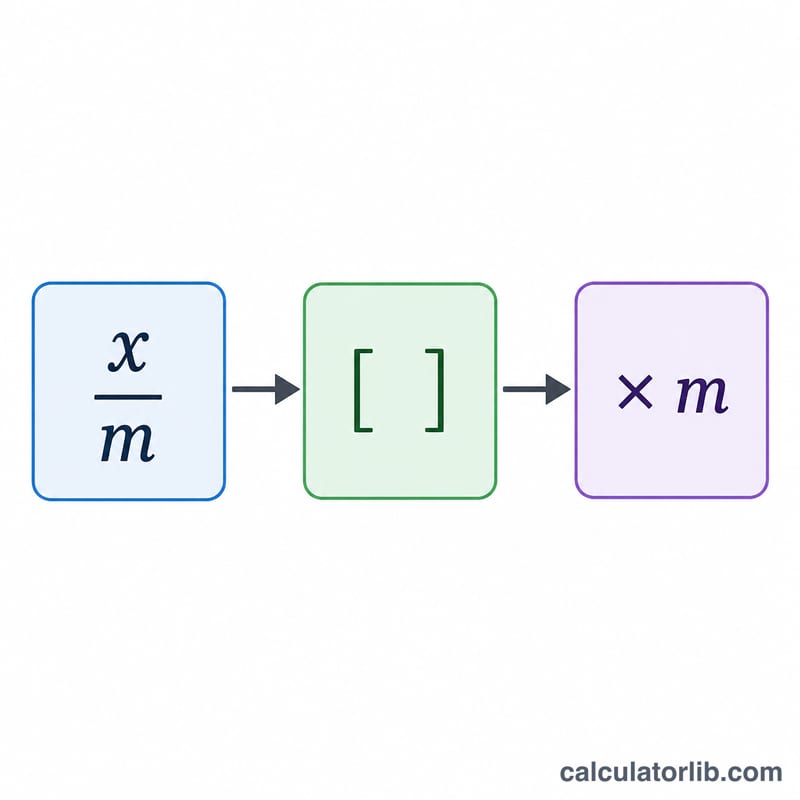
The rule is simple: divide the value by the multiple, round the quotient to the nearest whole number using round half away from zero (ties go to the larger magnitude), then multiply back by the multiple. To avoid binary floating-point glitches — for instance 76.525 / 0.05 stored as 1530.4999999 instead of 1530.5 — the calculator cleans the quotient to about 12 significant figures and trims the final result to the decimal places implied by the multiple.
$$\text{Result} = \text{Multiple} \times \left\lfloor \frac{\text{Value}}{\text{Multiple}} + 0.5 \right\rfloor$$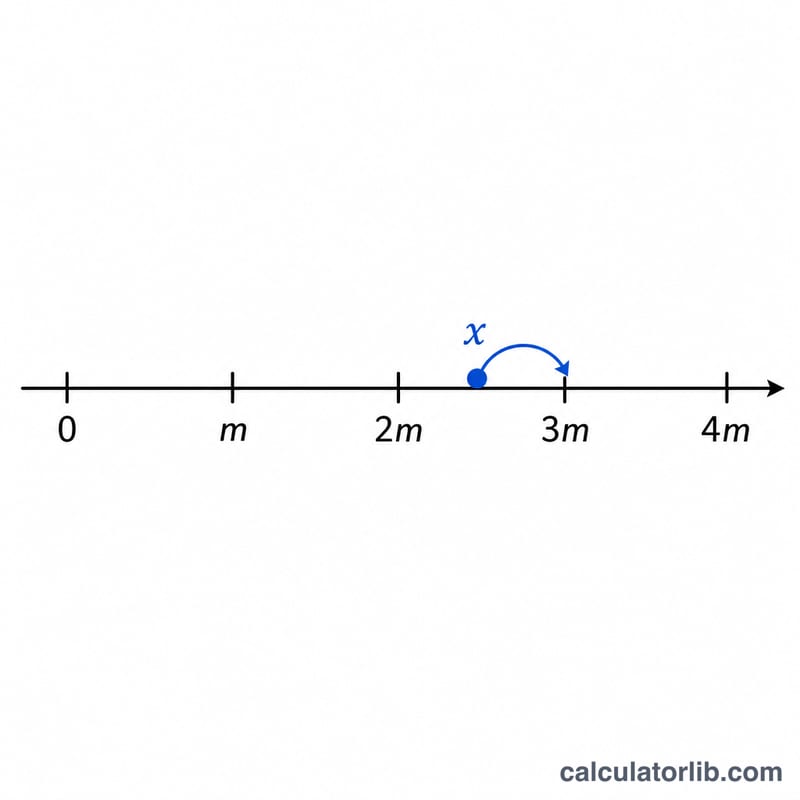
Worked example
Round 76.525 to the nearest 0.05. Compute q = 76.525 / 0.05 = 1530.5. Rounding half away from zero gives 1531. Multiply:
$$1531 \times 0.05 = \mathbf{76.55}$$The bracketing multiples are 76.50 (below) and 76.55 (above), with 76.45 shown for extra context.
FAQ
What happens with negative numbers? Rounding is symmetric: -76.525 to the nearest 0.05 rounds to -76.55 (half away from zero).
Why is my answer different from a naive calculation? Floating-point storage can make an exact .5 tie look slightly smaller. This tool repairs that so true ties round up consistently.
What if I enter 0 as the multiple? That would divide by zero, so the calculator returns a message asking for a non-zero multiple.