
What this calculator does
This tool applies to the United States, where sales tax is charged by most states and many local jurisdictions. Rates vary widely by state, county, and city, so the calculator does not look rates up automatically — you enter each rate yourself. (You can look up current rates from sources such as the Tax Foundation.) Given a pre-tax price and up to three tax rates — state sales tax, use tax, and local sales tax — it computes each tax amount and the grand total price including all taxes.
How to use it
Enter the Price before Tax in dollars. Then enter each applicable rate as a whole percentage number (type 5.75 to mean 5.75%, not 0.0575). Leave any tax you do not need blank or set it to 0. The calculator returns each tax amount and the total price.
The formula
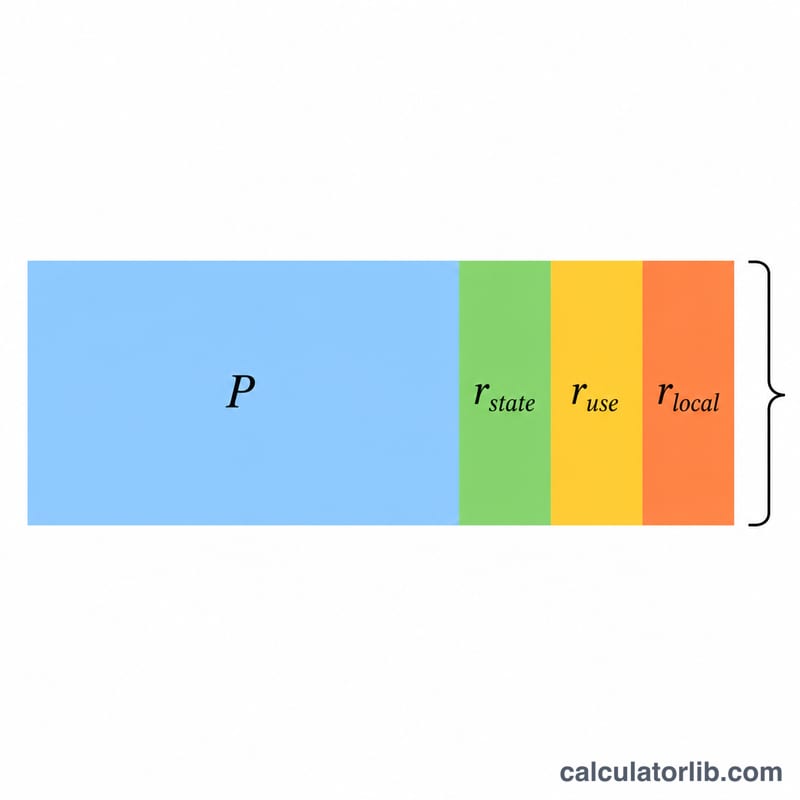
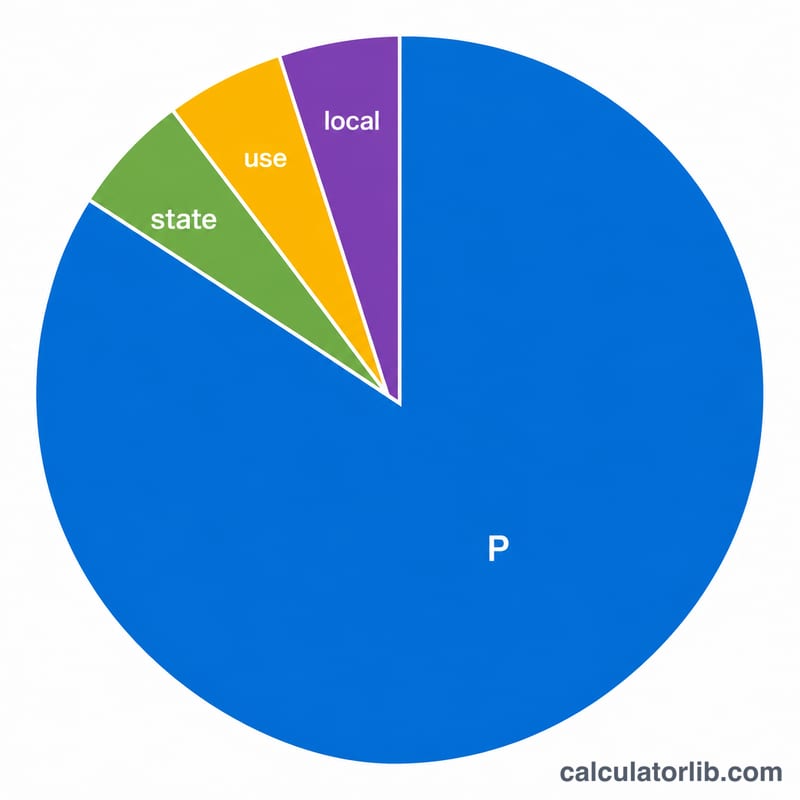
Each rate is converted to a fraction by dividing by 100, then multiplied by the price. Importantly, every tax is computed on the original pre-tax price — taxes are not stacked on top of each other:
$$\text{Total} = P \times \left(1 + \frac{r_{state}}{100} + \frac{r_{use}}{100} + \frac{r_{local}}{100}\right)$$
Worked example
Price = $45.00, State = 5.75%, Use = 1.5%, Local = 1.5%.
- State tax = \(45.00 \times 0.0575 = 2.5875 \rightarrow \$2.59\)
- Use tax = \(45.00 \times 0.015 = 0.675 \rightarrow \$0.68\)
- Local tax = \(45.00 \times 0.015 = 0.675 \rightarrow \$0.68\)
- Total tax = $3.95
- Total price = \(45.00 + 3.95 =\) $48.95
FAQ
Are the taxes compounded? No. Each tax is calculated on the pre-tax price, so the combined rate is simply the sum of the three rates (here 8.75%).
What if my area only has one tax? Fill in just that rate and leave the others blank or 0.
Does this fetch live tax rates? No. You must enter the current rates for your jurisdiction yourself.