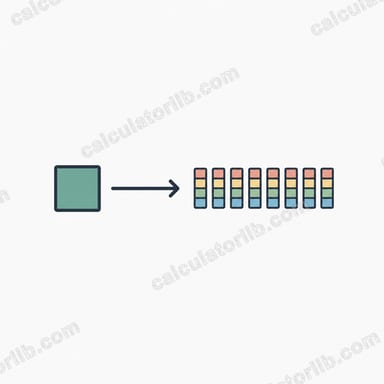

What is the MB/s to Mbps Converter?
This tool converts a data transfer rate measured in megabytes per second (MB/s) into megabits per second (Mbps). The two units are frequently confused because they differ only by a capital "B" (byte) versus a lowercase "b" (bit), yet they differ in value by a factor of 8. File managers and download tools usually report MB/s, while internet plans and network equipment are advertised in Mbps.
How to use it
Enter the speed you see in your download manager or file transfer in the MB/s field and the calculator instantly shows the equivalent in Mbps. This is handy for checking whether your real-world download speed matches the broadband plan your provider advertises.
The formula explained
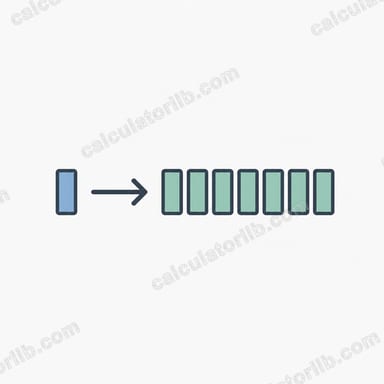
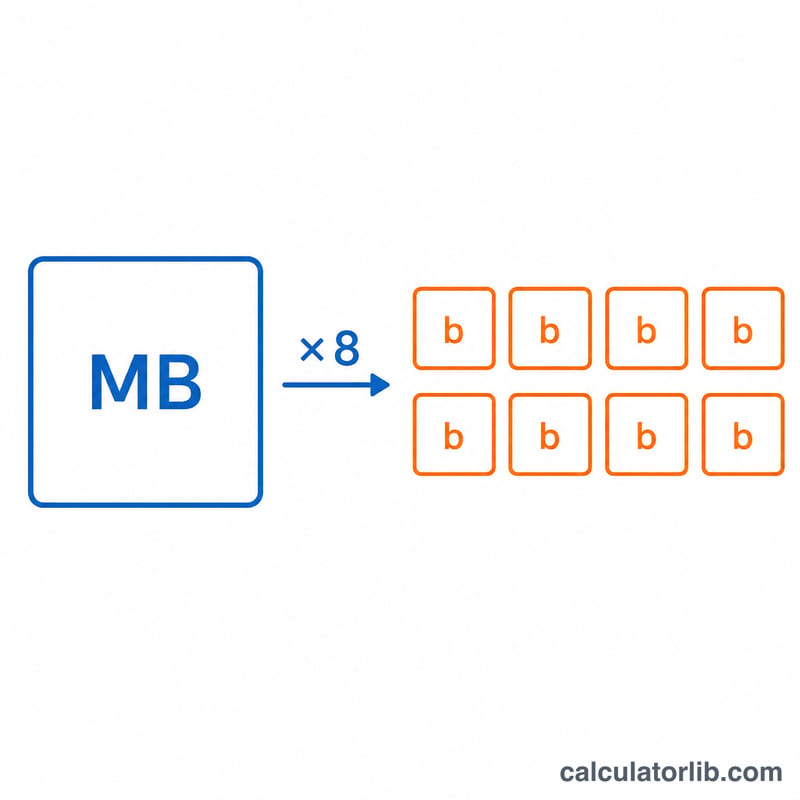
One byte equals 8 bits. Because "mega" means the same scale in both units, the conversion is simply:
$$\text{Mbps} = \text{MB/s} \times 8$$
For example, a download running at 12.5 MB/s is using \(12.5 \times 8 = 100\) Mbps of bandwidth.
Worked example
Suppose your browser shows a file downloading at 25 MB/s. Multiply by 8: \(25 \times 8 = 200\) Mbps. That means you are pulling 200 megabits of data per second from the network.
FAQ
Why is my 100 Mbps plan only giving 12.5 MB/s? That is expected — \(100 \div 8 = 12.5\) MB/s. Your speeds are correct; the units are just different.
Is this the same as MiB or Mib? No. This converter uses decimal mega (\(10^6\)) for both units, which is the standard for networking. Binary mebibytes (MiB) are a different base-1024 unit.
Does overhead affect the result? This is the theoretical conversion. Real throughput is slightly lower due to protocol overhead, but the 8× relationship between bytes and bits always holds.