
What is the Mbps to Kbps Converter?
This converter changes a data rate expressed in megabits per second (Mbps) into kilobits per second (Kbps). Internet speeds, download rates, and streaming bitrates are often quoted in Mbps, but networking tools, routers, and bandwidth caps sometimes report values in Kbps. Converting between the two makes it easy to compare numbers from different sources.
How to use it
Type the speed in Mbps into the input box and the calculator instantly displays the equivalent in Kbps. For example, a 50 Mbps broadband connection equals 50,000 Kbps. Decimal values such as 2.5 Mbps are fully supported.
The formula explained
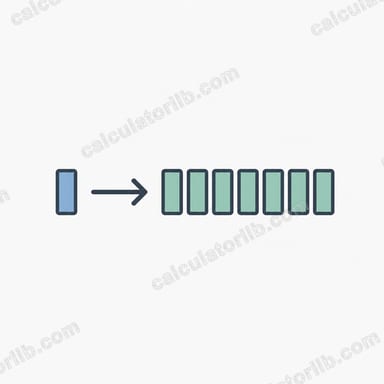
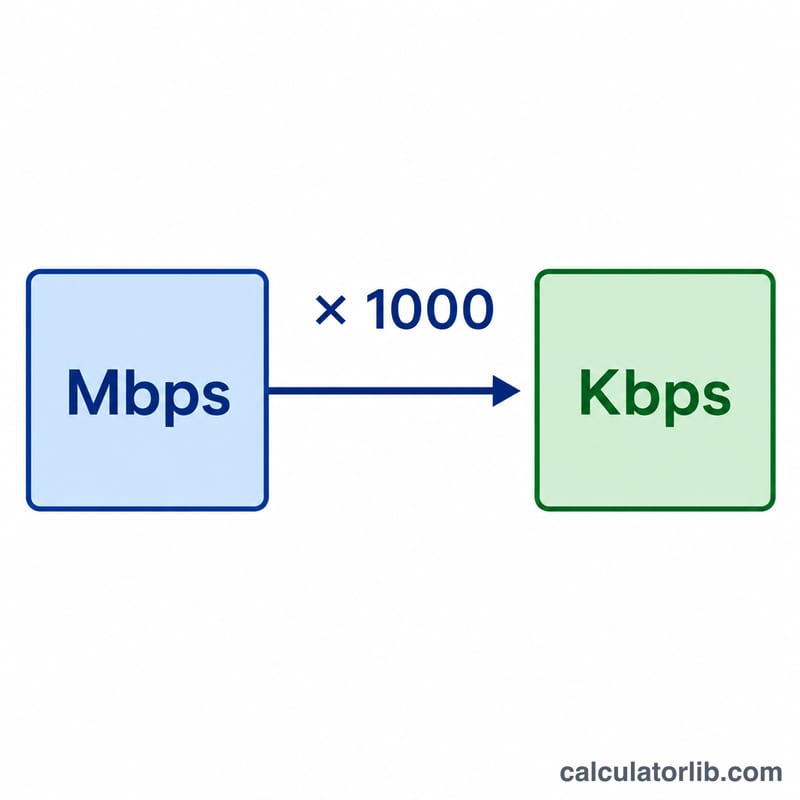
The conversion uses the standard decimal (SI) definition where 1 megabit equals 1000 kilobits:
$$\text{Kbps} = \text{Mbps} \times 1000$$
This is the convention used by internet service providers and most networking equipment. (Note: some operating systems use binary multiples where 1 Mb = 1024 Kb, but for data-rate measurements the decimal factor of 1000 is standard.)
Worked example
Suppose your connection is rated at 7.5 Mbps. Multiply by 1000:
$$7.5 \times 1000 = 7{,}500 \text{ Kbps}$$
So 7.5 Mbps is the same as 7,500 Kbps.
FAQ
Is 1 Mbps equal to 1000 Kbps or 1024 Kbps? For network speed measurements, the standard is 1000 Kbps. The 1024 multiplier applies to binary data-storage units, not data rates.
How do I convert Kbps back to Mbps? Divide the Kbps value by 1000. For example, \(4000 \div 1000 = 4\) Mbps.
What about Mbps to MBps (megabytes)? That is a different conversion — divide Mbps by 8, since one byte equals 8 bits. This tool only converts bits to bits (Mbps to Kbps).