
What is the Mbps to MB/s Converter?
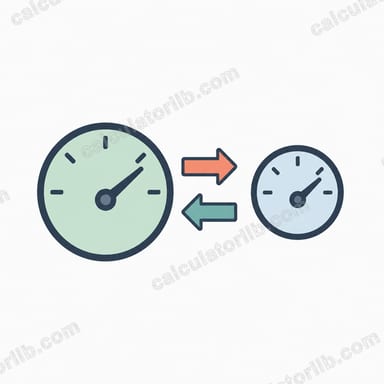
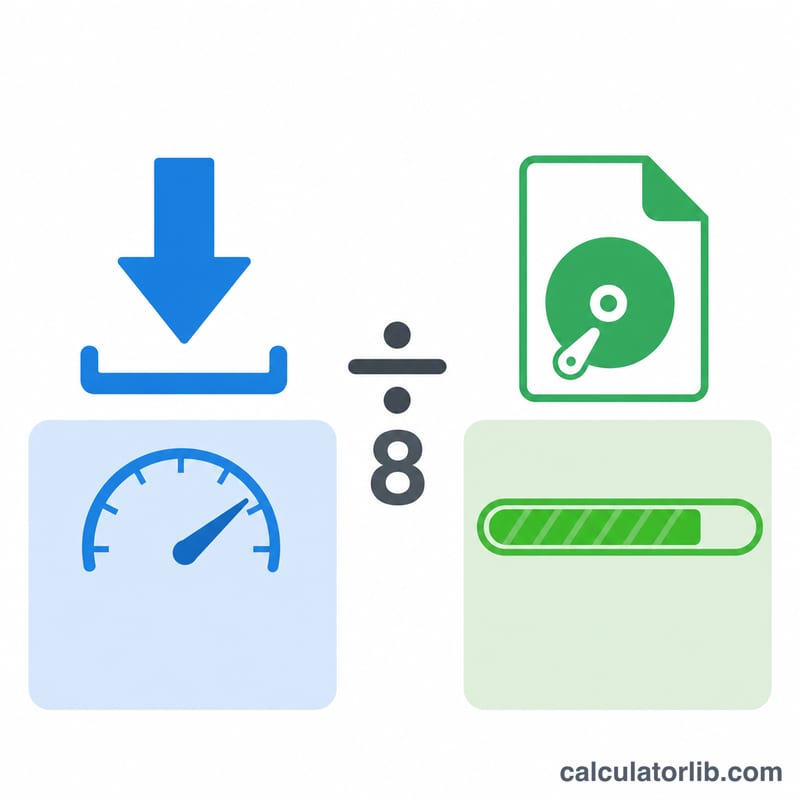
Internet providers advertise connection speeds in megabits per second (Mbps), but download managers, browsers, and operating systems usually display transfer speeds in megabytes per second (MB/s). Because there are 8 bits in a byte, these two figures are not the same — and the difference confuses a lot of people. This converter translates your advertised bitrate into the real-world byte rate you actually see when downloading files.
How to use it
Enter your connection or download speed in Mbps (for example, the number on your internet plan such as 100 or 500). The calculator instantly returns the equivalent speed in MB/s, plus a GB/s value for very fast links. Use the MB/s figure to estimate how quickly a file will download.
The formula explained
The conversion is simply:
$$\text{MB/s} = \frac{\text{Mbps}}{8}$$
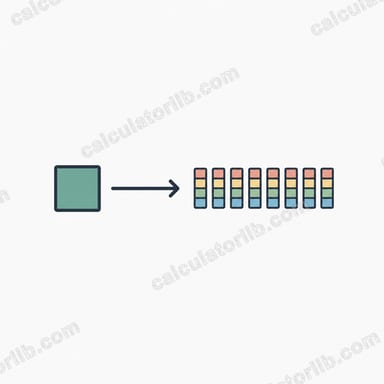
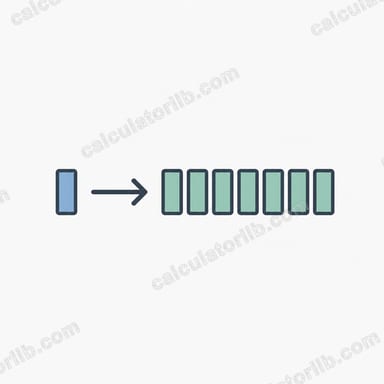
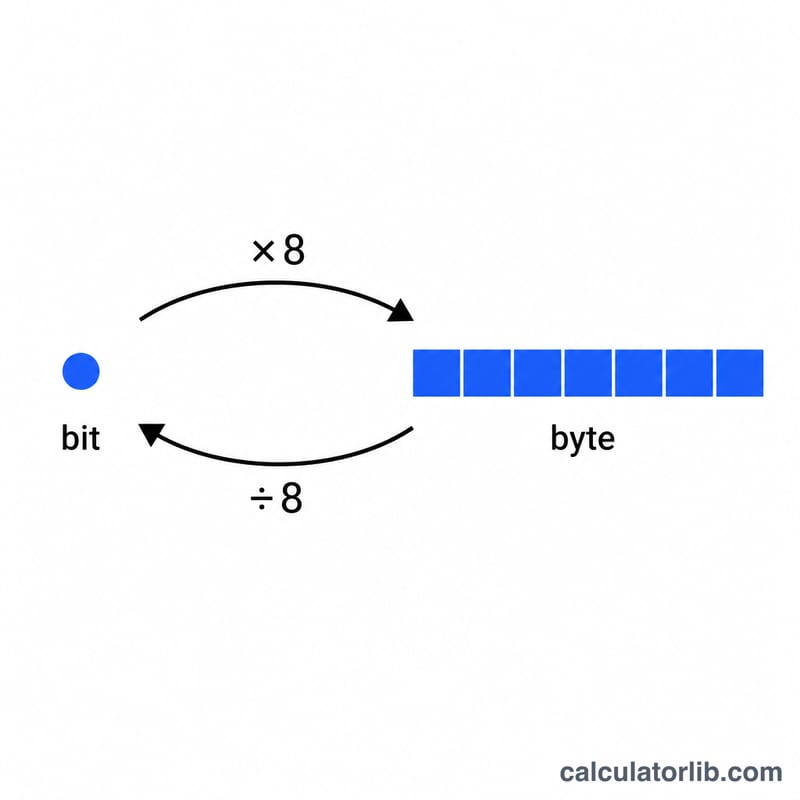
One byte equals 8 bits, so a megabit is one-eighth of a megabyte. Dividing the megabit-per-second figure by 8 gives the megabyte-per-second figure. (This converter uses the common decimal convention where \(1\ \text{Mbps} = 1{,}000{,}000\) bits; real throughput is slightly lower due to protocol overhead.)
Worked example
Suppose your plan is rated at 100 Mbps. Divide by 8: \(100 \div 8 = 12.5\ \text{MB/s}\). So a 1 GB (1024 MB) file would take roughly \(1024 \div 12.5 \approx 82\) seconds to download under ideal conditions.
FAQ
Why is my download speed slower than my plan? Your plan is in megabits, your download manager shows megabytes — divide by 8. Overhead, Wi-Fi, and server limits reduce it further.
What's the difference between Mbps and MBps? "Mbps" (lowercase b) is megabits per second; "MBps" or "MB/s" (uppercase B) is megabytes per second. \(1\ \text{MB/s} = 8\ \text{Mbps}\).
Is 100 Mbps fast? 100 Mbps (12.5 MB/s) is comfortably fast for HD/4K streaming, gaming, and most household downloads.