
What This Calculator Does
This tool answers the everyday question: "what percentage is one number of another?" Enter the part (the portion you have) and the whole (the total it belongs to), and it instantly returns the result as both a percentage and a decimal. It works for any positive numbers and is useful for grades, budgets, statistics, discounts, and progress tracking.
How to Use It
Type the part into the first box and the total into the second box. For example, if you scored 18 marks out of 24 on a test, enter 18 as the part and 24 as the whole. The calculator divides one by the other and scales the answer to 100, showing you the percentage right away.
The Formula Explained
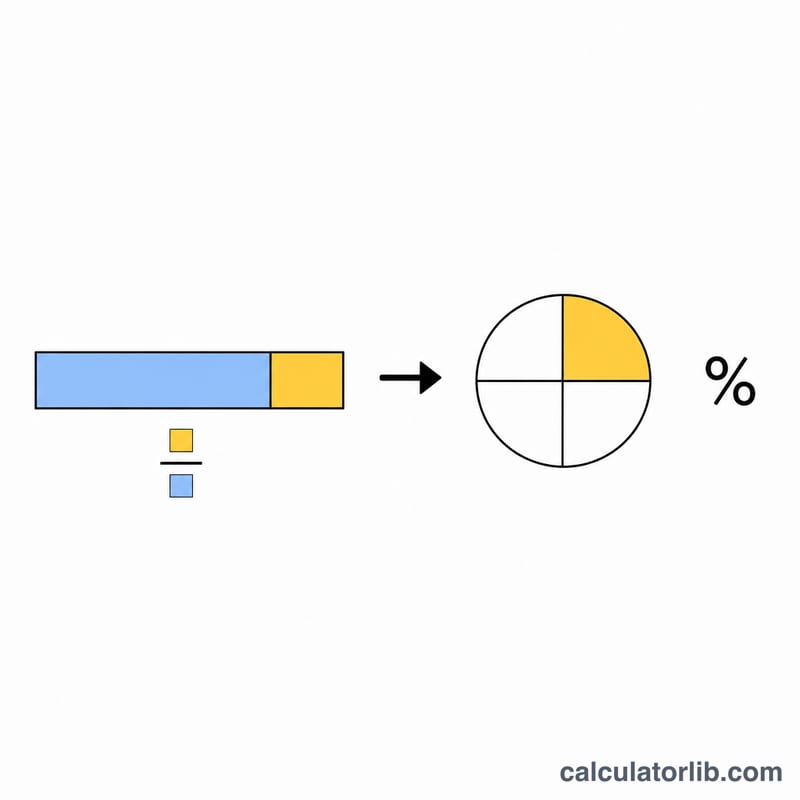
The percentage is calculated as $$\text{percent} = \frac{\text{part}}{\text{whole}} \times 100$$ The division gives you a ratio between 0 and 1 (the decimal form), and multiplying by 100 converts that ratio into a percentage out of 100. If the whole is zero, the percentage is undefined, so the calculator returns 0 to avoid dividing by zero.
Worked Example
Suppose 25 of 200 customers responded to a survey. Divide 25 by 200 to get 0.125 (the decimal), then multiply by 100 to get 12.5%. So 25 is 12.5% of 200.
$$\frac{25}{200} \times 100 = 0.125 \times 100 = 12.5\%$$
FAQ
Can the part be larger than the whole? Yes. If the part exceeds the whole, the percentage will simply be more than 100%, which is perfectly valid.
What if I enter zero as the whole? Division by zero is undefined, so the calculator returns 0 in that case. Make sure the whole is a non-zero number.
Does this work with decimals? Absolutely — both the part and whole accept decimal values, such as 3.5 out of 7.