
What Is the Plant Spacing Calculator?
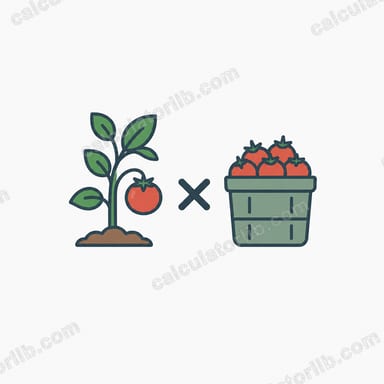
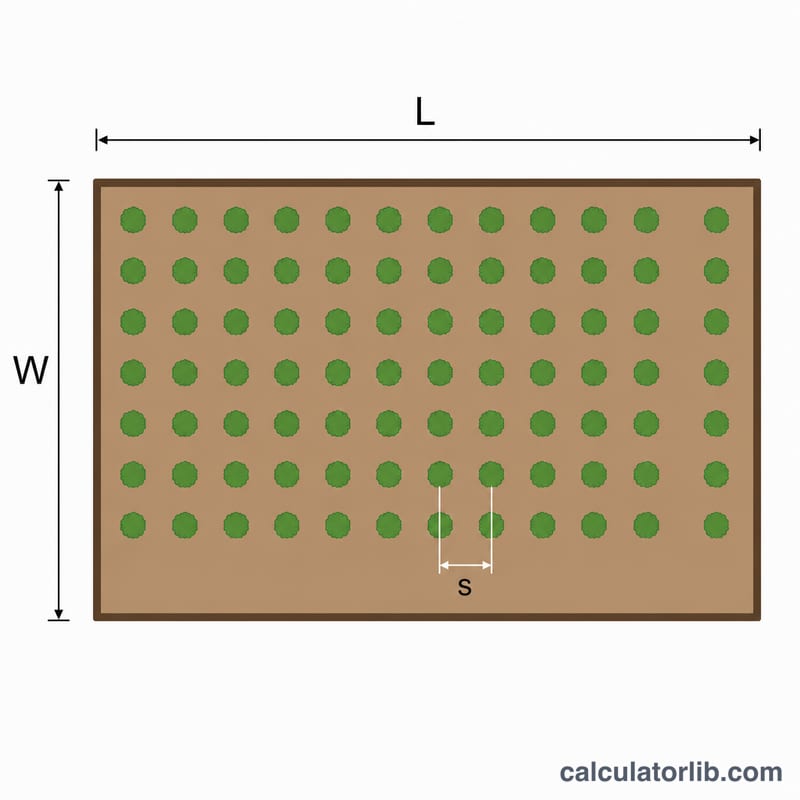
This tool estimates how many plants you need to fill a garden bed at a chosen spacing. Proper spacing gives each plant room for roots, light, and airflow while avoiding wasted ground. Enter your bed dimensions, the recommended spacing between plants, and pick a layout pattern to get an instant plant count.
How to Use It
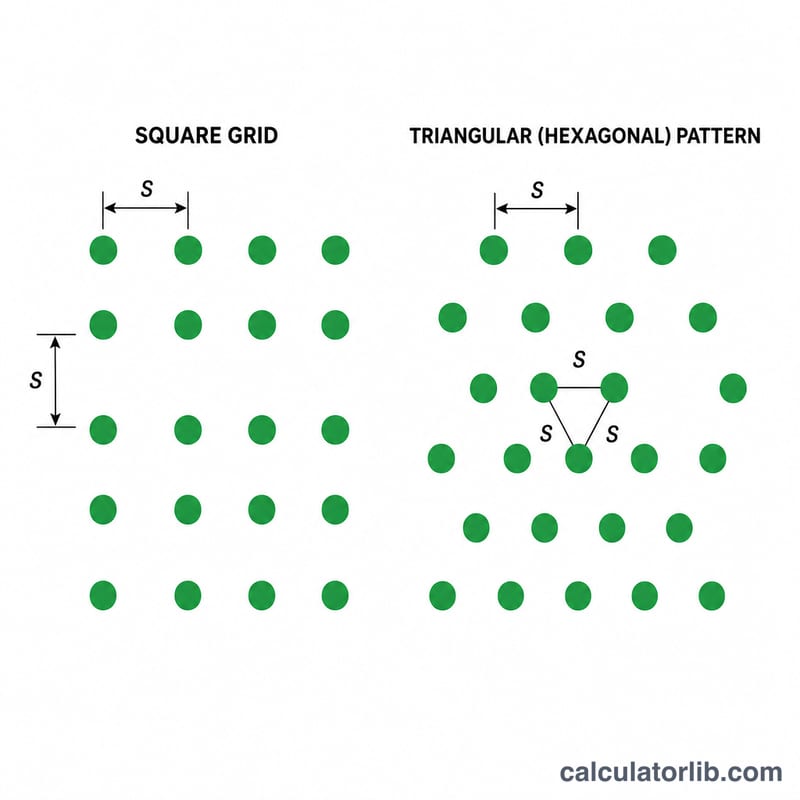
Enter the bed length and width in feet, then the spacing between plants in inches (the calculator converts inches to feet automatically). Choose Square for a standard grid of rows and columns, or Triangular for an offset/hexagonal arrangement that fits roughly 15% more plants into the same area.
The Formula Explained
The bed area is length \times width. Each plant in a square grid occupies a square of side s, so the number of plants is Area \div s². In a triangular layout each plant occupies a hexagonal cell with area s² \times 0.866 (where \(0.866 \approx \sqrt{3}/2\)), so the count is Area \div (s² \times 0.866). The result is rounded down so you never overcrowd the bed.
$$N = \dfrac{A}{s^2} \quad\text{(square)}, \qquad N = \dfrac{A}{s^2 \times 0.866} \quad\text{(triangular)}$$
Worked Example
A bed \(10 \text{ ft} \times 4 \text{ ft} = 40 \text{ ft}^2\). With 12-inch (1 ft) spacing in a square layout:
$$\frac{40}{1 \times 1} = 40 \text{ plants}$$
Switch to triangular:
$$\frac{40}{1 \times 1 \times 0.866} \approx 46.2$$
rounded down to 46 plants — about 15% more from the same space.
FAQ
Why use triangular spacing? Offsetting every other row lets plants nestle closer without reducing the distance between any two neighbors, fitting more plants in the same area.
Do I use inches or feet for spacing? Enter spacing in inches; the calculator converts it to feet to match the bed dimensions.
Why is the result rounded down? A partial plant can't be planted, so rounding down keeps each plant at or above the spacing you specified.