

What This Calculator Does
A raise is often quoted as a percentage — "you're getting a 4% bump" — but what most people actually want to know is the dollar figure: how much more money lands in their paycheck each year. This calculator converts a percentage raise into a concrete dollar amount and shows your new total salary, so you can plan your budget with real numbers instead of abstract percentages.
How to Use It
Enter your current annual salary and the raise percentage you've been offered or are negotiating for. The calculator instantly returns the dollar value of the raise plus your resulting new salary. You can try different percentages to see, for example, the difference between a 3% and a 5% increase before a salary conversation.
The Formula Explained
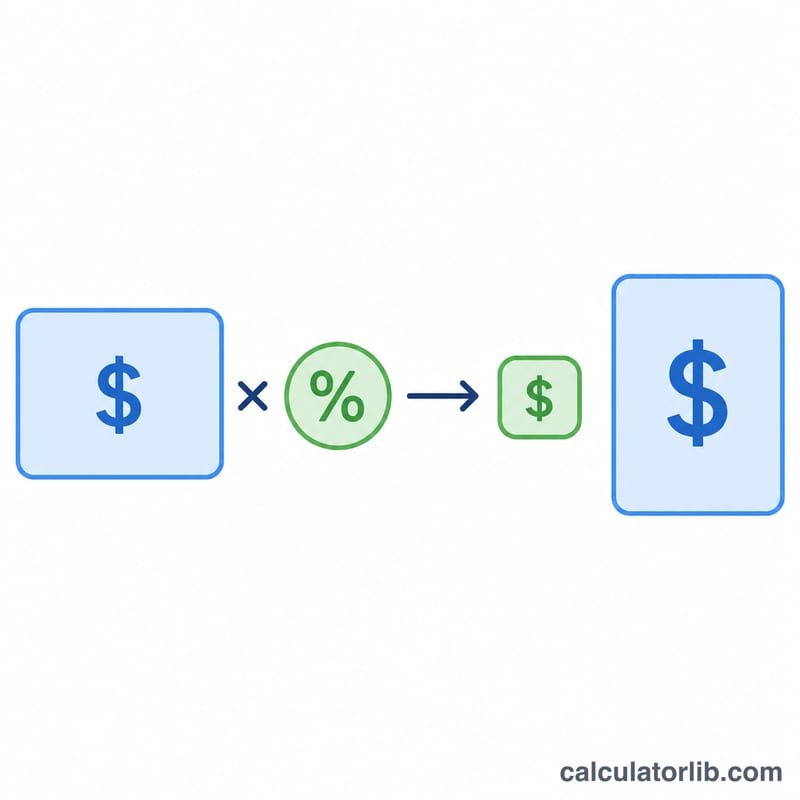
The math is straightforward: multiply your current salary by the raise percentage expressed as a decimal.
$$\text{Dollar Raise} = \text{Current Salary} \times \frac{\text{Raise (\%)}}{100}$$
Your new salary is simply the current salary plus that dollar raise. Dividing the percentage by 100 converts it from a percent to a fraction — a 5% raise becomes \(0.05\).
Worked Example
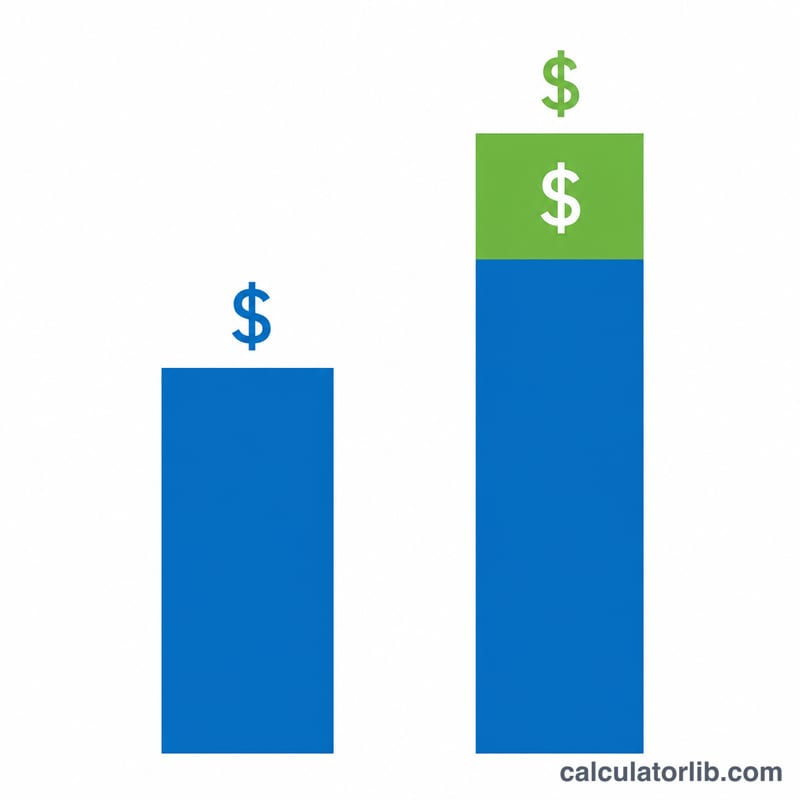
Suppose you earn $60,000 per year and are offered a 4% raise. The dollar raise is $$\$60{,}000 \times (4 \div 100) = \$60{,}000 \times 0.04 = \mathbf{\$2{,}400}$$ Your new salary becomes $$\$60{,}000 + \$2{,}400 = \mathbf{\$62{,}400}$$ per year, or about $200 more each month before taxes.
FAQ
Is this before or after taxes? The figures are gross (pre-tax). Your take-home increase will be smaller after income tax and other deductions.
Can I use a monthly salary instead? Yes — the percentage math works on any pay period. Enter a monthly salary and the dollar raise will be monthly too.
What about a pay cut? This tool assumes a positive raise, but the same formula works for any percentage change you enter.