
What This Calculator Does
The Percent of Salary Calculator tells you the exact dollar value of a given percentage of any salary. Whether you are estimating a raise, a bonus, a retirement contribution, a tax withholding, or how much of your pay goes toward a specific category, this tool does the arithmetic instantly. It works with any currency since it deals only in numbers.
How to Use It
Enter your salary in the first field and the percentage you want to calculate in the second. The calculator returns the dollar amount that the percentage represents, along with the remaining salary after that amount is removed. For example, you can find what a 10% raise adds, or how much a 6% 401(k) contribution costs per year.
The Formula Explained
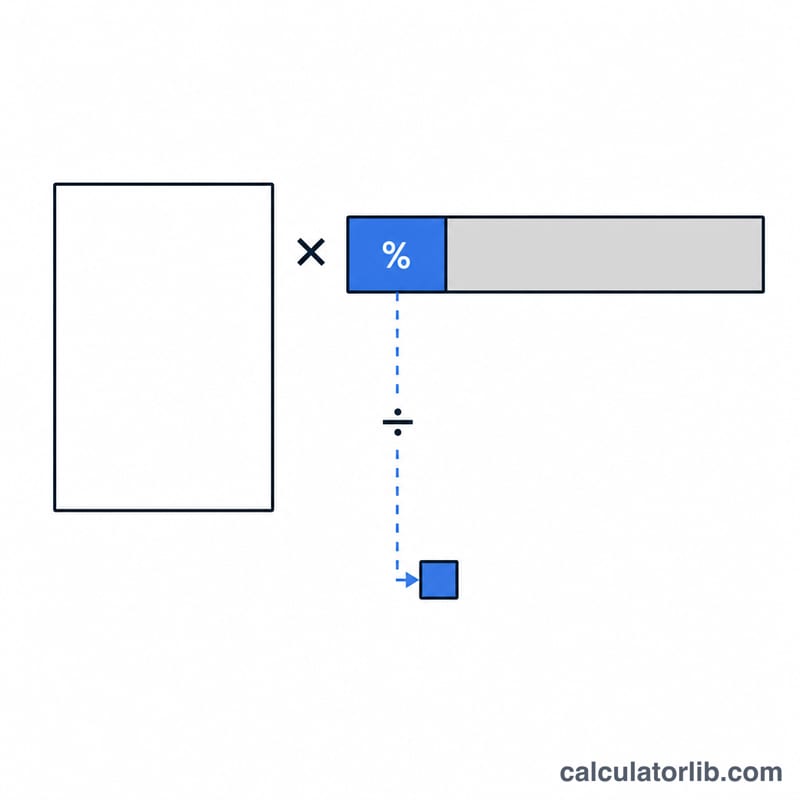
The core formula is simple: $$\text{amount} = \text{salary} \times \frac{\text{percent}}{100}$$ A percentage is just a fraction out of 100, so dividing the percent by 100 converts it into a decimal multiplier. Multiplying that multiplier by the salary gives the corresponding portion. The remaining salary is found by subtracting that amount from the original salary.
Worked Example
Suppose your salary is $50,000 and you want to know what 10% equals. Plug the numbers in: $$50{,}000 \times \frac{10}{100} = 5{,}000$$ So 10% of a $50,000 salary is $5,000, leaving $45,000 remaining. If instead you wanted 15%, the result would be \(50{,}000 \times \frac{15}{100} = 7{,}500\).
FAQ
Can I use this for a pay raise? Yes. Enter your current salary and the raise percentage to see the dollar increase. Add it to your salary to get the new total.
Does it work for any currency? Absolutely. The math is currency-independent, so the result is in whatever currency you entered.
How do I find the new salary after the percent is added? Add the calculated amount to your original salary, or note that a raise of P% multiplies your salary by \(\left(1 + \frac{P}{100}\right)\).