
What Is a Percent to Goal Calculator?
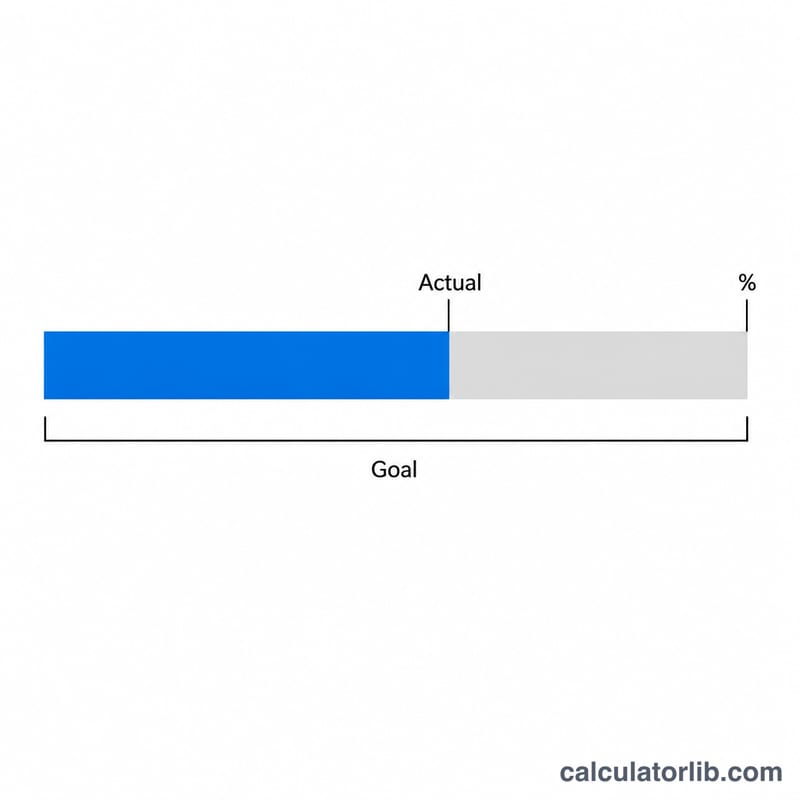
A Percent to Goal Calculator tells you how far along you are toward a target by comparing your current (actual) value to your goal. It's a simple, universal progress metric used in sales tracking, fundraising campaigns, savings plans, fitness challenges, project milestones, and KPI dashboards. Instead of staring at raw numbers, you get one clear percentage: "I'm 75% of the way there."
How to Use It
Enter two numbers: your Actual value (what you've achieved so far) and your Goal value (the target you're aiming for). The calculator instantly returns the percent of the goal reached, the amount still remaining, and the percentage left to go. The actual and goal can be any units — dollars, units sold, steps, pages, or signups — as long as both use the same unit.
The Formula Explained
The math is straightforward division turned into a percentage:
$$\text{Percent to Goal} = \frac{\text{Actual}}{\text{Goal}} \times 100\%$$
Dividing actual by goal gives a fraction between 0 and 1 (or higher if you've exceeded the goal). Multiplying by 100 converts it to a percentage. The remaining amount is simply \(\text{Goal} - \text{Actual}\).
Worked Example
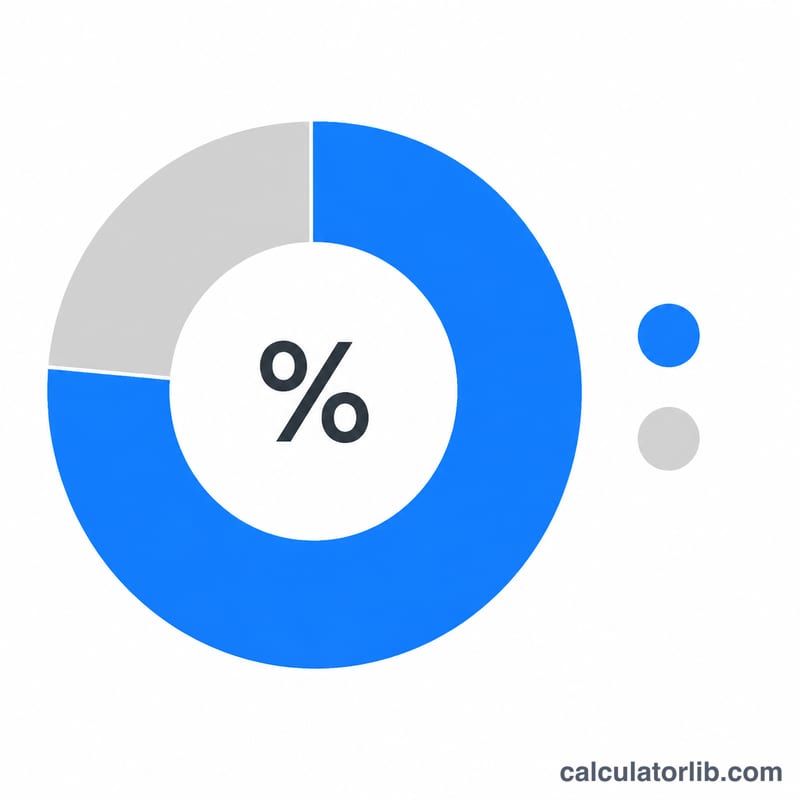
Suppose your sales goal for the month is $100,000 and you've booked $75,000 so far. Percent to goal $$= \frac{75{,}000}{100{,}000} \times 100 = \mathbf{75\%}$$ The remaining amount is \(100{,}000 - 75{,}000 = \$25{,}000\), and the remaining percent is \(100 - 75 = 25\%\). You're three-quarters of the way to target.
FAQ
Can the percentage be over 100%? Yes. If your actual value exceeds the goal, you'll see a percentage above 100%, meaning you've surpassed the target.
What if my goal is zero? Division by zero is undefined, so the calculator returns 0% when the goal is left at zero. Enter a positive goal for a meaningful result.
Does this work for any units? Yes — it's a pure ratio, so it works for money, counts, distances, or any measurable quantity, as long as actual and goal share the same unit.