
What the Percent Improvement Calculator Does
This free calculator measures how much a value has changed between two points in time, expressed as a percentage. You enter an Original Value and a New Value, and the tool tells you whether the change is an improvement (an increase) or a decrease, along with the exact percentage and the absolute amount of change. It works for any scenario where you want to compare a "before" and "after" number — test scores, sales figures, website traffic, fitness times, costs, or production output.
How to Use It
- Original Value — the starting or baseline number (the "before").
- New Value — the current or final number (the "after").
Enter both values and the calculator returns the absolute change, the percent change, and whether that change is classed as an improvement or a decrease.
The Formula Explained
The calculator uses two simple steps. First it finds the absolute change:
- Absolute Change = New Value − Original Value
- Percent Change = ((New Value − Original Value) ÷ |Original Value|) × 100
Note that the original value is used as an absolute value in the denominator. This keeps the percentage scaled to the size of the baseline even when the original value is negative. If the resulting percent change is greater than 0, the tool labels it an "improvement"; otherwise it labels it a "decrease."
Worked Example
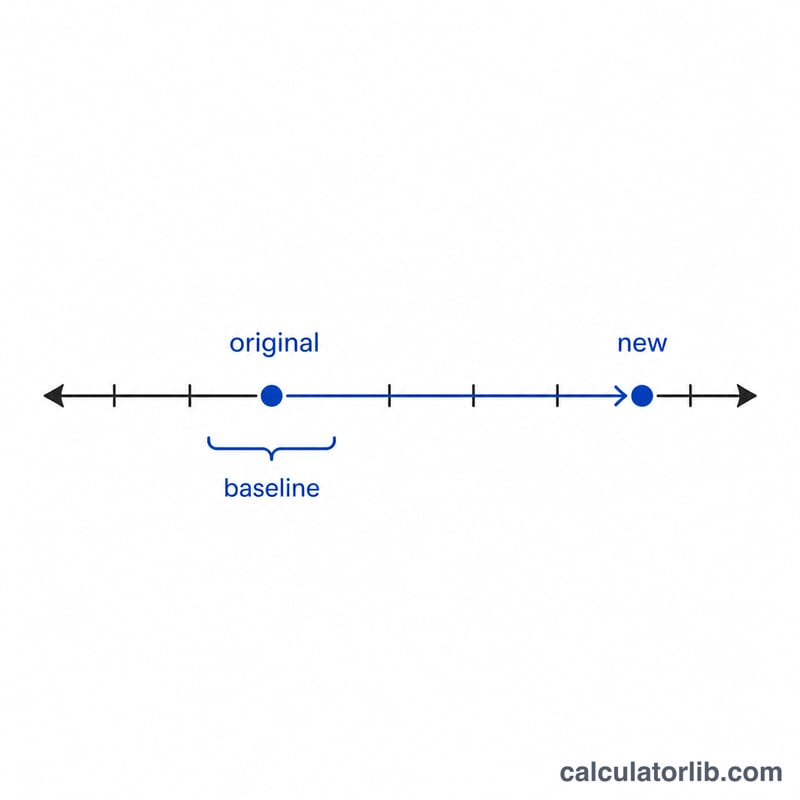
Suppose your monthly sales were 80 units (Original Value) and this month you sold 100 units (New Value).
- Absolute Change = 100 − 80 = 20
- Percent Change = (20 ÷ |80|) × 100 = 25%
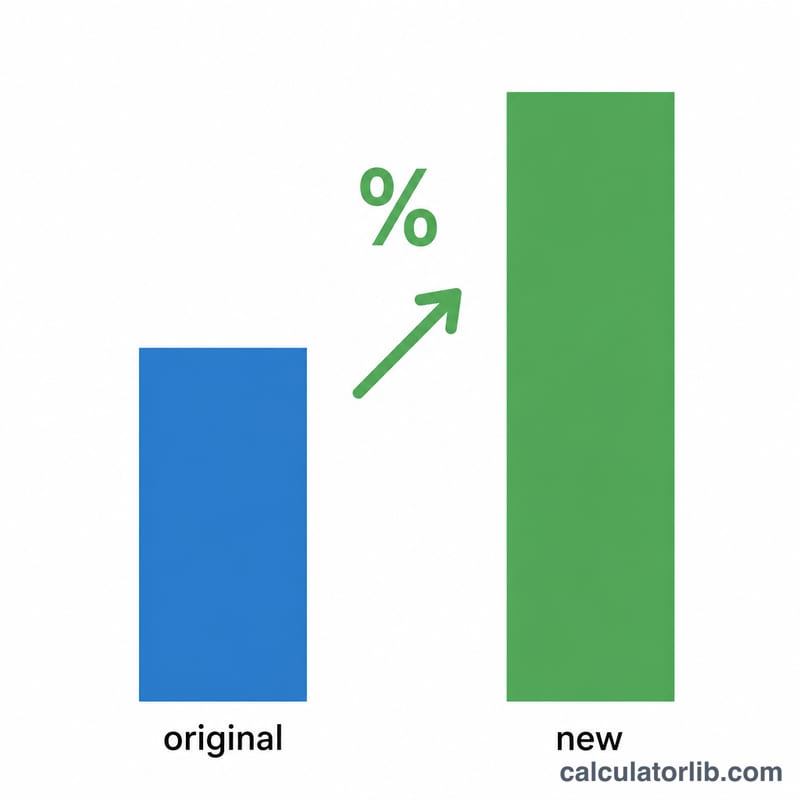
Because 25% is greater than 0, the result is a 25% improvement. If sales had dropped from 80 to 60 instead, the percent change would be −25%, shown as a decrease.
Frequently Asked Questions
What does a negative result mean? A negative percent change means the new value is lower than the original — the calculator reports this as a decrease rather than an improvement.
Is percent improvement the same as percent change? Yes. "Percent improvement" is simply percent change framed positively. This tool calculates the standard percent change and then describes whether it went up or down.
Why is the original value used as an absolute value? Using |Original Value| in the denominator ensures the percentage stays meaningful and correctly signed even when your starting number is negative, which can happen with figures like profit/loss or temperature.