
Use this Percent Change Calculator to quickly find the percentage increase or decrease between two values. Whether you're calculating changes in prices, data, or sales, this tool simplifies it by showing the percentage change in easy steps.
What Is Percent Change?
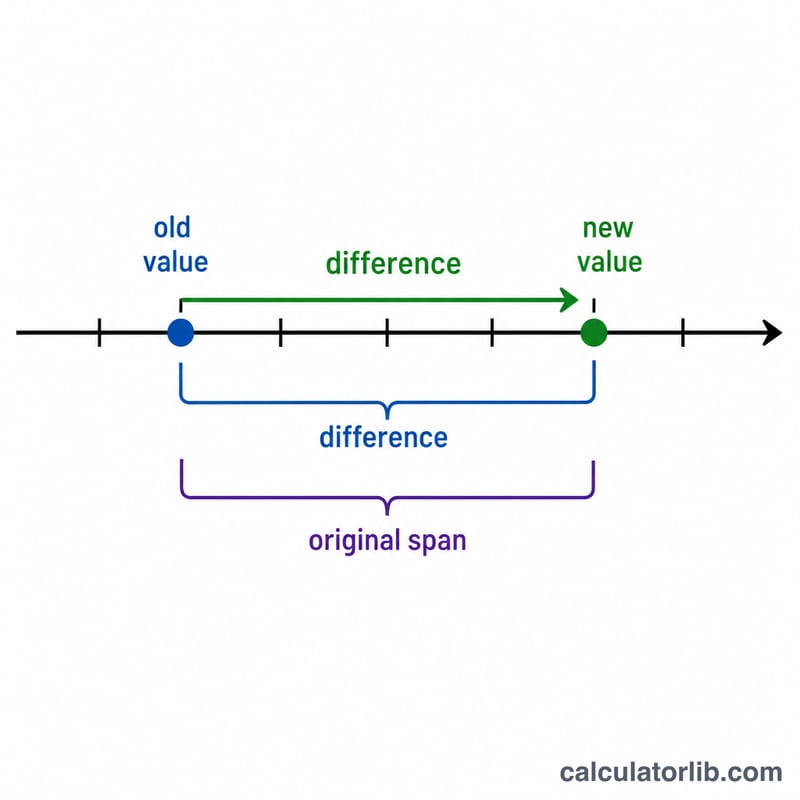
Percent change measures how much a value has increased or decreased over a specific time period. It's commonly used in business, finance, education, and everyday calculations.
Percent Change Formula
The percent change formula (also known as the percentage change formula) is:
$$\text{Percent Change} = \frac{|\text{New Value} - \text{Original Value}|}{\text{Original Value}} \times 100$$The formula uses the absolute value of the initial number to ensure that the result is always positive when calculating the size of change.
How to Calculate Percentage Increase and Decrease
You can calculate:
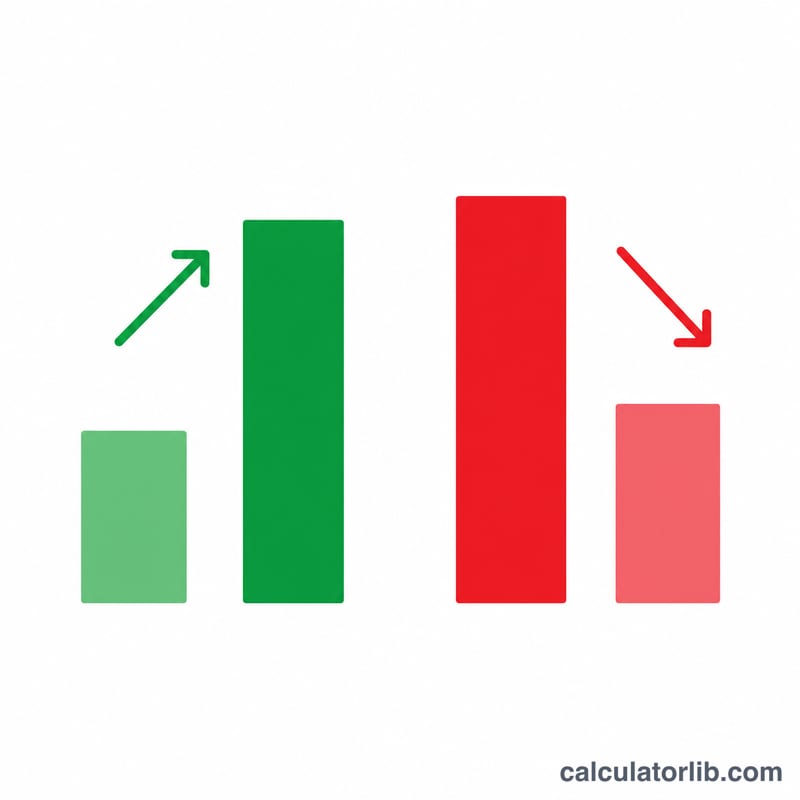
- Percentage Increase: When the new value is greater than the original number or original price.
- Percentage Decrease: When the new value is less than the original value.
Percentage Increase Example:
If the original price was $100 and it increased to $120:
- Change = \(120 - 100 = 20\)
- Divide by original: \(20 \div 100 = 0.2\) (a fraction of 100)
- Multiply the result by 100 (or times 100) = \(20\%\)
- This is a percent increase of 20%.
Percentage Decrease Example:
If a value drops from 80 to 60:
- Change = \(80 - 60 = 20\)
- Divide by original: \(20 \div 80 = 0.25\)
- Multiplied by 100 = \(25\%\)
- This is a percent decrease of 25%.
When to Use This Calculator
Use this calculator or the increase calculator when you need to:
- Compare past and current values over a time period
- Calculate percentage increase or percentage decrease in prices, revenue, or scores
- Work with original numbers and new values to assess change
- Perform quick math using the increase formula or try our dedicated increase calculator
Need to Calculate Only Increases?
Try our Increase Calculator to focus just on percentage growth based on your starting value.
FAQ
What is the difference between percent change and percentage difference?
Percent change compares a new value to an original number, while percentage difference compares two values without focusing on which one came first.
Why do we multiply the result by 100?
Because the result of the division step is a fraction of 100, we multiply the result by 100 (or times 100) to convert it into a percentage.
Frequently Asked Questions
What is the formula for percent change?
Percent change equals the new value minus the original value, divided by the original value, then multiplied by 100. Written out: ((New − Original) ÷ Original) × 100. A positive result means an increase, while a negative result means a decrease.
How do you calculate a percentage increase?
Subtract the original value from the new value to get the difference, divide that by the original value, then multiply by 100. For example, going from 50 to 75 gives (75 − 50) ÷ 50 × 100 = 50% increase.
How do you calculate a percentage decrease?
Use the same formula but with a smaller new value. Going from 80 to 60 gives (60 − 80) ÷ 80 × 100 = −25%, meaning a 25% decrease. The negative sign simply signals a drop rather than a rise.
What is the difference between percent change and percentage difference?
Percent change compares a new value against a known starting value, so direction matters. Percentage difference compares two values without a clear reference, dividing the difference by their average. Percent change can be negative; percentage difference is usually expressed as an absolute value.
Why do we multiply the result by 100?
Dividing the difference by the original value gives a decimal fraction, such as 0.25. Multiplying by 100 converts that fraction into a percentage, turning 0.25 into 25%. This makes the figure easier to read and compare across different quantities.
What happens if the original value is zero?
Percent change cannot be calculated when the original value is zero, because the formula would require dividing by zero, which is undefined. Any increase from zero represents an infinite or undefined percentage, so report the raw difference or use a different baseline instead.
Percent change vs. percentage difference vs. percent error
These three are easy to confuse:
- Percent change measures how much a value grew or shrank from a starting value to an ending value: \((\text{new} - \text{old}) / \text{old} \times 100\). It has a direction (increase or decrease).
- Percentage difference compares two values with no before/after — it divides by their average, so the order does not matter and the result is always positive.
- Percent error compares a measured value against a known true value: \(|\text{measured} - \text{true}| / \text{true} \times 100\).
Related percentage calculators
- Percentage Increase Calculator — how much a value went up, in percent.
- Percentage Decrease Calculator — how much a value went down, in percent.
- Percentage Difference Calculator — compare two numbers with no before/after.
- Percent Error Calculator — measured value vs. a known true value.