
What is the Percent of People Calculator?
This calculator answers a simple but common question: "How many percent of people is this?" Given a count (a part of a group) and the total number of people, it works out what percentage of the whole group that count represents. It is useful for survey results, poll breakdowns, classroom statistics, demographics, and any time you need to turn a raw number out of a total into a clear percentage.
How to use it
Enter the count — the number of people in the part you care about — and the total number of people in the group. The calculator instantly shows the percentage, along with the number of remaining people and their percentage share. Both inputs accept whole numbers, and large values are formatted with thousand separators automatically.
The formula explained
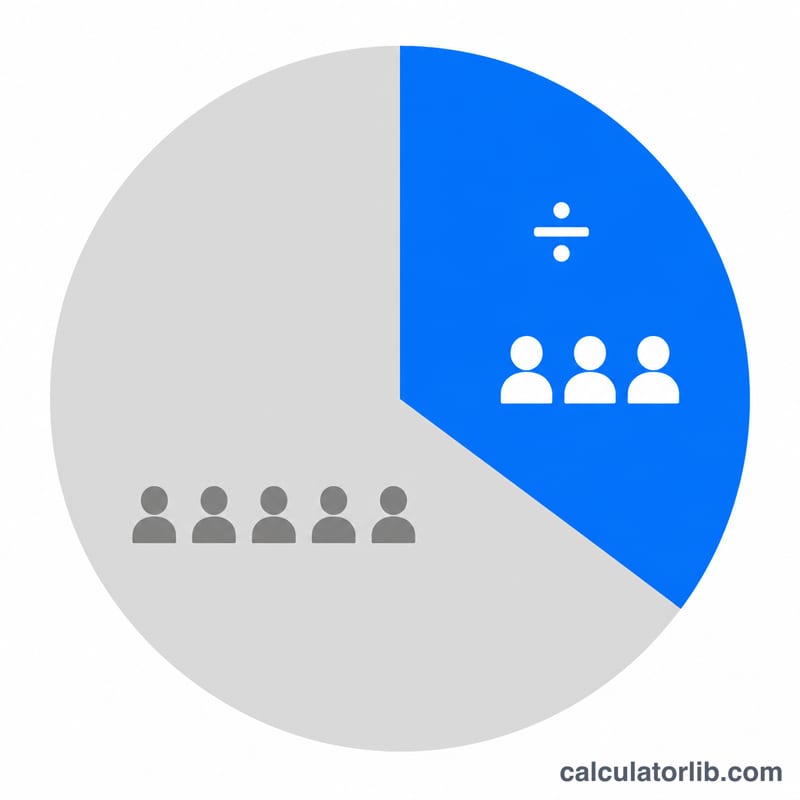
The percentage of a group is found with a basic proportion: divide the count by the total, then multiply by 100 to convert the fraction into a percentage. In symbols: $$\text{Percent} = \frac{\text{Count}}{\text{Total}} \times 100\%$$ The remaining percentage is simply 100 minus that result, representing everyone not in the count.
Worked example
Suppose 30 people out of 120 prefer tea. The percentage is $$\frac{30}{120} \times 100 = 25\%$$ That means 25% of the group prefers tea, leaving 90 people (75%) who do not. The calculator returns 25% as the headline figure and lists the 90 remaining people at 75% in the breakdown table.
FAQ
What if the count is larger than the total? The result will exceed 100%. This usually means the inputs are reversed or the count includes duplicates — double-check your numbers.
Can I use decimals? Yes. While people are usually whole numbers, the calculator accepts decimal values for averages or weighted figures.
What happens if the total is zero? Division by zero is undefined, so the calculator returns 0% to avoid an error. Always enter a total greater than zero for a meaningful result.