
What is the Unix Timestamp to Local Time Converter?
A Unix timestamp (also called epoch time) is the number of seconds that have elapsed since 00:00:00 UTC on 1 January 1970, not counting leap seconds. This converter turns that raw number into a readable date and time adjusted to a UTC offset of your choice, so you can see exactly what wall-clock time a timestamp represents in any time zone.
How to use it
Enter the Unix timestamp in seconds, then enter the UTC offset in hours for the time zone you want (for example, +2 for Central European Summer Time, -5 for US Eastern Standard Time, or 0 for UTC itself). Fractional offsets such as 5.5 (India) and 5.75 (Nepal) are supported. The tool returns the full date and time, the day of the week, and the offset-adjusted epoch.
The formula
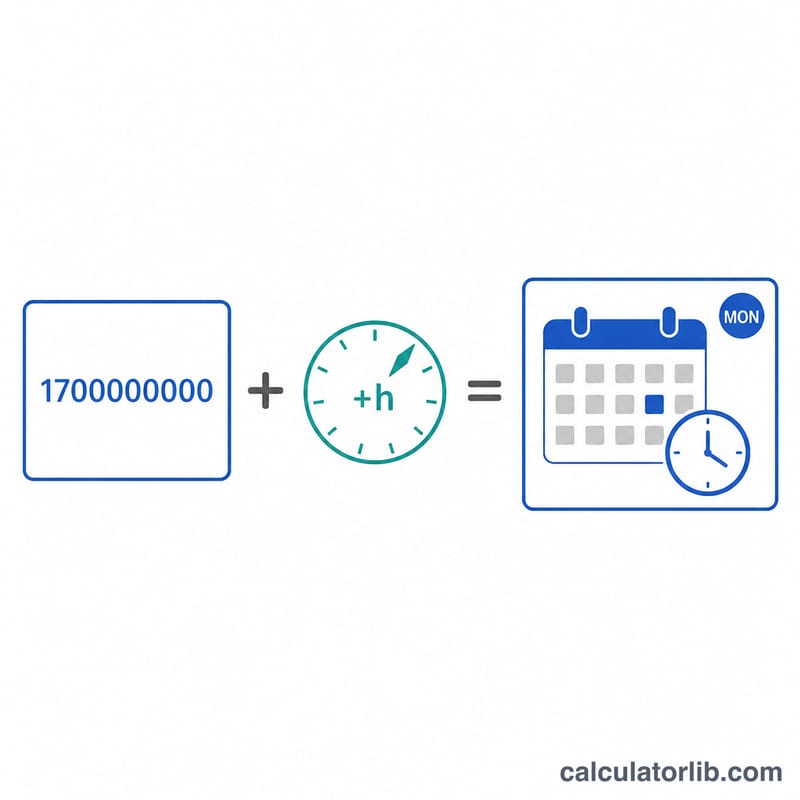
The conversion is simply $$t_{\text{local}} = \text{Timestamp (s)} + \text{UTC Offset (h)} \times 3600$$ We add the offset (converted from hours to seconds) to the epoch, then break the result down into year, month, day, hour, minute and second by treating it as a UTC calendar instant. This avoids any hidden time-zone or daylight-saving adjustments — the offset you type is the only shift applied.
Worked example
Take the timestamp 1,700,000,000. In UTC that is 2023-11-14 22:13:20. Applying a +2 hour offset adds 7,200 seconds, giving epoch \(1{,}700{,}000{,}000 + 2 \times 3600 = 1{,}700{,}007{,}200\), which formats to 2023-11-15 00:13:20, a Wednesday. So at the instant the timestamp fired, the local clock in a UTC+2 zone read just after midnight on 15 November.
FAQ
Are timestamps in seconds or milliseconds? This tool expects seconds. If your value has 13 digits it is likely milliseconds — divide by 1000 first.
Does it handle daylight saving time? No. It applies the single fixed offset you enter. Choose the offset that was actually in effect for that date if DST matters.
Why might the day of week differ from another tool? Because the day depends entirely on the offset. The same instant can fall on different calendar days in different zones.